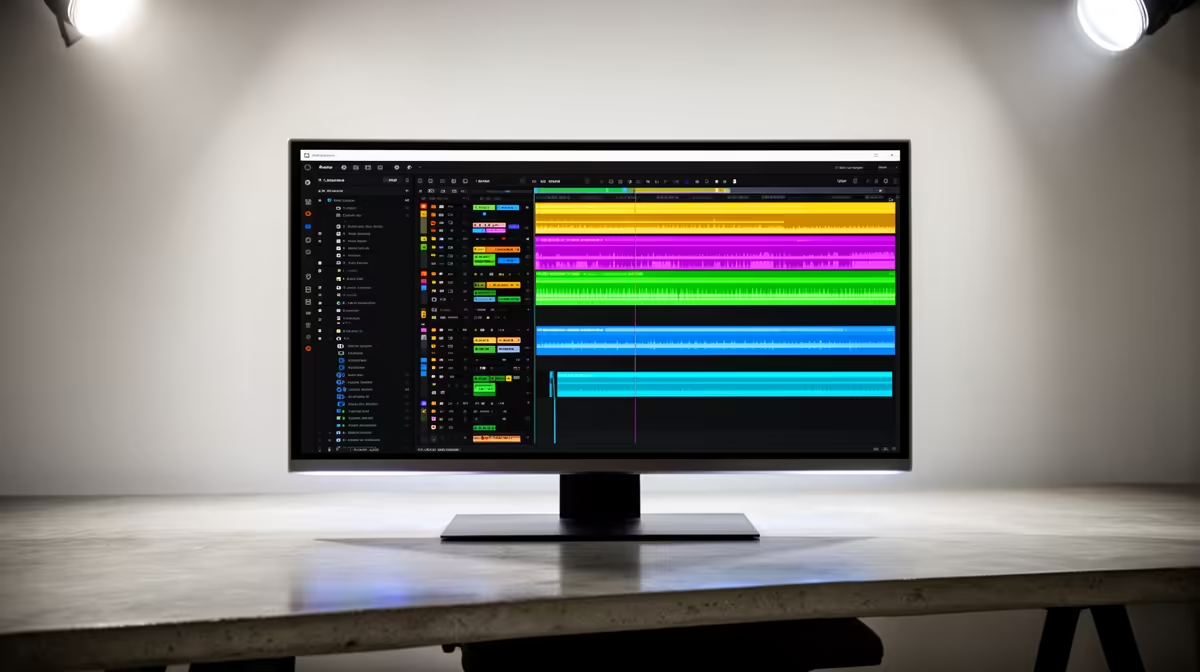
Dell SE2726H 27in FHD 144Hz at R1,797 suits a beginner DaVinci Resolve editor who wants a larger monitor for timelines, preview windows, and basic colour work without jumping into a premium display budget. A colour-accurate screen is worth considering when your edits need consistent skin tones, cleaner product colours, or more reliable grading decisions, but the best starting point is still a sensible panel size and resolution for the desk.
Budget Editing Monitor Picks
The Dell SE2726H 27in FHD 144Hz at R1,797 gives you the most comfortable working area in this group. The 27in size helps when you keep a preview window open beside media bins and a timeline, while the 144Hz spec also makes general desktop movement feel smooth between editing sessions.
For a tighter workstation, the Dell SE2426H 23.8in FHD at R1,532 is easier to place on a compact creator desk. Its FHD resolution keeps text and controls readable, and the smaller 23.8in size can be practical when the desk also has speakers, a mic arm, or an external drive.
Creator Desk Setup In South Africa
The Dahua LM27 100Hz at R1,500 is a strong value option when a 27in screen matters more than chasing the highest refresh rate. Its 100Hz spec is enough for smooth navigation, and the larger panel gives a learner editor more breathing room for colour panels and clip trimming.
The MSI PRO MP275W at R1,850 is another 27in-style productivity pick for a neat editing station where the screen needs to handle writing, browsing, and video review in one place. If colour precision becomes paid client work, treat this as the practical starting screen and upgrade later when your grading demands justify it.
Ready to choose the right monitor?
Start the monitor shortlist shortlist with Dell SE2726H 27in FHD 144Hz at R1,797, especially if colour accurate monitor editing davinci points you toward its listed spec.