Console or R15K PC in 2026: The Honest South African Answer
Quick Answer
Choose the console when your R15,000 must buy a focused gaming box for the lounge. Choose the PC when the same machine must also handle work, mods, mouse-and-keyboard games and later upgrades.
At this budget, a console can deliver steadier game performance because developers tune for one fixed platform. A R15,000 PC buys flexibility, but its frame rates depend on the exact CPU, graphics card, memory and settings. That trade is the real decision.
Put the same display and game list beside both candidates. This keeps the choice tied to the experience in your room rather than a broad platform argument. If one route misses a must-play title or needs a new screen, mark that cost before comparing performance.
Compare the Whole Setup
Start with what the R15,000 has to cover. A tower-only PC budget looks stronger when you already own a 1080p monitor, keyboard, mouse and audio. If you need all of those, write them into the same sheet.
Do the same for the console. Include the display you will use, the number of controllers you need, storage for the first games and any platform requirements that apply to your library. Current terms and game access should come from the platform owner.
The cheapest box can become the dearer route when it needs a new display or several accessories. The strongest comparison uses a complete playable desk or lounge setup.
Where a Console Wins
The console experience has fewer moving parts. You choose a display mode, install the game and use the settings the developer exposes. Every owner of that console targets the same hardware.
That fixed target helps developers deliver predictable frame-rate modes. Some games offer a quality mode with richer visuals and a performance mode with a higher frame rate. You still need to check each title, but you avoid the component-by-component tuning of a budget PC.
A console also suits a shared television and controller-first games. If your five must-play titles are present and you have no PC workload, the simpler route has a strong case.
Where the PC Earns Its Place
A PC can serve games, school or work, creative tools and communication on one desk. It opens access to mouse-and-keyboard genres, mods where publishers support them, and a wide range of storefronts.
The upgrade path matters. You may add storage or memory, then replace the graphics card when the power supply, case and processor can support it. A good R15,000 system should give you a usable machine now and a sensible next move.
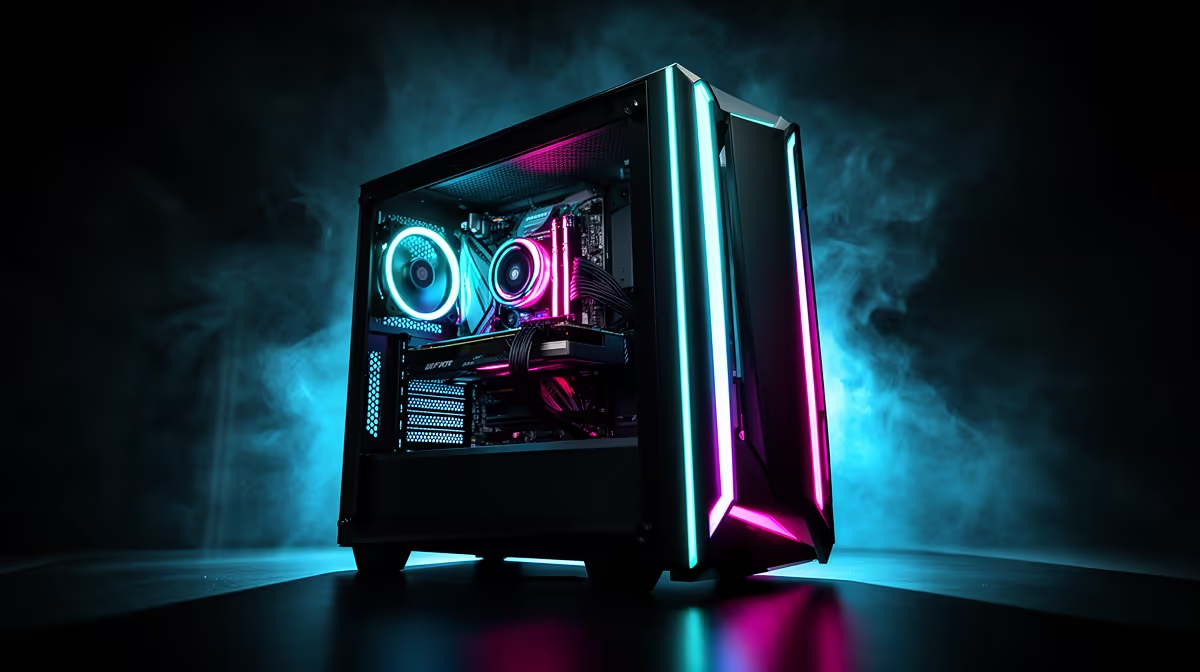
Browse gaming PC deals by named configuration. Record the CPU, GPU, memory arrangement, SSD capacity, power supply and case clearance. A price band alone says little about how the machine will play.
Use PC best sellers to compare complete configurations that buyers are considering. Check the live product page for the current specification because parts can change between similarly named systems.
Set a Real Performance Target
Do not ask whether the PC is good. Ask whether it can run a named game at 1920 x 1080, your chosen settings and an acceptable frame-rate range.
For competitive games, frame-time stability and enough CPU performance can matter more than an ultra preset. For story games, you may prefer stronger image quality at a lower frame rate. Upscaling can help a modest graphics card, though its results depend on the game and source resolution.
Find independent tests that match the exact graphics card and a similar processor. Check one demanding title from your list and one game you play every week. Average frame rate needs a one-percent-low or frame-time view beside it.
Think Three Years Ahead
The console will remain the same target. You gain consistency, but you cannot replace its graphics processor or add system memory.
The PC can evolve. That promise only helps when the starting motherboard, power supply and case leave room for the planned parts. An upgrade that requires a new power supply and case at the same time may be closer to a rebuild.
Write the next likely change beside the starting system. If it is a graphics card, check wattage, connectors and clearance now. If it is storage, check free M.2 or SATA support. If it is memory, understand the installed module layout.
Future sale values can change, so leave them out of the core case unless you have a firm written offer. The machine should make sense on what it delivers to you while you own it.
Match the Platform to Your People
Friends can settle this faster than a benchmark. Check cross-play support for the exact games and whether voice chat works across the platforms you use.
Exclusive games matter when you will play them. Write the titles down and give them weight. A vague fear of missing out should not choose five years of hardware.
Also decide who will maintain the device. A PC owner handles drivers, launchers, settings and the odd fault. Some people enjoy that control. Others want the console's narrow job and couch-friendly interface.
Make the Decision
Choose console if the priority is stable living-room play, the target games are present, and the budget has to deliver the whole gaming device with little setup work.
Choose PC if the machine must do more than play, PC-only features matter, or you want to improve components over time. Accept that R15,000 calls for measured 1080p targets and careful balance.
Whichever route wins, test the screen, controls, network and storage as one system. Smooth ownership comes from the full setup, not the headline component.
FAQ
Can a R15,000 PC run the same major games as a current console?
Many titles appear on both, but performance and feature support vary. Check each game, then compare the exact PC configuration at the resolution you will use.
Does the PC have a better upgrade path?
Yes, when its case, power supply, motherboard and platform support the parts you plan to add. Confirm those details before buying.
Which choice suits gradual upgrades?
The PC. Build the starting configuration around a clear first upgrade and avoid paying for parts that you expect to discard at that step.
Score a console and one named R15,000 PC against your games, complete setup cost, non-gaming work and first three-year upgrade before choosing.