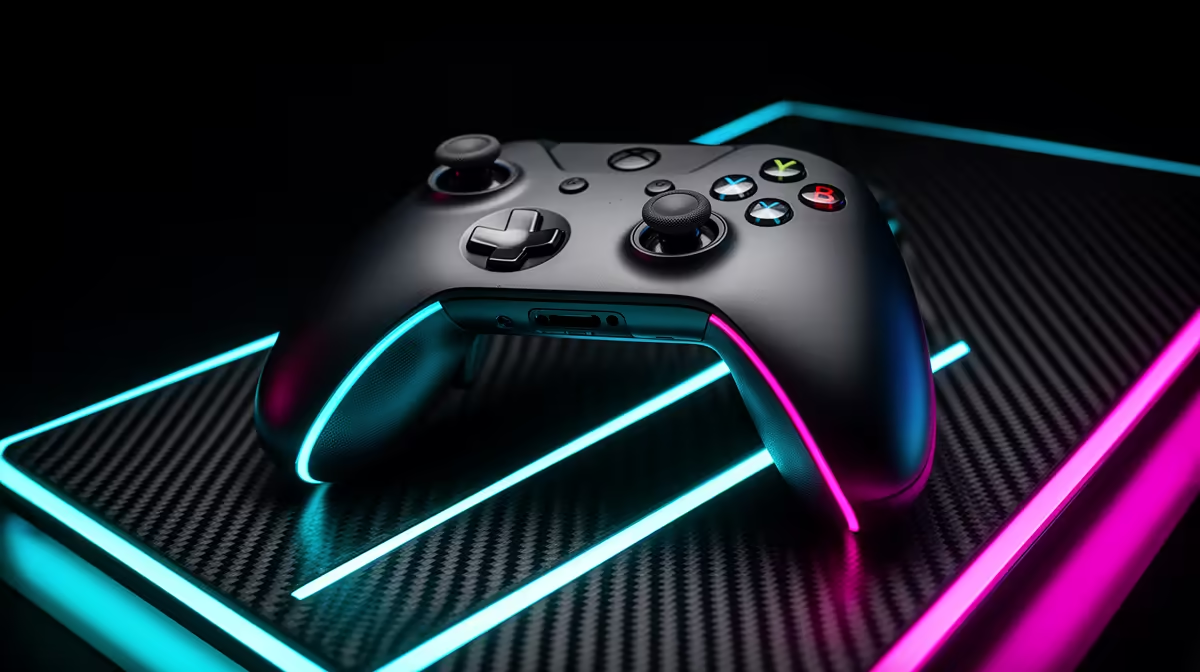
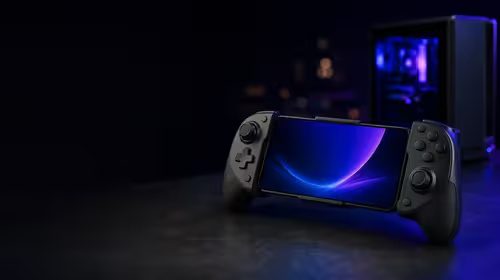
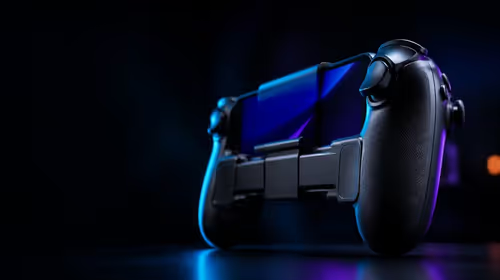
The Vader 4 Pro is discussed as an enthusiast controller, which means its many inputs and software deserve as much scrutiny as its stick sensors. The Flydigi Vader 4 Pro price in South Africa in 2026 needs to include the exact package, delivery route and fault support. Compare it with controllers listed locally before taking on cross-border ownership.
Quick Answer
South African Vader 4 Pro listings depend on the current seller route and shipment cycle, leaving no permanent Rand amount. An overseas pad may add freight, customs duty and a distant return process. Use Evetech's live gaming controller range to compare local alternatives with similar stick, trigger and rear-input features.
🧲 Check what changed in the Pro model
Use the full Vader 4 Pro specification and compare it with the exact earlier Flydigi model you mean. Family names can hide different sensors, trigger systems and rear controls.
Hall-effect or other magnetic stick sensing can reduce contact wear at the sensor. Springs, centring, calibration and firmware still influence input.
Check whether stick tension can be changed and how. Adjustable tension may help aim feel, while a poor left-right match can be distracting.
Trigger modes can switch between analogue travel and a shorter action. Racing needs smooth partial input. Shooters may benefit from a shorter press where game rules permit.
Count rear and extra face inputs. Confirm whether they duplicate existing buttons or create independent commands in supported software.
Buy the newer model only when one of these features solves a need. A version number alone does not improve control.
🎮 Verify modes, platforms and software
Confirm PC, Switch, Android or mobile support for the exact Vader 4 Pro and current firmware. Compatibility can change by wired, Bluetooth or receiver mode.
Test each advertised connection. Record vibration, motion, audio, rear inputs and wake behaviour. Basic buttons can work while a secondary feature remains absent.
Use a data-capable cable for wired play. Some USB leads charge without carrying controller input.
Place the wireless receiver away from a metal case. Test at normal seating distance, then after the host sleeps and wakes.
Clear Bluetooth pairings through documented steps. Label the connection mode used for each device so a button combination is not forgotten.
Install configuration software from a trusted Flydigi source. Record the working version and save default calibration before applying profiles.
Do not update before an event. Test the new firmware across every host while the prior working record is available.
🧪 Measure the controls you will use
Open raw-input tools and draw slow circles with both sticks. Hold eight points near the outer edge, then release ten times. Watch centre stability.
Adjust stick tension in equal steps where the model supports it. Confirm that the change does not create rubbing or a different maximum range.
Move triggers from zero to maximum. Test every physical mode and check whether the software still reaches both endpoints.
Roll the directional pad through diagonals. Press face and rear buttons from the angles your grip creates. Look for missed and accidental inputs.
Play for two hours. Repeat stick centre and wireless tests after the controller warms and battery level falls.
Check the USB port for data and charging. Touch the cable near its strain relief without bending the socket and watch for a disconnect.
Evetech's peripheral best-sellers show current local input options. Use exact product pages for sensors and platform claims.
📦 Build the South African cost and support case
Record the controller model, receiver, cable, charging dock and case. Product images may show optional accessories.
For a route from abroad, add international delivery, Rand conversion, customs assessment, carrier processing and potential return transport.
Customs charges depend on current South African rules, classification and value. Use the relevant authority and carrier rather than inventing a percentage.
Compare the landed package with a controller on Evetech's live range. Use sensor design, trigger modes, rear controls, wireless support, software and written warranty.
Get the overseas seller's fault process in writing. Ask whether controller, receiver and dock are covered together and where each goes.
On arrival, test every input and connection before discarding packaging. Save serial photographs and the shipped software state.
Create a clean profile with default calibration. Record the stick dead zones, trigger endpoints and tension positions before loading community presets. A profile built for another controller can hide faults or create strange response.
For a used Vader 4 Pro, verify the model in its app, reset profiles, inspect the receiver and run full raw-input and battery tests.
Test the receiver from a cold PC boot, after sleep and at normal seating distance. Repeat through Bluetooth on a supported mobile device. This separates a controller fault from poor receiver placement or one host's software.
Run every rear input while holding the pad through a tense game. Note accidental presses and whether the app stores mappings on the controller. Disable buttons you cannot reach with control.
Check the directional pad through fast direction changes and rolling diagonals. Press face buttons at the centre and edges. A controller built around premium sticks still depends on these basic inputs.
Measure battery decline with vibration and lighting at your chosen settings. Test charging from low battery and watch whether the USB socket keeps a stable data connection.
If a dock is included, place the controller without adjusting it by hand. Charging should begin from the intended resting position. Inspect contacts and clean them only as the maker directs.
Choose it when its adjustable controls and platform modes earn the added route. Choose a local pad when it covers your games with less ownership distance.
Frequently Asked Questions
Is the Vader 4 Pro sold through a South African retailer in 2026?
Search for the precise Vader 4 Pro revision when you are ready to buy. Save the seller's current terms and compare them with Evetech's live controller listings.
What sets it apart from earlier Flydigi models?
Compare current specifications for sensors, stick adjustment, triggers, buttons and software. The useful change depends on your games.
Does it support wired and wireless play?
Confirm each advertised mode for the exact revision and platform. Features may differ between connections.
How much duty should I add?
There is no universal safe figure. Use current SARS or responsible-authority guidance and carrier information for the precise invoice.
Does it work with Switch, mobile and PC?
Platform support is model and mode specific. Verify the exact host, connection and feature set before purchase.
What local controller can I compare?
Use Evetech's current gaming-controller page to compare locally listed pads by sensors, connections, rear inputs and warranty terms.
Ready to compare enthusiast controller features?
Browse Evetech's live controller range and match stick, trigger and wireless options to the games you play.