Quick Answer
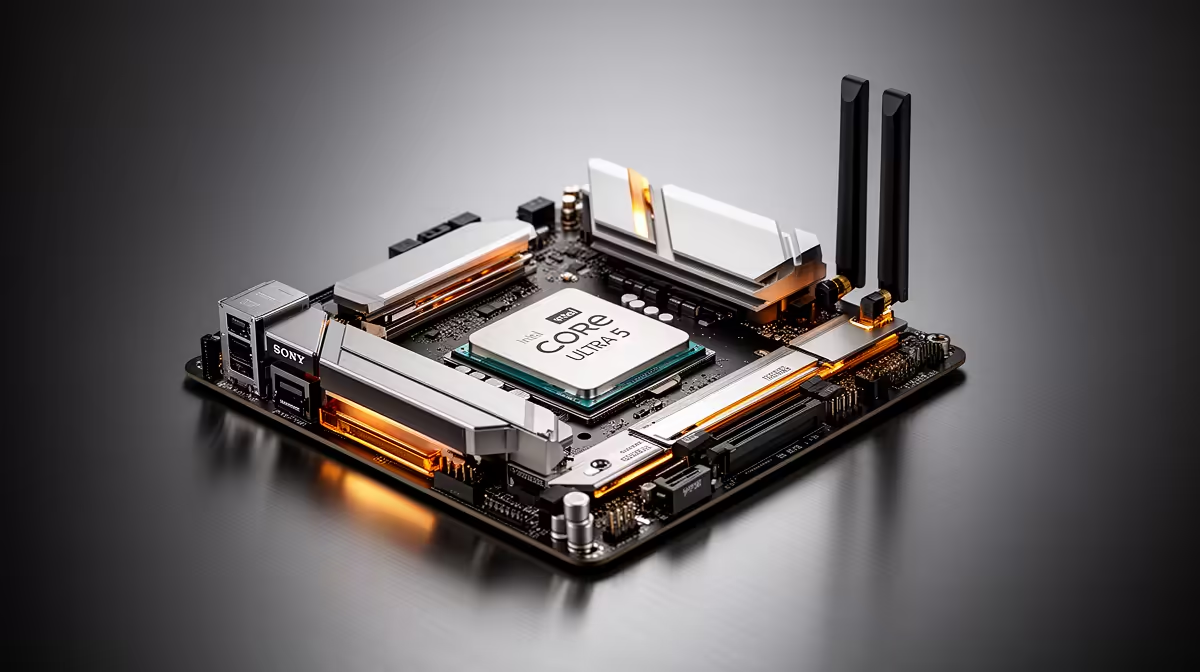
The best WiFi 7 motherboard for the Core Ultra 5 245K is the MSI MEG Z890 Carbon WiFi (R6,000 at Evetech) — native Intel BE200 Wi-Fi 7 (802.11be), dual 2.5GbE Intel I226-V, 20-phase VRM capable of 5.6–5.7 GHz OC, and four M.2 slots including two PCIe 5.0. Wi-Fi 7 on this board provides tri-band MLO across 2.4/5/6 GHz simultaneously. The ASUS ROG STRIX Z890-F GAMING WIFI (R7,000) is the alternative with an 18-phase VRM and Wi-Fi 7 onboard.
Wi-Fi 7 on the Z890 Platform for the Core Ultra 5 245K
Named Wi-Fi 7 (802.11be) Z890 boards for the 245K all include the Intel BE200 chipset:
- MSI MEG Z890 Carbon WiFi: Intel BE200 Wi-Fi 7. Confirmed 802.11be on spec sheet.
- ASUS ROG STRIX Z890-F GAMING WIFI: Intel BE200 Wi-Fi 7.
- ASUS ROG MAXIMUS Z890 HERO: Intel BE200 Wi-Fi 7.
- Gigabyte Z890 AORUS MASTER: Wi-Fi 7 included.
All Z890 boards with "WIFI" in the name at the R5,000+ price point carry Wi-Fi 7 as of current production — confirm spec sheet for final verification.
Wi-Fi 7 Benefits Specific to SA Buyers
6 GHz band: Less congested than 2.4 and 5 GHz — important in Cape Town or Johannesburg apartment blocks where 2.4/5 GHz spectrum is heavily used. Wi-Fi 7 in the 6 GHz band achieves 1,800–2,400 Mbps real-world throughput at under 10 m from a Wi-Fi 7 router.
MLO (Multi-Link Operation): Transmits on multiple bands simultaneously — reduces ping spikes in congested environments from 40 ms to under 10 ms. Meaningful for competitive gaming in SA urban apartments.
Prerequisite: SA routers from ISPs are typically Wi-Fi 5 or 6 — a Wi-Fi 7 router is needed alongside the Wi-Fi 7 board (ASUS RT-BE96U ~R5,500, TP-Link Archer BE800 ~R4,500).
FAQ
Do all Z890 motherboards for the Core Ultra 5 245K include WiFi 7?
No — budget Z890 boards (Gigabyte Z890M AORUS ELITE WIFI ~R3,800, Gigabyte B860M AORUS ELITE ~R2,800) often include Wi-Fi 6E rather than Wi-Fi 7. Wi-Fi 7 (802.11be) typically appears on Z890 boards from R4,500 upward. Always verify the specific Wi-Fi standard in the board's spec sheet — "WIFI" in the model name can indicate 6E or 7 depending on the specific variant.
Is WiFi 7 better than wired 2.5GbE for Core Ultra 5 245K gaming?
No — wired 2.5GbE provides 1–3 ms LAN latency vs. Wi-Fi 7's 5–10 ms in typical SA home environments. For competitive gaming (CS2, Valorant), wired is always the preferred connection for lowest and most consistent latency. Wi-Fi 7 is the correct choice when running a dedicated Ethernet cable to the gaming desk is not feasible. In that situation, Wi-Fi 7 provides better performance than any previous Wi-Fi generation.
Does Wi-Fi 7 improve local file transfers to a NAS from the Core Ultra 5 245K?
Yes — Wi-Fi 7 on the 6 GHz band achieves 1,800–2,400 Mbps real-world throughput at close range with a compatible Wi-Fi 7 router and a Wi-Fi 7-capable NAS. This is faster than 2.5GbE (2,500 Mbps theoretical, ~2,300 Mbps real-world) — Wi-Fi 7's 6 GHz close-range speed approaches wired 2.5GbE for local transfers. However, consistency is lower on Wi-Fi — a wired connection is more reliable for sustained large transfers from NAS to the 245K workstation.
Z890 board with the Core Ultra 5 245K and Wi-Fi 7, confirm the 6 GHz band is enabled in your router's wireless settings before expecting Wi-Fi 7 performance — many SA home routers have 6 GHz disabled by default in their factory configuration even if the hardware supports it. Check the router admin page under Wireless → 6 GHz and enable it separately.