Quick Answer
For Core Ultra 9 285K, the right motherboard is a LGA1851 board that gives you a PCIe 5.0 SSD slot without wasting the build budget. Use Z890 or B860 as the chipset shortlist and expect broad SA bands around R5,500-R13,000 depending stock, Wi-Fi, networking, and power delivery. Named boards to compare include ASUS ProArt Z890-Creator WiFi, MSI MAG Z890 Tomahawk WiFi, and Gigabyte Z890 AORUS Elite WiFi7 where the socket and feature match the listing.
Confirm Socket And BIOS First
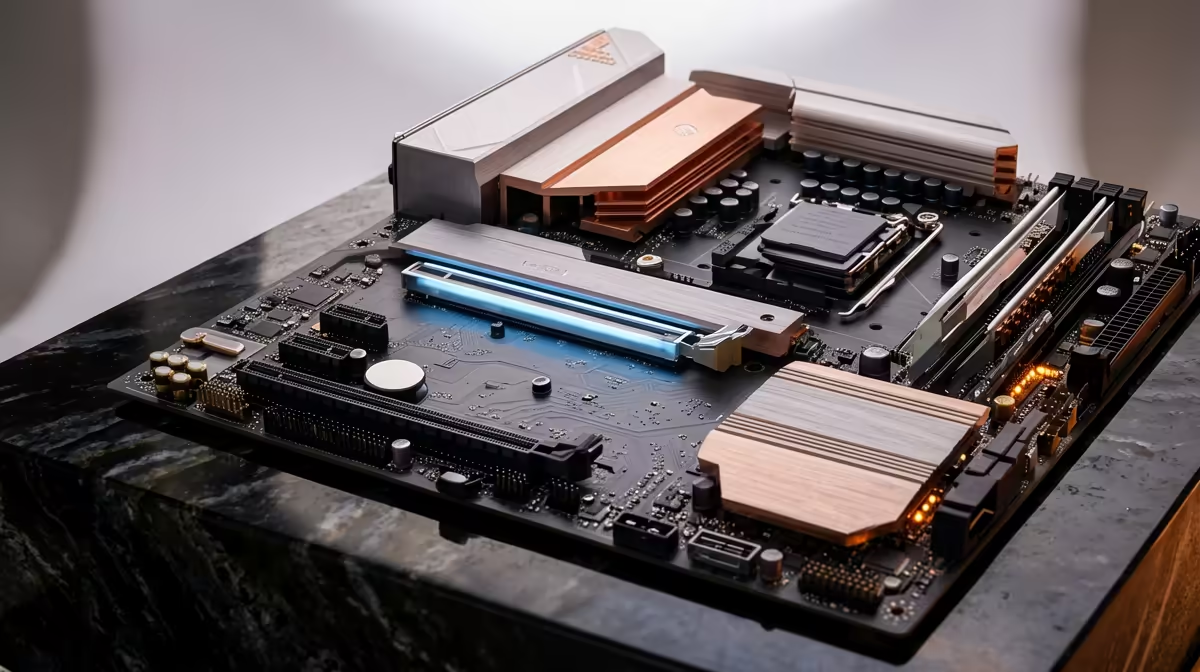
The first check is boring but critical: Core Ultra 9 285K must match the board socket and BIOS support. Then check memory slots, VRM heatsinks, M.2 layout, and rear I/O before comparing cosmetics. A strong CPU can lose performance consistency if the board runs hot or leaves too little room for storage and airflow.
Feature Check: A Pcie 5.0 Ssd Slot
For this buying brief, confirm a PCIe 5.0 x4 M.2 slot with a proper heatsink, plus a second NVMe slot for project storage. Look for the exact port count and lane notes in the product listing rather than assuming every board in the chipset has the same layout. If the feature is only needed once a month, a cheaper board plus an expansion card may be the better value route.
SA Build Pairing Notes
Most buyers should plan 32GB DDR5 for a new high-end platform, a 1TB or 2TB NVMe SSD, and a case that does not bury headers under a large graphics card. For gaming at 1080p or 1440p, the motherboard does not create extra fps by itself; it protects stability, storage, networking, and future upgrades. Spend more only when those features are used daily.
FAQ
Do I need the flagship chipset for this CPU?
Not always. A well-cooled mid-range board can be better value if it has the ports, memory support, and storage slots you actually use.
Is Wi-Fi on the board worth it?
Yes if running Ethernet is difficult, especially with Wi-Fi 6E or Wi-Fi 7 routers. For a fixed gaming desk, 2.5GbE Ethernet is still the cleaner latency choice.
Should I buy the cheapest compatible board?
Only for low-power builds. With Core i7, Core i9, or Core Ultra K chips, VRM cooling, BIOS support, and M.2 placement are worth paying for.
Pro Tip
Before buying, check the board manual for a PCIe 5.0 SSD slot, M.2 sharing, RAM slot population, and front-panel USB support against your exact case.