Is your trusty gaming rig starting to feel a bit... sluggish? Those frame drops in Helldivers 2 and stutters in Apex Legends aren't just your imagination. It’s the classic PC gamer’s dilemma that leaves you wondering whether to upgrade or rebuild. Choosing the right CPU path is a massive decision that impacts your wallet and your future gaming experience. Before you splash out, let's figure out if a simple component swap or a full system overall is the smart play.
When a Simple CPU Upgrade is the Right Move
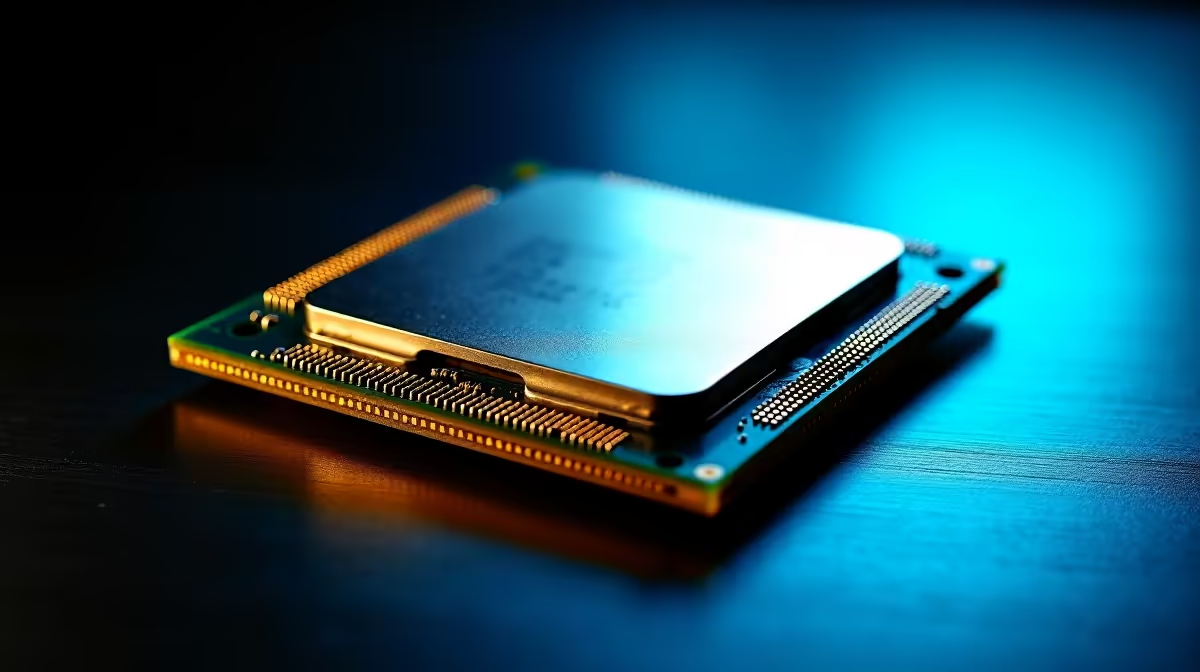
Deciding to upgrade your CPU instead of starting from scratch often comes down to one word: compatibility. If your current motherboard can support a newer, faster chip with a simple BIOS update, you could unlock significant performance without breaking the bank. This is often the most cost-effective way to breathe new life into your machine. 🔧
Think of it as a heart transplant for your PC. If the rest of the system (your RAM, GPU, and power supply) is still solid, a new processor can eliminate bottlenecks holding you back. For example, moving from an older Ryzen 5 to a newer model on the same AM4 platform can deliver a massive FPS boost in CPU-intensive games. It's a targeted strike against lag.
This approach is perfect if:
- Your motherboard socket is current: Platforms like AM4 and LGA1700 offer fantastic upgrade paths.
- Your budget is tight: A new CPU is far cheaper than a whole new build.
- Your GPU is still powerful: You want to give your RTX 3070 or RX 6800 the processing power it truly deserves.
Exploring the latest Intel PC deals can give you an idea of current processor performance, while the variety in AMD Ryzen PC deals showcases the incredible value AMD continues to offer. Even our range of budget gaming PCs often feature CPUs that provide an excellent upgrade target for older systems.
Check Your BIOS First!
Before buying a new CPU for your old motherboard, always visit the manufacturer's website. Check the 'CPU Support List' for your specific board model to ensure compatibility and see which BIOS version you need to install. It’s a five-minute check that can save you hours of headaches.
Signs It's Time to Rebuild Your Entire Rig
Sometimes, a single component upgrade is like putting a rocket engine on a rusty bicycle. If your PC is built on technology that's several generations old, you'll face a cascade of compatibility issues. This is when choosing to rebuild your PC becomes the smarter long-term investment. 🚀
The biggest red flag is a major platform shift. For instance, you can't just drop a new CPU that requires DDR5 memory into a DDR4 motherboard. This forces a chain reaction: a new CPU means a new motherboard, which means new RAM. At that point, you're already halfway to a new machine. A full rebuild allows you to take advantage of modern features like PCIe 5.0 for faster storage and graphics cards, ensuring your rig is ready for whatever comes next.
A fresh start makes sense if:
- You're jumping generations: Moving from DDR3/DDR4 to the latest platforms.
- You're hitting multiple bottlenecks: Your CPU, RAM, and even storage are all showing their age.
- You want to future-proof: A new build with the latest tech will last you for years.
A modern system, like our powerful NVIDIA GeForce gaming PCs or the graphically impressive AMD Radeon gaming PCs, is built with balanced components from the ground up. If the thought of a DIY build is daunting, exploring pre-built PC deals offers a hassle-free way to get a professionally assembled and tested machine. Investing in one of our DDR5 gaming PCs ensures you're on the cutting edge of performance.
Your Checklist: Choosing the Right CPU Path
Still on the fence? Let's simplify the upgrade or rebuild decision. Run through these questions to find your answer. ✨
1. What's your realistic budget?
If you're working with a few thousand Rand, a CPU upgrade is your best bet. If you're ready to invest more significantly for a major leap in performance, a rebuild is the way to go. For a great middle-ground, check out our powerful PCs under R20k, which offer a balanced starting point. For those aiming for the top tier, our selection of PCs above R20k delivers uncompromising power.
2. Is your goal gaming, content creation, or both?
Pure gaming often benefits hugely from a simple CPU upgrade to boost frame rates. However, if you're editing 4K video or running complex simulations, the faster RAM, storage, and connectivity of a new platform are invaluable. In that case, purpose-built Workstation PCs are designed specifically for those demanding tasks.
3. How old is your current platform?
If your PC is more than 5-6 years old, chances are the motherboard, RAM, and storage technologies are outdated. A rebuild is almost certainly the more logical choice to avoid pouring good money into a technological dead end. The right CPU path isn't just about today's FPS... it's about setting yourself up for tomorrow's games.
Ready for a Performance Boost?
Whether you choose a strategic upgrade or a full rebuild, the goal is flawless performance. Explore our massive range of components and custom-built systems to find your perfect fit. Shop the best gaming PC deals in South Africa for performance that leaves lag in the dust.