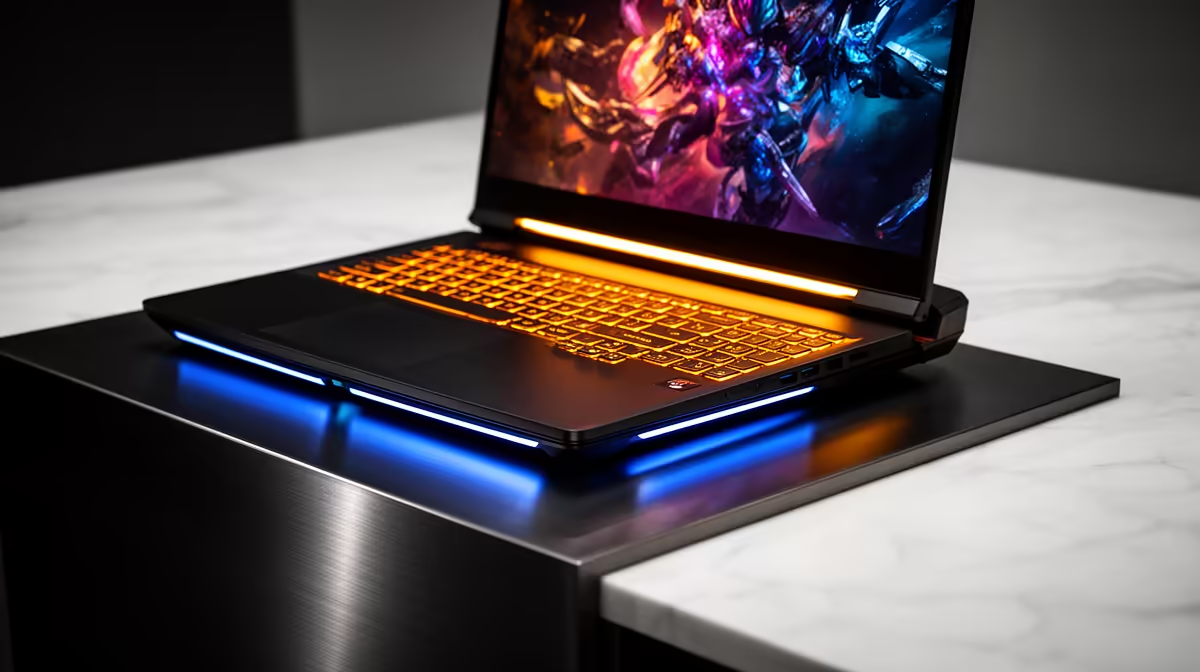
The Lenovo LOQ RTX3050 at R9,500 suits an engineering student who needs a laptop for heavier visual coursework without paying creator-machine money. A creator model can be overkill if the student mainly needs CAD practice, reports, browser research, and occasional rendering rather than daily professional studio output.
Best starting point for engineering coursework
The Lenovo LOQ RTX3050 at R9,500 is the practical pick because RTX3050 gives it a clearer role for graphics-heavy class tasks than a plain study machine. It is still positioned as a student-friendly choice here because the price sits below several i7 options while keeping dedicated graphics in the conversation.
The Lenovo IdeaPad Slim 3 i7 at R13,400 makes more sense when the student wants a cleaner everyday academic machine for coding, spreadsheets, lecture notes, and multitasking. Its i7 spec is useful for general performance, but it does not automatically mean it is better value for 3D or visual coursework than the RTX3050 option.
The ASUS Vivobook X1504VA i7 at R13,999 is another strong study-first option, while the ASUS Vivobook S14 OLED at R10,719 is more attractive for students who care about an OLED screen for sharp text, design previews, and media work. The ASUS ExpertBook P1503 i5 at R9,858 is the more conservative route if the workload is mostly documents, research, and light technical software.
Student desk reality for engineering notes and CAD practice
On a student desk, the overkill question is really about screen time, heat, portability, and whether dedicated graphics will be used often enough. The ASUS ExpertBook P5405 at R12,700 is sensible for a disciplined study setup, but the Lenovo LOQ RTX3050 at R9,500 is easier to justify when visual coursework is part of the weekly routine.
Ready to choose the right laptop?
Use ASUS ExpertBook P1503 i5 at R9,858 as the student desk benchmark, then check whether its listed spec matches the space, workload, and upgrade path.