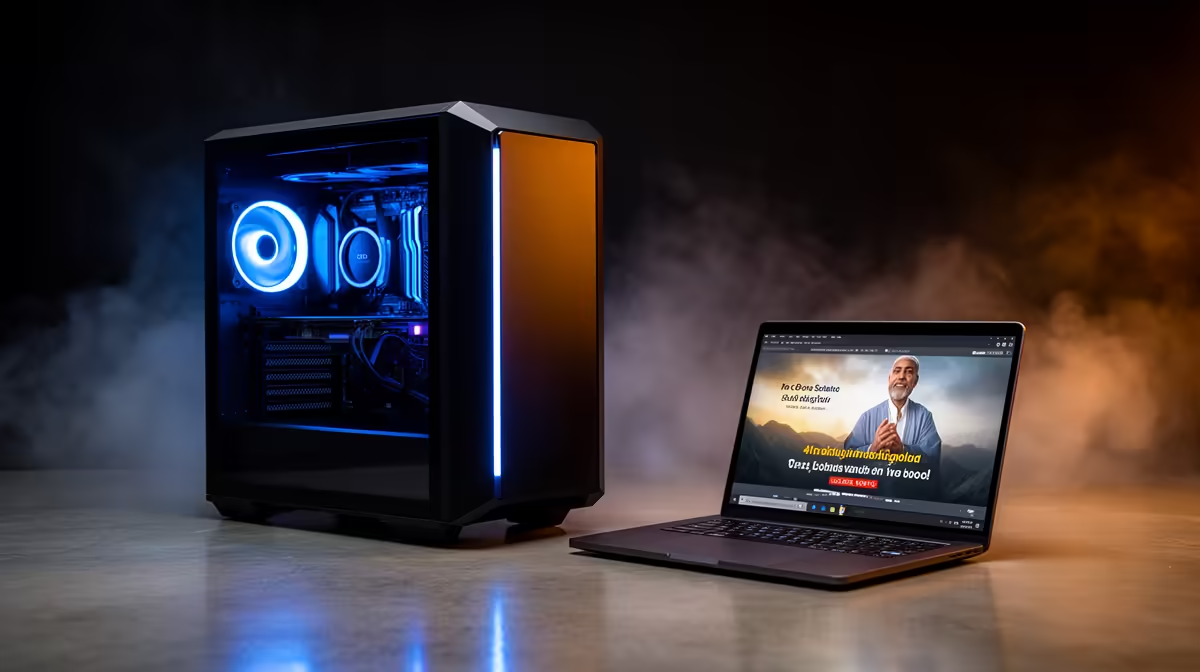
The Ryzen 5 5500 at R1,100 suits a church media table that needs a capable gaming pc foundation for smooth service streaming, slides, admin work, and recorded video playback without overspending. A custom build is worth buying when the setup must handle more than a basic display feed, especially where volunteers need predictable performance on Sundays and easy room for upgrades later.
Why a custom build makes sense
The MSI A520M-A Pro at R700 gives the build a low-cost base, which matters when the budget also needs to cover cameras, audio gear, screens, and cabling. Pairing that board with the Ryzen 5 5500 at R1,100 keeps the core spend sensible while still leaving enough headroom for weekly media duties.
For heavier visuals, the ASUS RX 7600 8GB at R4,650 is the more useful graphics choice because the 8GB spec gives breathing room for video output, overlays, and graphics-heavy presentation work. It is not just about gaming power, it is about keeping the display feed stable while someone is also managing service notes or media files.
Church media table reality
At a church media table, the PC often sits beside a mixer, screen controller, keyboard, mouse, and cable runs, so reliability and upgrade paths matter more than chasing the cheapest possible box. The Ryzen 7 7800X3D at R4,800 is the stronger processor choice for a more demanding desk where the same machine may run presentation control, recording prep, and multiple display outputs.
The Palit RTX 5060 at R4,800 is the graphics option to consider when the system needs more modern GPU strength for cleaner multi-screen use and longer service life. For a small congregation, the Ryzen 5 5500 route is usually enough; for a busier media desk, the Ryzen 7 7800X3D gives the build more headroom.
Ready to choose the right gaming pc?
Use Ryzen 5 5500 at R1,100 as the church media table benchmark, then check whether its listed spec matches the space, workload, and upgrade path.