Tired of your PC feeling sluggish? You install a new mouse, and suddenly there's another chunky app running in the background, eating RAM just to manage some RGB. It’s a drag. For South African gamers who prize performance, every resource counts. What if you could get deep customisation without the bloat? You can. These hardware and firmware hacks let you customize without software, giving you a leaner, faster, and more responsive gaming rig. 🚀
Why You Should Customize Without Software
The appeal of a software-free setup is simple: performance and stability. Every companion app, from keyboard managers to mouse control panels, consumes system resources. While often small, they add up... leading to slower boot times, lower FPS in CPU-intensive games, and potential conflicts.
Opting for hardware-level or firmware-based tweaks means your settings are saved directly on the device itself. This is the core principle behind effective hardware customization. You get a plug-and-play experience that’s consistent across any PC, without needing to install a single extra program. Your rig stays clean, mean, and focused on what matters... the game.
Your Keyboard: The Hardware Customization Hub 🔧
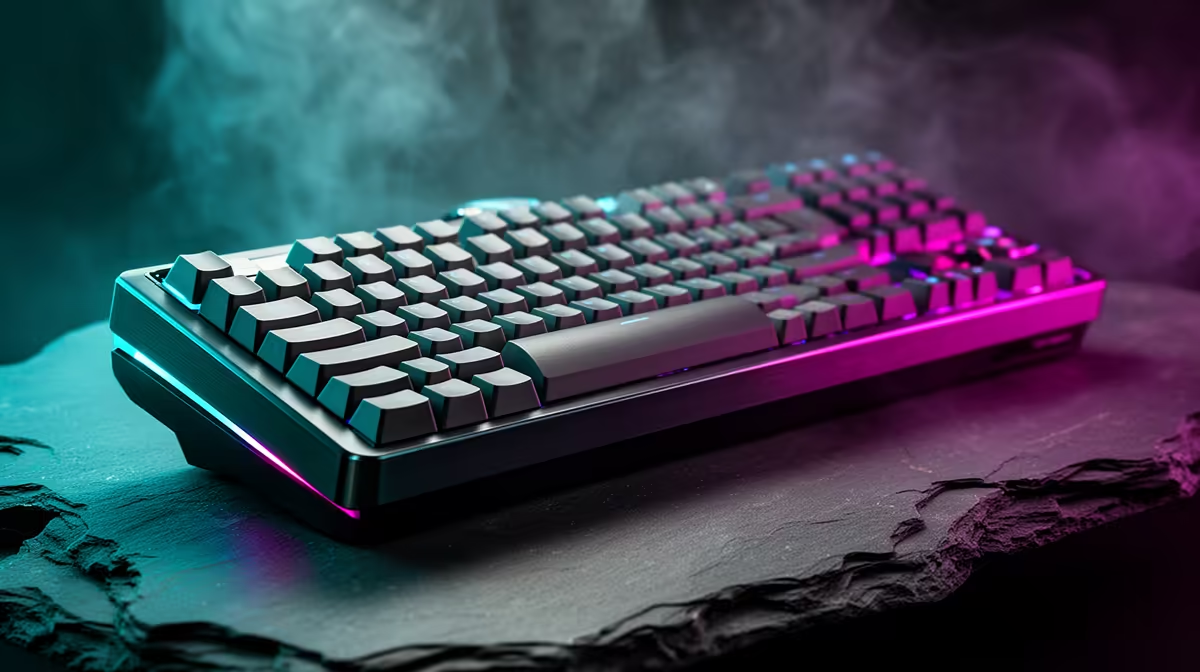
Your keyboard is more than just an input device; it's a prime candidate for software-free optimisation. Many modern mechanical keyboards come packed with features that bypass the need for desktop applications.
On-the-Fly Macros & Onboard Profiles
Forget alt-tabbing to a clunky interface. High-end gaming keyboards often allow you to record macros directly using a combination of Function (FN) keys. You press a record key, perform your sequence, and assign it to a key... all in a matter of seconds. These macros, along with your lighting profiles and key binds, are then saved to the keyboard's onboard memory.
The Magic of Firmware: QMK & VIA
For the true enthusiast, custom firmware like QMK and VIA offers the ultimate way to customize without software. Once you flash this open-source firmware to a compatible keyboard, you can use a simple web interface to remap every single key, create complex layers, and build powerful macros. After the initial setup, you never need to run the software again. All the logic lives on the keyboard's processor. It's a powerful solution for a truly personalised layout.
Check for Onboard Memory
Before buying a new mouse or keyboard, check the specs for "onboard memory" or "onboard profiles". This is the key feature that allows you to save your settings directly to the device, making it the perfect choice for a software-free setup.
Mastering Your Mouse with Firmware-Level Tweaks
Just like keyboards, many gaming mice are designed for portability and performance, with customisation baked right into the hardware.
The most common feature is the DPI (dots per inch) button, usually located below the scroll wheel. This lets you cycle through preset sensitivity levels on the fly, perfect for switching between fast-paced action and precision sniping. More advanced mice save these profiles to onboard memory, so your preferred DPI settings, polling rate, and even button assignments travel with you. You can configure it once on a PC with the software, then uninstall the app and use the mouse on any other machine... including your work laptop or a friend's rig at a LAN. ✨
A lean, optimised system isn't just for getting higher FPS; it's also crucial for a smooth, professional-looking stream. A PC free from unnecessary background processes can dedicate more power to encoding your gameplay. And for a great stream, a quality webcam is non-negotiable. Thankfully, you don't need to break the bank; there are fantastic budget-friendly webcams under R1000 that deliver crisp video.
If you want to improve your production value, exploring webcams up to the R2000 mark often introduces better low-light performance and higher frame rates. For those aiming for a pro-level look, the features found in premium webcams under R3000 offer superior sensors, autofocus, and colour reproduction that will make your stream stand out.
Ready for a Bloat-Free Build?
A truly optimised rig is built on smart hardware choices, not layers of software. Start creating a cleaner, faster setup by choosing gear that empowers you right out of the box. Explore our full range of webcams and find the perfect match for your high-performance, software-free station.