Quick Answer
For quiet late-night gaming, the DDR5 buying order is: 32GB (2x16GB) DDR5-6000 near R1,200-R1,800 is the must-have, a low-profile heatspreader is a nice-to-have for tight air-cooler clearance, and 64GB is a skip. RAM does not make a PC louder or quieter, so buy 32GB for smooth play and put the quietness effort into cooling and fan curves.
Must-have, nice-to-have, skip
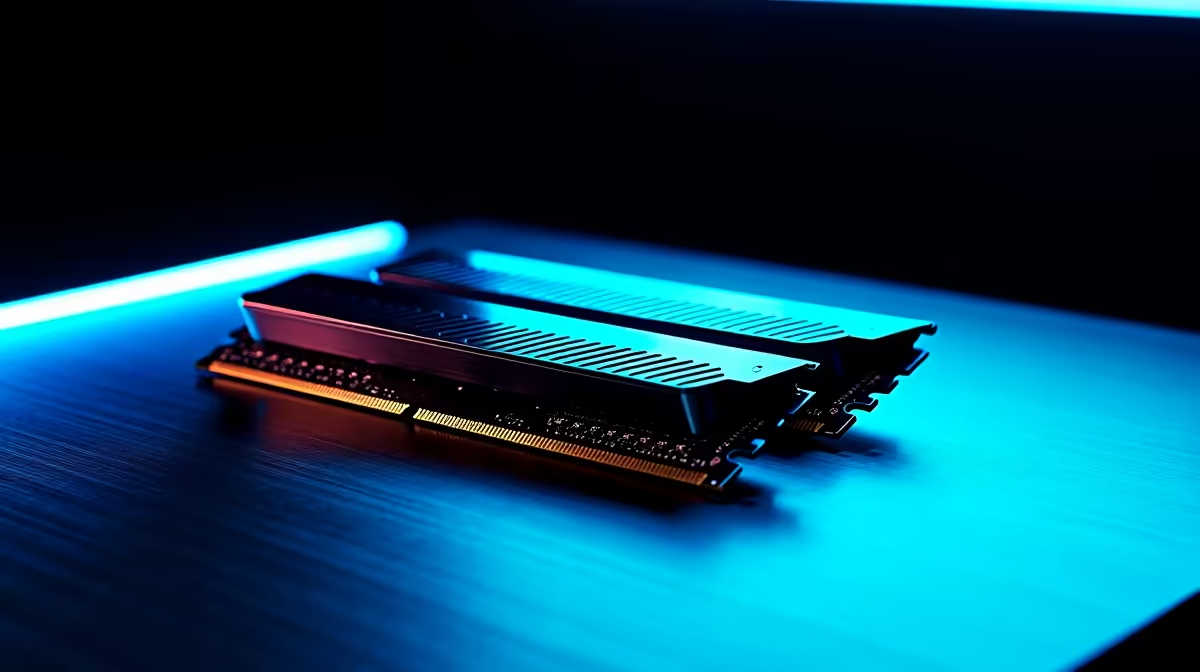
Must-have: 32GB as a matched 2x16GB DDR5-6000 CL30 kit, which keeps a Ryzen 5 7600 build smooth at 1080p-1440p 60-120fps with chat and a browser open. Nice-to-have: a low-profile kit if your quiet build uses a large air tower whose fan overhangs the first RAM slot, since tall heatspreaders can foul the cooler. Skip: 64GB, unneeded for gaming, and high-speed kits that add cost for a few frames. RAM is not where late-night quiet comes from, so do not overspend chasing it here.
Where quiet actually comes from
The RAM choice is about performance; silence comes from the cooler, fan curves and a fans-off-idle GPU. Buy the 32GB kit for headroom, then build quiet around it: a low-RPM tower cooler, a tuned BIOS fan curve that spins down near idle, and an NVMe SSD that runs silent. Enable EXPO so the kit hits 6000 rather than the slow 4800 default. With smooth 32GB performance and a quiet cooling setup, a 1am session stays both stutter-free and near-silent.
FAQ
Does RAM affect how quiet a PC is?
No. RAM has no fans and makes no noise; it only affects performance. Buy 32GB DDR5-6000 for smooth gaming and find quietness in the cooler, fan curves and a fans-off-idle GPU instead.
Do I need a low-profile RAM kit?
Only if your air cooler's fan overhangs the first RAM slot. Large tower coolers can foul tall heatspreaders, so a low-profile kit avoids clearance issues. Check your cooler's spec before buying.
Is 64GB worth it for late-night gaming?
No. Gaming rarely uses more than 32GB even with chat and a browser open. 64GB adds cost for no felt benefit, so stick with a 2x16GB DDR5-6000 kit and spend elsewhere.
Buy a 32GB DDR5-6000 CL30 kit (low-profile if your air cooler is large), enable EXPO, and find quietness in the cooler and fan curves rather than the RAM.