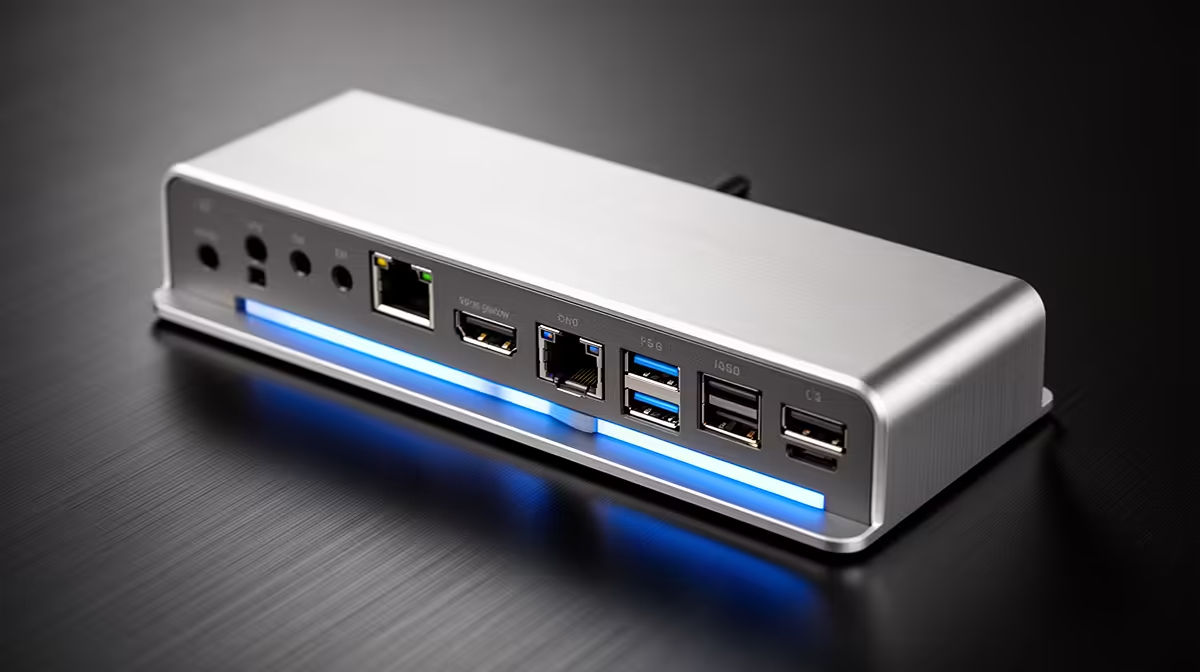
4K video editing pushes a docking station harder than almost any other task, because you are driving a high-resolution display, fast external storage and a laptop charge through one cable at the same time. The checklist for SA buyers is about sustained bandwidth and power, not the number of ports on the box.
Quick Answer
For 4K editing, compare three things: a Thunderbolt 4 or USB4 dock that drives a 4K display at 60Hz, at least 85W power delivery to charge an editing laptop, and 10Gbps USB ports for fast scratch storage. Capable docks run roughly R2,500 to R6,500; pair one with a 1TB-plus NVMe enclosure so footage does not bottleneck on slow USB.
Bandwidth is the spec that makes or breaks 4K
A 4K/60Hz display needs real bandwidth, which only Thunderbolt 4 or USB4 docks deliver reliably. Cheaper DisplayLink docks compress the signal and stutter on timeline scrubbing. Confirm your laptop has a Thunderbolt or USB4 port, then match the dock. If you run dual monitors, check the dock supports 4K/60Hz on both, because many fall back to 30Hz on the second output, which makes editing motion painful.
Power delivery has to match your editing laptop
Editing laptops with discrete graphics pull a lot of power. A dock rated at 65W will slowly drain a machine like that during a long render. Aim for 85W to 100W power delivery so the laptop charges while you work. Check the laptop's own charger wattage on its brick and match or beat it, otherwise the battery creeps down through a heavy 4K project and the dock becomes a liability rather than a convenience.
Storage and ports for a real editing workflow
4K footage eats space and bandwidth. A 10Gbps USB-C or USB-A port lets a fast NVMe enclosure act as a scratch and proxy drive without choking. Budget around R1,200 to R2,200 for a 1TB USB 3.2 Gen 2 enclosure with a Gen 4 NVMe inside. Make sure the dock also has a card reader if you shoot on SD or CFexpress, because pulling clips straight off the card saves a copy step on deadline.
FAQ
What dock do I need for 4K/60Hz editing?
A Thunderbolt 4 or USB4 dock, paired with a laptop that has a matching port. DisplayLink docks compress the signal and stutter during scrubbing, so they are a poor fit for serious 4K timelines.
How much power delivery should an editing dock supply?
At least 85W, and 100W is safer for laptops with discrete graphics. Check your laptop charger's wattage and match it so the battery charges rather than drains during long renders.
Do I need fast external storage with the dock?
Yes for 4K. A 10Gbps port feeding a Gen 4 NVMe enclosure around R1,500 keeps proxies and scratch files quick. Slow USB 2.0 or SATA enclosures bottleneck playback and exports.
dock's power delivery to your laptop charger wattage before anything else. An 85W-plus dock keeps an editing laptop topped up through a long 4K render instead of quietly draining it.