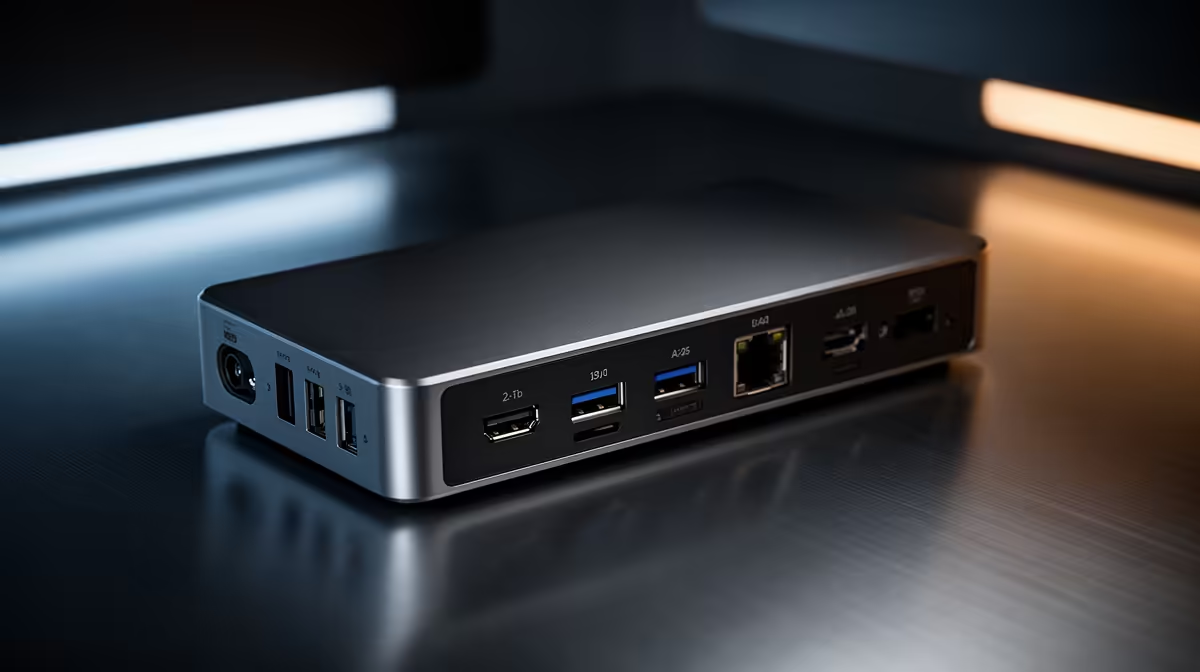
Python data analysis does not need the display bandwidth that video editing demands, so the docking station checklist shifts toward reliable multi-monitor coding, fast storage for large CSV and parquet files, and stable power for long-running notebooks. SA buyers should match the dock to a workflow that is more about screens and ports than raw graphics.
Quick Answer
For Python work, target a USB-C or Thunderbolt dock that drives two displays (dual 1440p/60Hz is ideal for code and dashboards), offers 10Gbps USB for fast dataset drives, and supplies at least 65W power delivery. Solid docks run R1,800 to R4,500; a second 27-inch 1440p monitor pays back faster than a pricier dock for most analysts.
Two screens matter more than one fast screen
Data work means code on one panel and output, plots or documentation on another. A dock that supports dual displays at 1440p/60Hz over DisplayPort or HDMI gives you a clean two-monitor desk from a single laptop cable. You do not need 4K here; 1440p is sharp enough for code at a comfortable font size and far easier to drive. If your laptop only has USB-C without Thunderbolt, confirm the dock's dual-display mode works with it before buying.
Fast storage keeps big datasets responsive
Loading a multi-gigabyte CSV or running a pandas merge off a slow drive wastes minutes per iteration. A 10Gbps USB port feeding an external NVMe SSD around R1,400 for 1TB lets you keep working datasets off the laptop's main drive without a speed penalty. This matters most on laptops with smaller 256GB or 512GB SSDs, where a few datasets fill the disk and slow the whole machine down.
Power and ports for all-day notebooks
Long-running notebooks and model training keep the CPU busy for hours, so a dock with 65W or more power delivery stops the battery from draining mid-job. Wired Gigabit Ethernet on the dock also stabilises large data pulls from a server or cloud bucket, which beats variable campus Wi-Fi. Add up the peripherals you actually use, keyboard, mouse, drive, network, and pick a dock that covers them without a USB hub hanging off it.
FAQ
Do I need a 4K-capable dock for Python work?
No. Code and dashboards are comfortable at 1440p, and dual 1440p/60Hz is easier to drive than 4K. Spend the saved money on a second monitor, which helps an analyst far more than extra display resolution.
How do I speed up loading large datasets?
Keep working data on a fast external NVMe SSD connected through a 10Gbps dock port. A 1TB drive around R1,400 reads far quicker than a SATA enclosure and frees space on a small laptop SSD.
Is Ethernet on the dock worth using?
Yes for big data pulls. Wired Gigabit Ethernet is steadier than campus Wi-Fi when fetching datasets from a server or cloud bucket, reducing failed transfers during long analysis sessions.
Build your data-analysis desk around dual 1440p monitors and a 10Gbps dock for fast dataset drives; price a complete two-screen setup at Evetech before spending extra on a 4K-only dock.