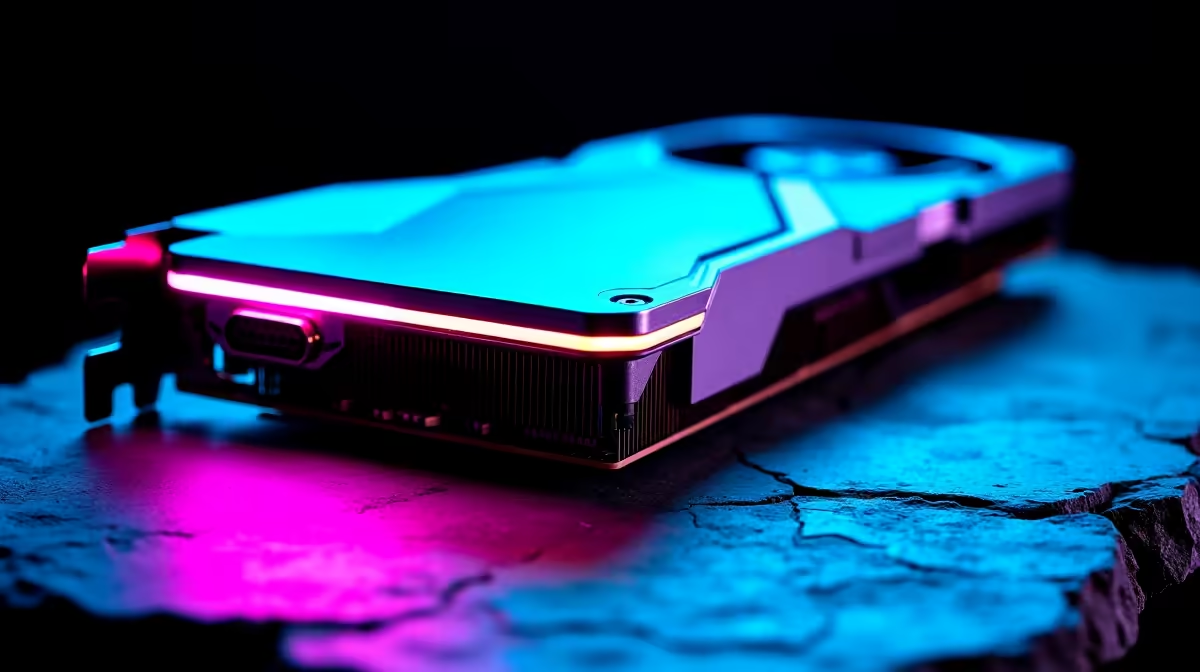
Load shedding hit right in the middle of a firmware update? For South African gamers, that usually means a bricked graphics card and thousands of ZAR down the drain. But what if your GPU had a built-in safety net? Understanding dual BIOS vs single BIOS GPUs is crucial for protecting your rig. Let us explore the functional advantages that actually matter when you are upgrading your system.
The Ultimate Safety Net 🔧
Every graphics card has a Basic Input/Output System. This small chip stores the essential instructions your hardware needs to communicate with your motherboard. A single BIOS card relies entirely on this one single chip. If a sudden power surge corrupts it... your hardware becomes an expensive paperweight.
A dual BIOS card features a physical toggle switch on the circuit board. It gives you an immediate hardware backup. If your primary firmware fails, you simply flip the switch to boot from the secondary chip. When you buy graphics cards, checking for this tiny physical feature can save you massive headaches later. When stage six load shedding kicks in unexpectedly, having that secondary chip means you can easily restore your card.
Performance and Silent Modes
Beyond simple recovery, dual BIOS vs single BIOS GPUs differ heavily in daily usability. Manufacturers often pre-load dual BIOS cards with two distinct profiles. You usually get an aggressive Overclock mode alongside a quiet Silent mode.
Overclock mode pushes fan speeds and power limits for maximum frame rates. Silent mode dials things back to keep your gaming room quiet. This duality lets you optimise your setup based on your current needs. Even if you are looking at older architectures, you can still find reliable Nvidia GeForce GTX graphics cards that offer great stability without needing complex software tweaking.
Is the Extra Cost Worth Your ZAR? 🚀
Having a backup firmware chip used to be a luxury reserved for extreme overclockers. Today, it is quite common on mid-range to high-end hardware. If you love tweaking clock speeds or flashing custom firmware to optimise performance, a backup chip is absolutely mandatory.
If you just want to plug in and play, a single BIOS card works perfectly fine. You can often find premium dual BIOS models hidden among the best graphics card deals if you know exactly what to look for on the spec sheet.
Hardware Pro Tip ⚡
Always power down your PC completely and unplug it from the wall before flipping the physical toggle switch on your GPU. Switching it while the system is running can cause severe hardware damage.
Making the Right Choice for Your Rig
Whether you are building a system from scratch or just upgrading a single component, your choice depends on your risk tolerance. South African power grids are famously unpredictable. That backup chip offers serious peace of mind for any gamer.
If you prefer a complete setup that is already stress-tested, exploring the best gaming PC deals removes the hassle of individual component compatibility. Alternatively, you can always keep a close eye on our weekly specials to score high-tier components at prices that will not empty your wallet.
Ready to Upgrade Your Graphics Power?
The dual BIOS vs single BIOS GPUs debate comes down to safety versus budget. For maximum peace of mind and performance in South Africa, having that backup switch is invaluable. Explore our massive range of graphics card specials and find the perfect GPU to conquer your favourite games.