Quick Answer
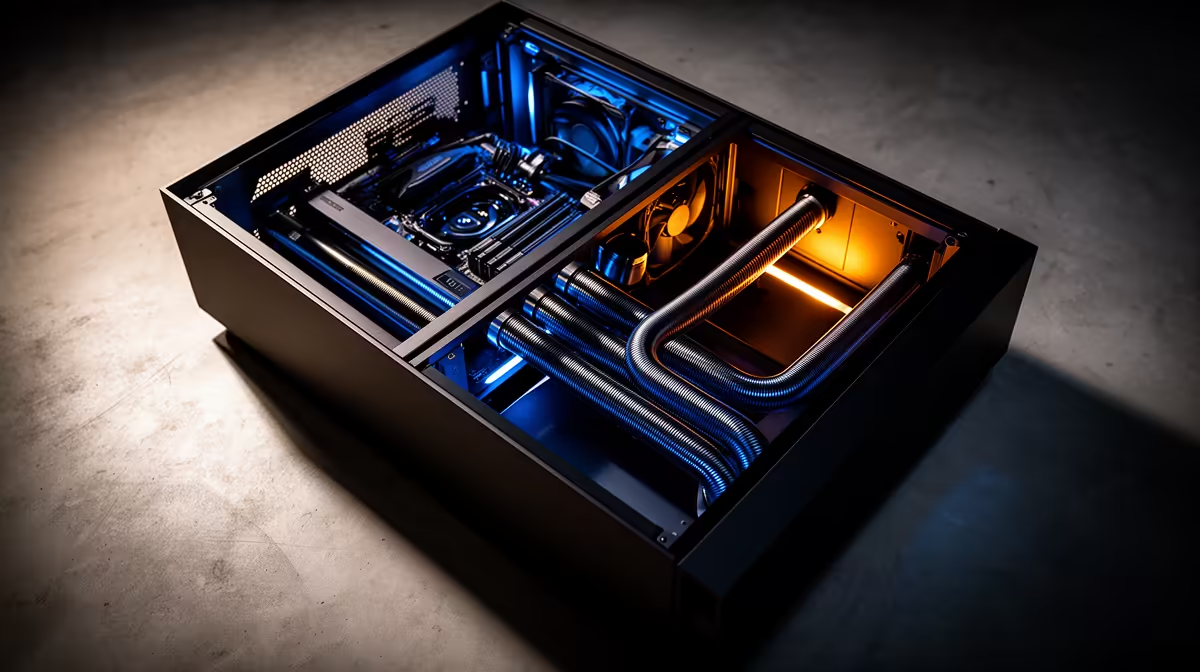
In a dual-chamber case, the PSU and cable mass are physically isolated from the main airflow path, giving front intake fans an unobstructed run directly to the CPU and GPU. A traditional single-chamber layout routes airflow around cables, drive cages, and PSU heat, which raises the effective intake temperature for critical components by 4 to 10 degrees Celsius under sustained load.
What Actually Changes in the Airflow Path 🌬️
In a traditional mid-tower, front fans push air across the full interior including the PSU, HDDs in mid-cage positions, and the nest of cables threading to every component. Each obstacle creates turbulence, reducing effective CFM reaching the CPU and GPU. The PSU also exhausts its own waste heat into the same volume: a 750W PSU at 80 percent efficiency passes around 150W of heat into the chassis under load. In a dual-chamber layout, the PSU is in its own sealed zone with a dedicated intake vent below the chassis, and its exhaust exits through the PSU's own rear grille without entering the main chamber at all.
Measured Temperature Differences in Real Builds 🌡️
Builds using equivalent hardware in both layout types consistently show the dual-chamber arrangement keeping CPU temps 3 to 7 degrees Celsius lower at sustained all-core loads, with GPU junction temps 4 to 8 degrees Celsius lower at full load. In a South African summer room at 28 to 32 degrees Celsius, the delta between layouts widens because the traditional case's recirculating warm air compounds the high ambient. For a Ryzen 7 9800X3D paired with an RTX 5070, dual-chamber cooling keeps GPU boost clocks locked at maximum sustained values throughout a three-hour gaming session, while a traditional layout case may show intermittent throttling dips of 50 to 100MHz during peak summer temps.
Cable Management and Secondary Airflow Benefits 🛠️
With PSU cables, SATA runs, and HDD power cables confined to the back zone, the rear panel's own intake vent supports PSU cooling independently. Dual-chamber cases achieve similar or better internal volume efficiency in a narrower footprint because each chamber has a defined purpose. This is why builders report fewer thermal surprises when upgrading to a higher-TDP GPU within the same chassis.
Switch to Dual-Chamber When GPU Temps Are the Bottleneck ⚡
If your GPU is hitting 90 degrees Celsius or above under sustained load and cleaning the filters and fans has not helped, the case layout itself may be the limiting factor. Moving the same hardware into a dual-chamber case with proper PSU isolation is often more cost-effective than adding more fans to an already-restricted airflow path.
FAQ
Is a dual-chamber case significantly more expensive than a traditional layout?
Entry-level dual-chamber designs start around R3,000 to R3,500 in the SA market, compared to quality traditional mid-towers from R1,500. The premium is R1,500 to R2,000 at the entry level and narrows as a percentage at higher price points. For a R60,000-plus build the incremental cost is minimal relative to component investment.
Do dual-chamber cases support all motherboard sizes?
Most dual-chamber ATX cases support standard ATX (305x244mm), mATX, and Mini-ITX boards. E-ATX support varies by model and is more common in full-tower designs. Always verify the motherboard width spec against the case's maximum board width before purchasing.
Can I convert a traditional mid-tower to approximate dual-chamber airflow?
Partially. Removing HDD cages, using a modular PSU with minimal cables, and installing a PSU shroud reduces cable obstruction significantly. However, PSU heat still enters the main chamber, and without a physical divider the airflow separation is never as clean as a purpose-built dual-chamber design.
Ready to upgrade your airflow with a dual-chamber layout?
Evetech stocks both dual-chamber and premium traditional mid-tower cases so you can compare designs and find the best fit for your build and budget. Browse at Evetech.