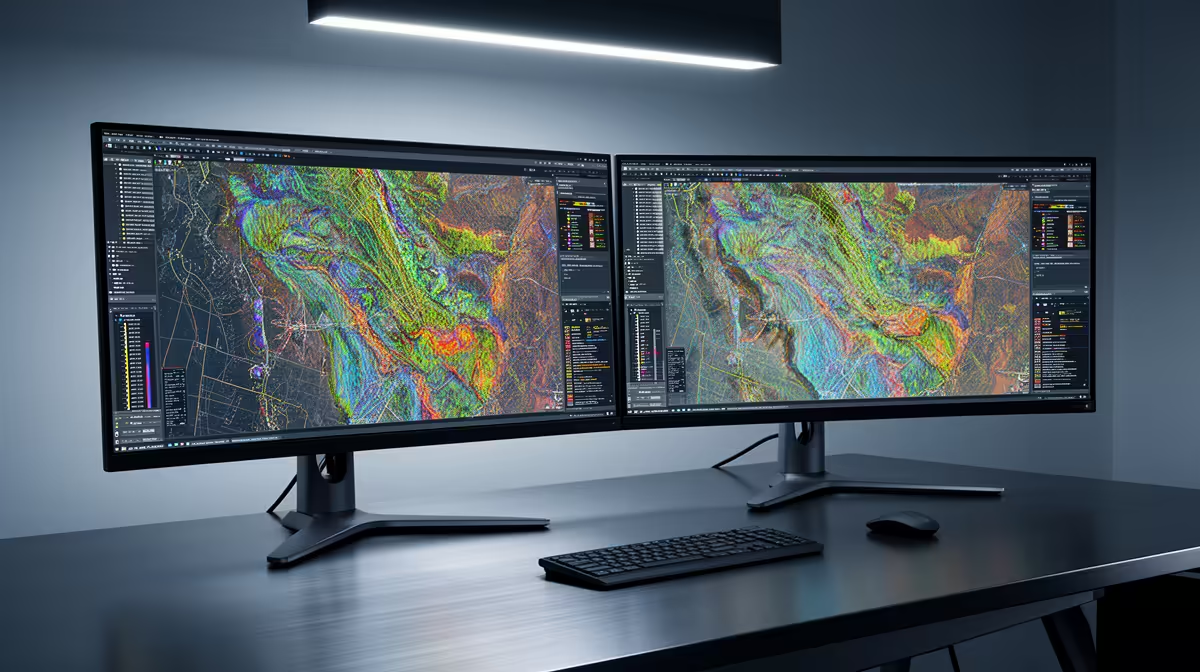
Yes, the Dell SE2726H 27in FHD 144Hz at R1,797 suits South African GIS users who want a larger monitor for map canvases, attribute tables, and browser-based reference material on the same desk setup.
Best value dual-screen starting point
For mapping work, two screens are usually worth it when your daily flow involves a map view on one side and data, layers, PDFs, or client notes on the other. The Dell SE2726H gives you a 27in FHD panel with 144Hz refresh at R1,797, so it is the strongest pick here when screen size matters more than keeping the spend as low as possible.
The Dell SE2426H 23.8in FHD at R1,532 is the cleaner budget pairing if you want a second display beside an existing main screen. Its 23.8in FHD size is enough for layer lists, spreadsheets, email, or a web map while the primary screen stays focused on the project view.
South African mapping desk setup
On a student, municipal planning, surveying, or small consultancy desk in South Africa, a dual-screen layout helps because the work often jumps between parcels, coordinates, reports, satellite references, and exported layouts. The Dahua LM27 100Hz at R1,500 is especially sensible as a low-cost 27in FHD option when you want more visible workspace without paying more than the smaller Dell.
The MSI PRO MP275W at R1,850 is also worth considering when you want a simple office-style 27in class display for long document and map review sessions. For most mapping desks, the upgrade is not about luxury. It is about reducing window switching and keeping the project context visible.
Ready to choose the right monitor?
Keep Dell SE2726H 27in FHD 144Hz at R1,797 on the list for dual monitor setup qgis mapping; its listed spec is the detail to test against that brief.