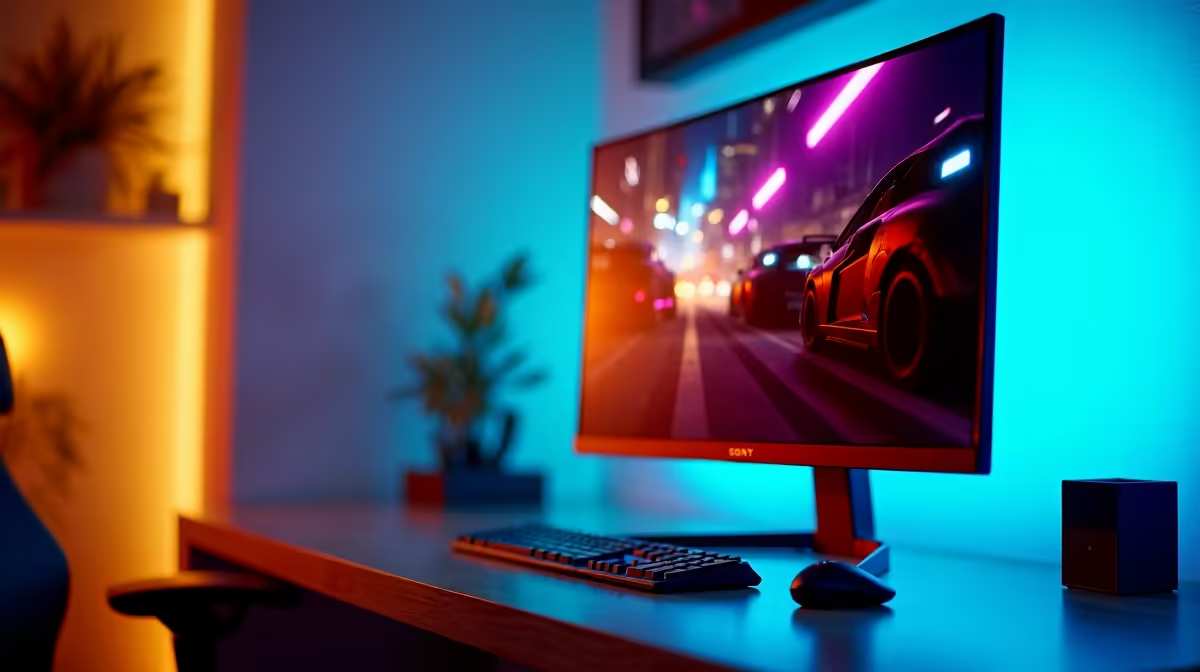
Heads up, fellow Saffa gamers. With Eskom's unpredictable schedule, every watt counts. We optimise our rigs for performance, but what about power consumption? Your gaming monitor, especially its sync technology, plays a bigger role than you might think. Understanding the eco-friendly gaming monitors: FreeSync vs G-Sync impact isn't just about being green; it's about saving some rands for more important things... like the next Steam sale. Let's dive in. ✨
What is Adaptive Sync and Why Does it Matter?
Before we talk power bills, let's get the basics down. Adaptive sync technology is the magic that eliminates screen tearing and stuttering. It works by synchronising your monitor's refresh rate with the frames-per-second (FPS) your graphics card is pushing out.
The two main players are AMD's FreeSync and NVIDIA's G-Sync. Both aim for the same buttery-smooth result, but they get there in different ways. This difference in approach is where the conversation about power consumption begins. Choosing the right one from the vast world of PC monitors depends on your GPU and your priorities.
The FreeSync vs G-Sync Impact on Your Power Bill
So, which technology is kinder to your inverter or your monthly electricity bill? The FreeSync vs G-Sync impact on power consumption comes down to hardware.
G-Sync's Hardware Approach
Traditional G-Sync (and G-Sync Ultimate) monitors use a proprietary NVIDIA hardware module built directly into the display. This dedicated chip handles the variable refresh rate logic. While incredibly effective, this module requires its own power to operate. In older models, this could lead to a slightly higher power draw, even when you're just browsing the web. G-Sync Compatible monitors are different, as they don't use the dedicated module and rely on the open Adaptive-Sync standard, making their power profile much closer to FreeSync.
FreeSync's Open-Standard Efficiency
FreeSync, on the other hand, is an open standard built on top of the DisplayPort Adaptive-Sync protocol. It doesn't require a special, power-drawing chip inside the monitor. The logic is handled by the GPU and the monitor's existing scaler. Generally, this makes FreeSync monitors slightly more power-efficient. When you're browsing the massive selection of all gaming monitors, you'll notice FreeSync is more common, partly due to this royalty-free approach.
While the difference per hour might be small, over years of gaming, a more efficient monitor adds up. For gamers looking for eco-friendly gaming monitors, FreeSync often has a slight edge in the power department.
Check the Energy Rating! ⚡
Before you buy, check the monitor's energy efficiency class and typical power consumption (in Watts) on its spec sheet. A lower number is obviously better. Also, enabling your monitor's "eco mode" and setting a short sleep timer in Windows or macOS can drastically reduce idle power usage.
More Tips for an Eco-Friendly Gaming Setup
The adaptive sync technology is just one piece of the puzzle. To truly build a power-conscious setup, consider these factors:
- Resolution and Size: A massive 5K or 4K monitor will naturally draw more power than a 1080p screen simply because it has more pixels to light up.
- Panel Type & Brightness: Modern OLED panels can be more efficient than LCDs in dark scenes. And the simplest trick? Just turn down the brightness a bit. You’ll save power and reduce eye strain.
- Go Portable: For a secondary screen or LAN parties, portable monitors are designed for low power draw, often running off a single USB-C cable.
- Embrace the Curve: Interestingly, some gamers find that curved monitors offer such an immersive experience that they can get away with a slightly smaller screen size, indirectly saving power.
Don't forget that the right monitor accessories, like a high-quality VESA-certified DisplayPort cable, are crucial for ensuring adaptive sync works correctly without issues.
Finding Your Perfect, Power-Sipping Monitor
Ultimately, the FreeSync vs G-Sync impact is a single, albeit important, factor when choosing from the best eco-friendly gaming monitors. The best choice for you will balance performance, features, your GPU brand, and your budget.
For most gamers in South Africa, a FreeSync or G-Sync Compatible monitor offers a fantastic, power-efficient experience without breaking the bank. You can often find incredible value by keeping an eye on the latest PC monitor deals, where performance meets affordability. 🚀
Ready to Find Your Perfect Match?
The FreeSync vs G-Sync debate is just one part of the puzzle. For maximum performance, choice, and value in South Africa, finding the right screen is key. Explore our massive range of PC monitor deals and find the perfect display to conquer your world.