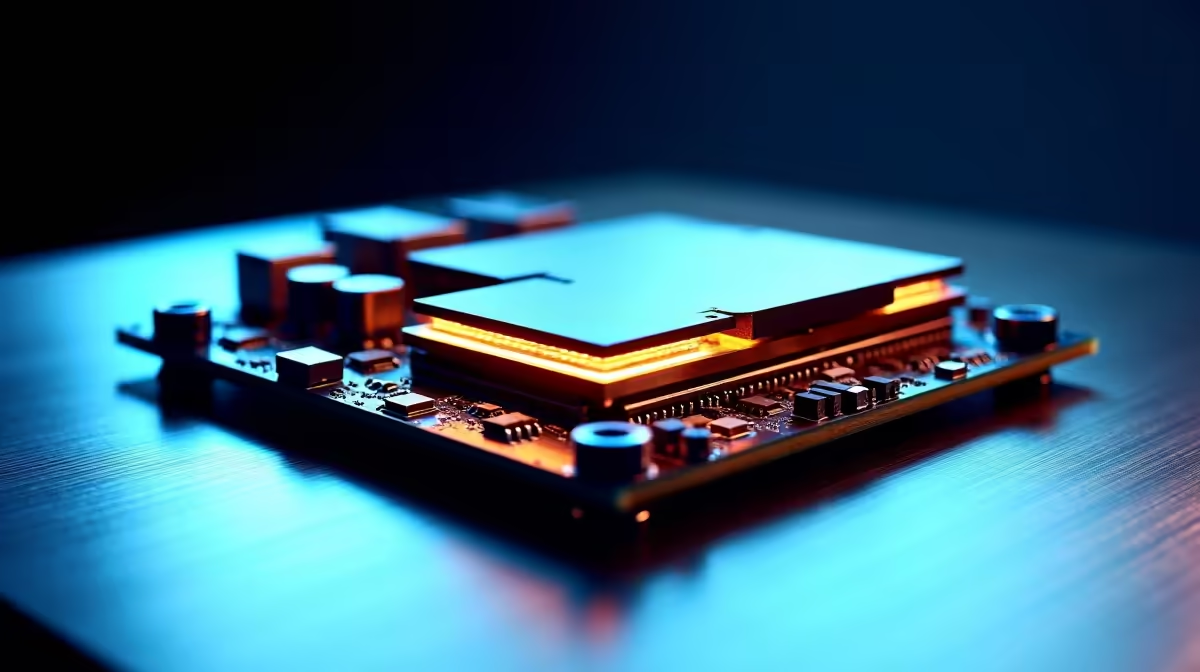
Ever lined up the perfect shot, only to have your mouse stutter for a split second? Or heard a faint, annoying buzz in your headset during a quiet moment? It’s enough to make you want to rage-quit. Before you blame your internet, consider an invisible culprit lurking inside your PC case: electromagnetic interference. Far from being a gimmick, proper EMI shielding is a critical feature that separates reliable, high-performance gear from the rest. It’s your rig’s unsung hero.
What Exactly is EMI Shielding? 🔧
Think of all the components inside your PC as people talking in a room. Your GPU, CPU, and power supply are shouting, while your sensitive parts, like your RAM and mouse sensor, are trying to whisper. Electromagnetic Interference (EMI) is the background noise that drowns out those whispers, causing errors, lag, and instability.
EMI shielding is essentially noise-cancelling for your hardware. It’s a physical barrier, often made of conductive metals like copper or aluminium, built into components to block this electronic static. This ensures that signals travel cleanly from one point to another without getting corrupted. It’s a foundational element in quality gaming mouse components and other high-end hardware.
Why EMI Shielding Matters for Your Gaming Rig
For gamers, clean signals mean the difference between victory and a frustrating defeat. When a manufacturer invests in good EMI protection, they're investing in your performance and the longevity of your hardware.
Cleaner Signals for Pinpoint Accuracy
Your gaming mouse sensor is incredibly sensitive. EMI from other devices can introduce tiny deviations in its tracking, resulting in jitter or what feels like input lag. A well-shielded wired mouse ensures the data travelling up its cable is exactly what the sensor registered, giving you the raw, one-to-one tracking you need for competitive play.
The Wireless Advantage ⚡
This principle is even more critical for wireless gear. A wireless mouse has to battle a battlefield of signals from Wi-Fi routers, smartphones, and other peripherals. Superior EMI shielding inside the mouse and its dongle filters out this interference, providing a rock-solid connection that feels as responsive as a wired connection, but with the freedom of movement.
Cable Management is Your Friend
Organising your cables isn't just for looks. Keeping power cables away from sensitive data cables (like your mouse, keyboard, or DisplayPort) can significantly reduce the chance of EMI. A simple trick for a more stable setup!
Spotting Quality EMI Protection ✨
So, how do you know if a product has decent shielding? Manufacturers who invest in it are usually proud of it.
Look for features like:
- Metal Backplates: On graphics cards, these aren't just for cooling; they provide excellent structural and EMI shielding.
- Reinforced Slots: Steel-braced PCIe and RAM slots on motherboards often indicate better grounding and shielding.
- Braided Cables: While not a guarantee, high-quality braided cables on peripherals often come with better internal shielding.
Ultimately, robust EMI shielding is a hallmark of quality. It shows a manufacturer cares about stable, real-world performance, not just flashy specs on a box. Even simple mouse accessories like a mouse bungee can help by keeping the cable managed and away from interference sources on your desk.
Ready to Silence the Static?
Don't let invisible interference sabotage your performance. Upgrade to gear built with the quality shielding you need to compete and win. Check out the best gaming mouse deals at Evetech for performance that leaves lag in the dust.