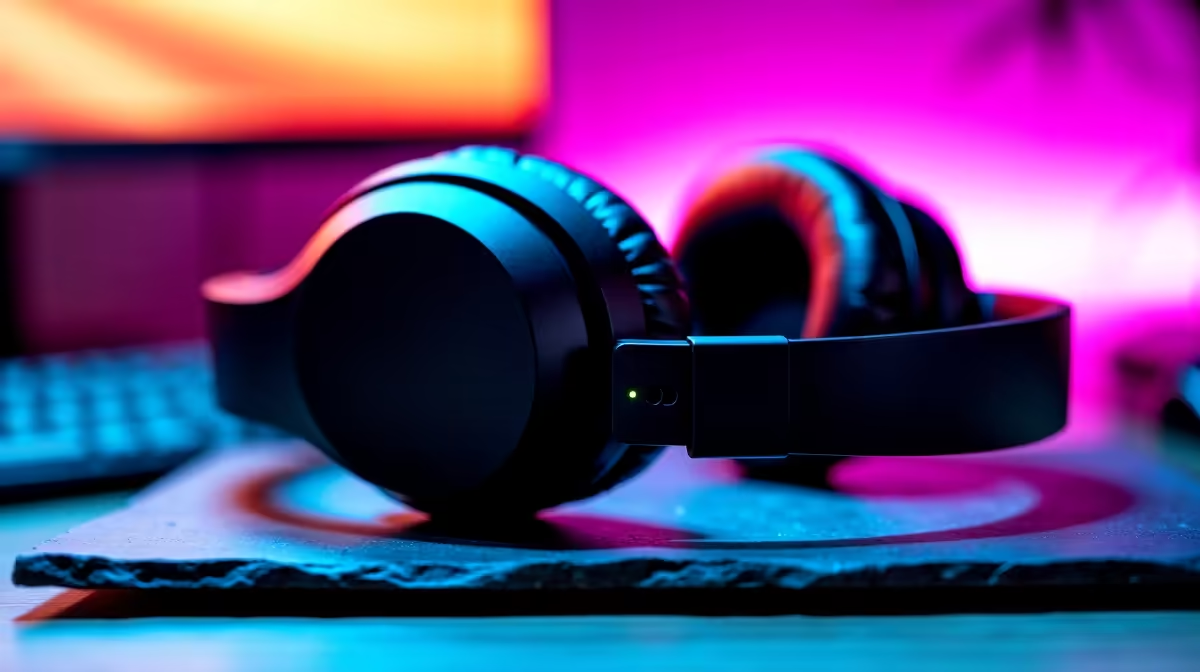
Tired of your teammates yelling, "Can't hear you, boet!" in the middle of a hectic Warzone match? Or maybe your important Teams call sounds like you're broadcasting from a tin can in a tunnel. You’re not alone. To enhance audio quality with crisp natural voice clarity isn't about spending a fortune... it’s about being smart with your setup. Let's dive into how you can get your voice sounding professional, whether you're gaming, streaming, or working from home.
Why Your Voice Lacks That Crisp, Natural Clarity
Before you can fix a problem, you need to understand its source. More often than not, poor vocal sound isn't down to just one thing, but a combination of factors that sabotage your audio quality.
The most common culprit? Your gear. The built-in microphone on your laptop or the cheap one that came with your webcam is designed for convenience, not quality. They pick up everything: your keyboard clatter, the fan whirring, and every echo in your room, resulting in a muddy, distant sound.
Another major issue is your environment. Hard surfaces like tiled floors, bare walls, and large windows—common in many South African homes—are audio nightmares. Sound waves bounce off them, creating reverb and echo that make your voice sound hollow and unprofessional. This is a huge barrier to achieving natural voice clarity.
Mic Check, One-Two! 🎤
For most headsets, position the microphone about two fingers' width from the corner of your mouth, not directly in front. This simple trick avoids harsh 'plosive' sounds (like hard 'P' and 'B' noises) and delivers much clearer audio instantly.
Quick Fixes to Enhance Your Audio Quality Instantly 🔧
You don't need a recording studio to sound good. Some of the most effective ways to enhance audio quality are completely free and only take a few minutes to implement.
Tweak Your Software Settings
Modern software is incredibly powerful. Start here:
- Noise Suppression: Apps like Discord and Teams have built-in noise suppression. Dive into the settings and turn it on. It works wonders for filtering out background noise.
- NVIDIA Broadcast: If you have an NVIDIA RTX graphics card, this app is a must-have. Its AI-powered noise removal is astonishingly good at isolating your voice, giving you that studio-quality sound.
- Mic Gain: In your Windows sound settings, find your microphone's properties and check the "Levels" tab. If the gain (or boost) is too high, your voice will distort and "clip". Try lowering it and speaking a bit closer to your mic for a cleaner signal.
For clear communication when you're away from your main rig, a quality pair of TWS earbuds can be a fantastic mobile solution, offering great voice pickup in a tiny package.
Choosing the Right Gear for Flawless Voice Clarity 🚀
While software tweaks go a long way, the right hardware is the foundation for achieving truly crisp natural voice clarity. A dedicated audio device will always outperform a generic built-in mic.
A great all-in-one solution is a proper gaming headset. The microphone is positioned correctly by design, and the built-in noise-cancelling features are optimised for vocal clarity. Investing in a good wireless headset gives you the freedom to move around without being tethered to your PC, perfect for expressive gamers and active professionals.
Similarly, the versatility of modern Bluetooth headsets makes them ideal for people who switch between their PC, phone, and tablet. Seamless connectivity means you can take a call on your phone and jump straight back into a Discord chat without missing a beat.
Of course, clear communication is a two-way street. It's just as important to hear your teammates and colleagues clearly. If you spend long hours at your desk and don't always want to wear a headset, pairing a dedicated USB mic with a decent set of desktop speakers ensures you catch every critical callout and instruction with perfect clarity.
Ready for a Sound Upgrade?
Stop letting poor audio hold you back. From landing headshots to nailing that presentation, clear communication is key. Explore our range of wireless headsets and find the perfect fit for crystal-clear sound today.