Quick Answer
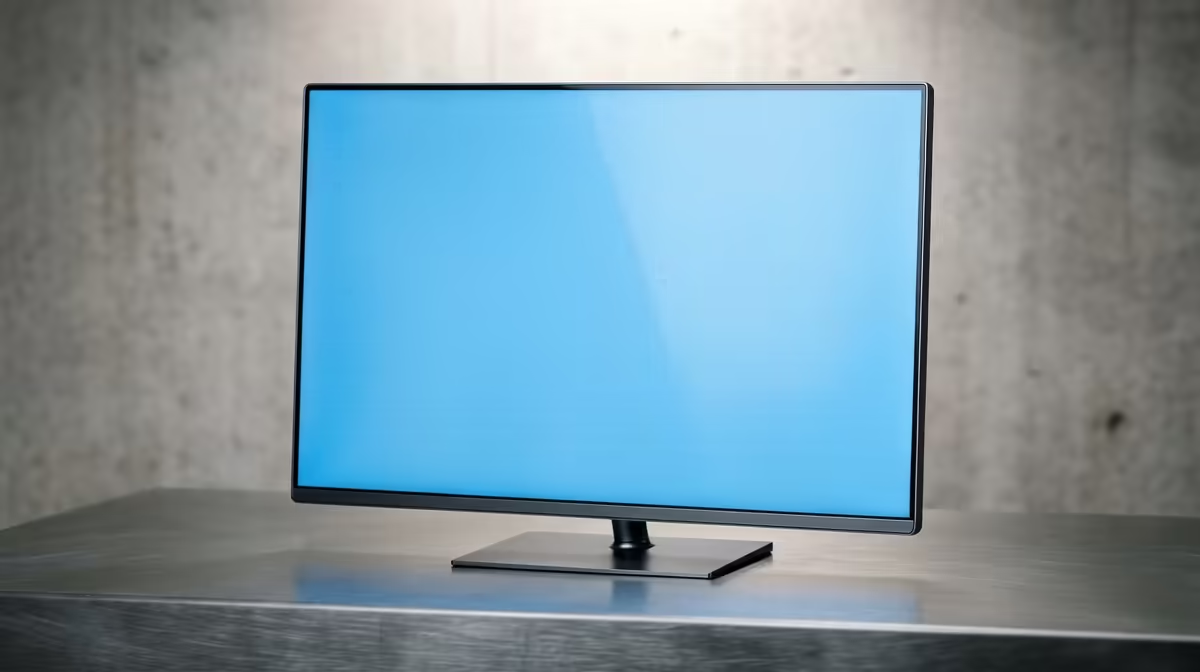
A 27-inch 1440p monitor is the best all-round size for SA gamers, with capable 165Hz IPS models from about R5,500 and 240Hz or OLED options running R9,000 to R20,000. At 27 inches, 1440p hits roughly 109 PPI, sharp without needing UI scaling.
Why 27-inch 1440p is the default pick
At 27 inches, 1440p delivers the ideal balance of sharpness, screen real estate and GPU demand. It is noticeably crisper than 1080p but far easier to drive than 4K, so a mid-range RTX 5060 Ti or RTX 5070 can hold 100+ fps in most titles. Aim for at least 144Hz, 1ms GtG and FreeSync or G-Sync support.
Refresh rate tiers and pricing
Entry 144Hz to 165Hz IPS panels start around R5,500 and suit most gamers. The 180Hz to 240Hz tier (R8,000 to R12,000) targets competitive players, while QD-OLED 1440p models (R16,000+) chase the best contrast and motion for single-player immersion. Buy the refresh your GPU can feed, not the biggest number.
Panel type and connectivity
IPS is the safe default for colour and viewing angles; VA gives deeper blacks but slower response; OLED is the premium motion-and-contrast choice. Ensure DisplayPort 1.4 for high-refresh 1440p and confirm a height-adjustable stand. All models are currently stocked at Evetech with nationwide courier delivery.
FAQ
Is 27-inch 1440p better than 1080p for gaming?
For most gamers, yes. 1440p at 27 inches gives sharper detail and more workspace while staying easy to drive. A mid-range card like the RTX 5060 Ti holds 90+ fps at 1440p in most AAA games.
What GPU do I need for 27-inch 1440p?
An RTX 5060 Ti or RTX 5070 is the sweet spot for 1440p high-refresh gaming. For 240Hz competitive play in esports titles, an RTX 5070 or better keeps frame rates high.
How much is a good 27-inch 1440p monitor in SA?
Capable 165Hz IPS models start around R5,500 at Evetech, with 240Hz panels at R8,000 to R12,000 and OLED options from R16,000.
Pro Tip
Set your monitor to its native 2560x1440 resolution and enable the high refresh rate in Windows Display settings, then turn on G-Sync or FreeSync in your GPU control panel for tear-free play.