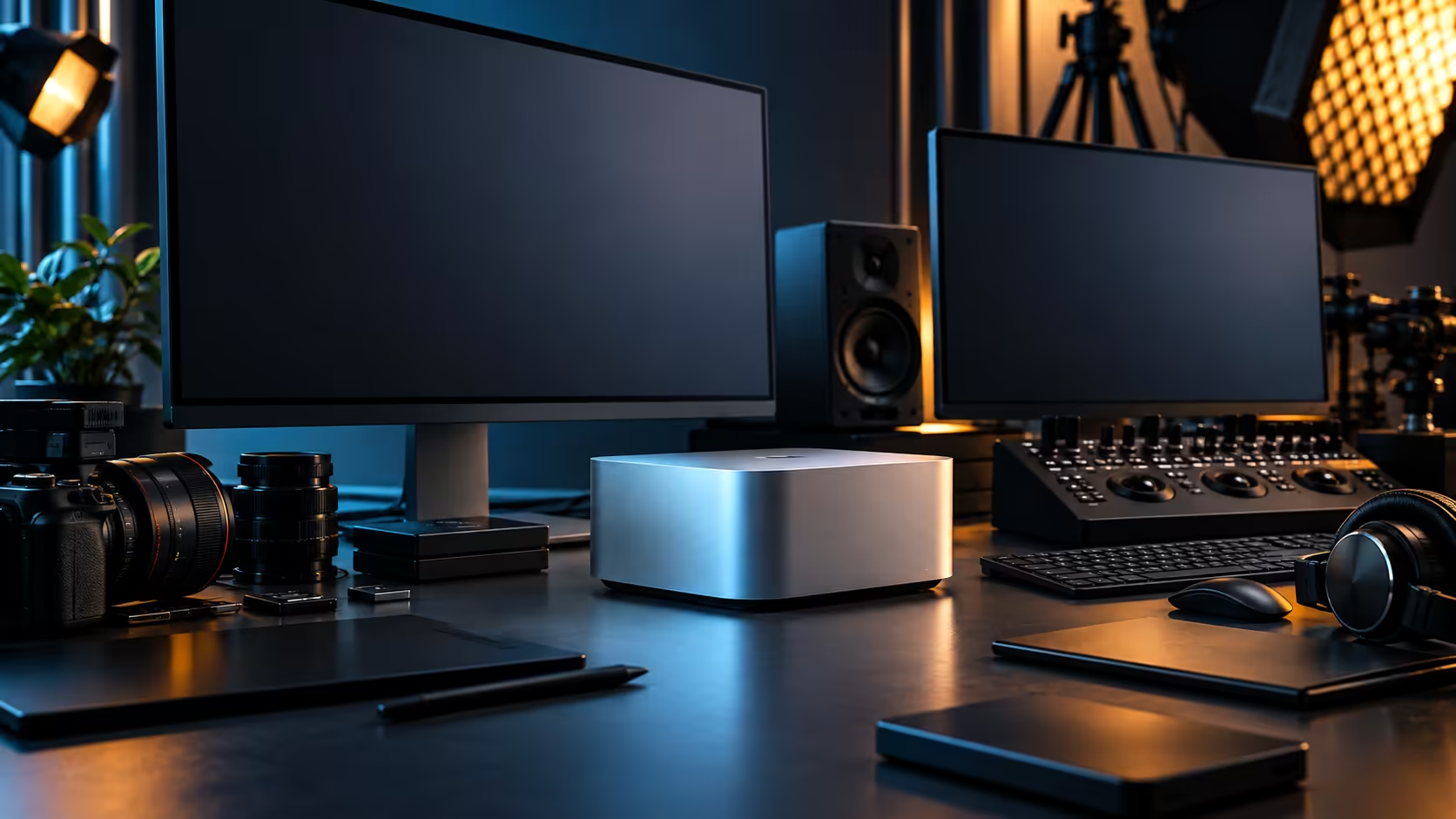
Not every desk needs the same display arrangement, and treating a Mac Studio M5 Max's five video-capable connections as a single fixed layout misses how differently a single ultrawide, a two-screen edit bay and a grading suite with a reference monitor actually use them.
Quick Answer
Four Thunderbolt 5 ports and one HDMI output give the Mac Studio M5 Max five display-capable connections, and the arrangement that suits you depends entirely on the work: a single ultrawide for general use, two matched panels for editing, or a reference monitor plus working screens for colour-critical work. Confirm the actual simultaneous display ceiling for this chip on Apple's specification page before committing to any layout. The machine is R49,499.
🖥️ Setup one: a single ultrawide for general and creative work
The simplest arrangement is often the most underrated one.
One well-chosen ultrawide, connected through a single Thunderbolt 5 port, covers general productivity, light editing and everyday creative work without the desk clutter or cable management overhead of multiple screens. The curved monitor range suits this setup particularly well, since the curve keeps the far edges of a wide panel within comfortable view without needing a second screen for peripheral tasks.
🎬 Setup two: a two-screen edit bay
The step up from a single screen, and the one most video editors settle on.
A primary panel carries the timeline and preview, while a second, connected through a separate Thunderbolt port, holds project bins, scopes or reference material. Keeping both on Thunderbolt rather than mixing in the HDMI output for a secondary screen gives more consistent behaviour on wake and sleep, which matters over a long editing session where a screen dropping out mid-task is a genuine productivity cost. The monitor range covers panels suited to both roles in this pairing.
🎨 Setup three: a grading suite with a dedicated reference monitor
For colour-critical work, more screens isn't the goal; the right screens are.
A calibrated reference monitor, connected directly by Thunderbolt for the most reliable signal path, carries the image you're actually judging, while a working monitor beside it holds tool panels and the timeline. Adding a third screen for scopes is common in dedicated grading rooms, but the reference panel's quality and consistent calibration matter more than the total screen count in this specific setup.
🏢 Setup four: pushing toward the display ceiling
For buyers planning the maximum number of screens the chip supports, the planning burden shifts from choosing panels to confirming compatibility.
Every panel needs its input checked against the machine's available ports, since not every high panel count fits cleanly across four Thunderbolt ports and one HDMI without daisy-chaining or hubs on supported monitors. Confirm the actual simultaneous display limit for the M5 Max on Apple's specification page at your intended resolution and refresh rate before ordering panels toward a specific number, since the port count alone doesn't guarantee that ceiling.
🔧 Choosing between these setups honestly
Match the setup to the work you actually do most days, not the one that photographs best.
A single ultrawide costs less, sets up faster and suits the majority of general creative and productivity work. A two-screen edit bay earns its complexity for anyone editing video regularly. A grading suite with a dedicated reference monitor only makes sense once colour accuracy is a genuine professional requirement, not a nice-to-have. Building toward the maximum display count the chip supports is worth it only if your specific workflow genuinely benefits from that many simultaneous views, and it's worth pricing each additional panel against the machine itself, browsed via the mini PC range, since the display budget can quietly exceed the machine's own cost on a large layout.
🏠 What a South African desk actually accommodates
The setup that looks right in a studio photo isn't always the one that fits a real room.
An edit suite where 2 people share a Mac Studio and a second workstation, common in smaller South African production houses on a R49,499 budget per seat, often does better with two solidly specified screens per person than with either person chasing the maximum display count alone, since desk space and the room's own cooling capacity both get stretched thin by a large panel count in a compact space. Afternoon heat through a window behind a wall of monitors is a real consideration in a converted home office in a way it rarely is in a purpose-built commercial studio, and it's worth factoring into which of these four setups you actually choose rather than treating panel count as a purely technical decision.
💡 Revisiting the layout as work changes
None of these four setups needs to be permanent, and the Thunderbolt ports make switching between them relatively painless.
A single ultrawide bought now can be joined by a second screen later without touching the machine itself, since expansion happens entirely through the existing ports rather than requiring any internal change. Reassess the layout every time your work shifts meaningfully, moving from general editing into colour-critical grading work, for instance, rather than assuming the setup chosen on day one has to serve every future project unchanged.
Frequently Asked Questions
How many displays can the Mac Studio M5 Max actually support at once?
The physical connections are four Thunderbolt 5 ports and one HDMI output. Whether every one of those five runs a screen at once depends on the chip's own display engine and the resolution you choose, not the port count by itself.
Is a single ultrawide monitor a good alternative to a multi-screen setup?
Yes, for general productivity and much creative work, a single ultrawide covers a wide field of view without the cable management of multiple screens.
Should my secondary editing screen connect via HDMI or Thunderbolt?
Thunderbolt where possible, for more consistent wake and sleep behaviour, particularly over long editing sessions.
What matters most for a colour grading setup: screen count or screen quality?
Screen quality and consistent calibration on the reference monitor matter more than the total number of screens connected.
Can I change my display setup later without buying a new machine?
Yes. Since expansion happens entirely through the existing Thunderbolt ports, adding, replacing or rearranging screens as your work changes doesn't require any change to the Mac Studio itself.
Does a warmer room affect how many screens I should run?
Indirectly. A compact, enclosed home office heats up faster with several monitors running, which can compound the airflow the Mac Studio itself needs, so a smaller, well-placed setup often performs more consistently than the maximum panel count in a tight room.
Ready to choose the display setup that actually fits your work?
Compare ultrawide, dual-monitor and reference-panel options against the Mac Studio M5 Max's port layout.