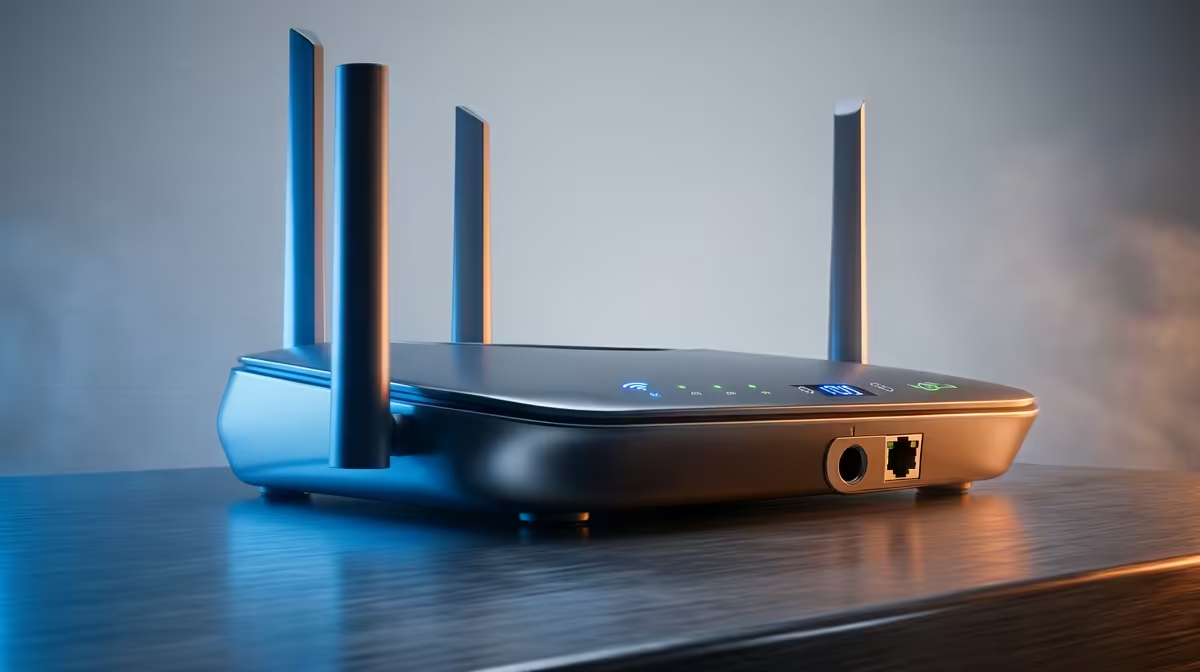
Wi-Fi 7 has matured enough that a full local rundown is genuinely useful, especially for gamers who want lower latency and steadier throughput on a busy home network.
Quick Answer
For SA gamers, the Wi-Fi 7 routers worth shortlisting offer tri-band radios, a 6GHz channel, and at least one 2.5GbE port. Expect pricing from roughly R3,500 for entry tri-band units to R11,000 for flagship models with multiple 10GbE ports and 320MHz channels.
How To Rank The Wi-Fi 7 Field
Start with the radios. A tri-band router that includes the 6GHz band gives you a clean, wide lane for a nearby gaming PC, away from neighbour congestion. Then check wired ports, since a 2.5GbE LAN port future-proofs a desktop link far better than old gigabit.
Features like 320MHz channel width and Multi-Link Operation cut latency variance, which matters more for competitive play than peak headline speed. Coverage area and antenna count decide whether one unit serves your home or you need mesh.
Matching A Router To Your Home
A flat or small house is well served by a single tri-band unit around R3,500 to R6,000. Larger homes with thick walls benefit from a higher-power flagship or a move to a mesh kit. If your line is 100 to 500Mbps, you do not need the most expensive 10GbE model to feel the upgrade.
FAQ
Do I need Wi-Fi 7 if my internet line is only 200Mbps?
The line speed caps internet throughput, but Wi-Fi 7 still helps with lower latency, less congestion, and faster local transfers between devices on your network.
How important is a 2.5GbE port for gaming?
For a wired gaming PC it removes the gigabit ceiling and steadies large downloads. It is one of the most worthwhile specs to insist on.
Will my older laptop benefit from a Wi-Fi 7 router?
Partly. It connects at its own standard, but a less congested 6GHz-capable router still improves stability for every device on the network.
6GHz tri-band router with a 2.5GbE port; that pairing does more for real gaming latency than chasing the highest advertised speed.