



iRacing SA Gaming PC Build Guide
iRacing build planning should focus on the target resolution, settings and total system balance. Treat launch wording as time-sensitive, then verify requirements before choosing SA PC parts.
Read moreExtend your Wi-Fi coverage using PoE-powered access points to eliminate dead zones. 📶 Learn how Power over Ethernet simplifies installation for a stronger, reliable home or office network. 🚀
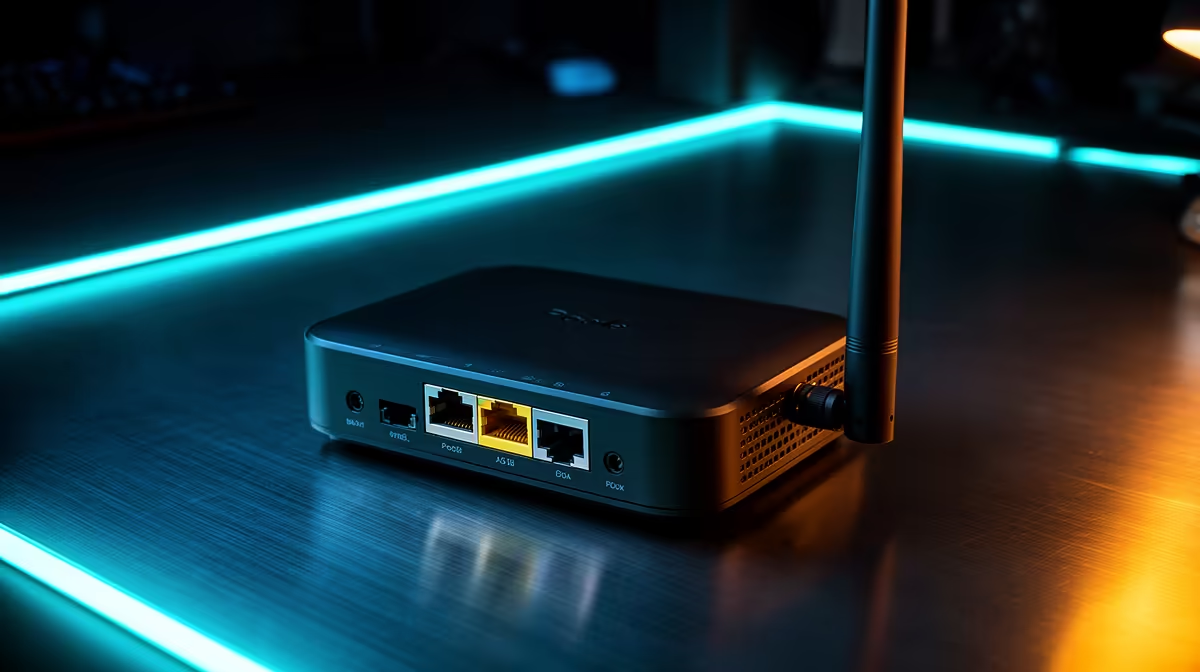
Is there anything more frustrating than getting kicked out of a ranked lobby because your Wi-Fi signal decided to take a holiday? For many South African gamers, thick walls and multi-story homes turn a premium fibre connection into a laggy mess. If you are tired of relying on unstable range extenders, it is time to look at a professional-grade solution: PoE-powered Access Points. By using Power over Ethernet, you can deliver both data and power through a single cable, making installation cleaner and far more reliable. 🚀
Standard range extenders often halve your bandwidth because they have to receive and re-transmit data wirelessly. In contrast, a hardwired Access Point (AP) acts as a high-speed bridge directly connected to your router. When you buy switches that support PoE, you eliminate the need for unsightly power adapters near your ceiling or wall-mounted units. It is the cleanest way to ensure your gaming rig or smart home setup stays online without the dreaded packet loss.
When planning your network, aim to mount your Access Points in central, elevated positions rather than tucked away in a cupboard. Even a few meters of clearance can significantly improve signal penetration through concrete walls, which are notoriously dense in many South African homes.
If you are looking to build a robust home network, you don't need to break the bank to get enterprise-grade stability. We have seen a massive shift toward Cudy networking solutions lately, as they offer excellent performance-to-price ratios for local users.
For those on a tighter budget, you can still find reliable entry-level PoE switches starting from just over R1,100. These units allow you to expand your network reach without needing an electrician to install new plug points in every room. By centralising your power delivery, you gain better control over your network topology and ensure your devices stay powered even during minor power fluctuations... provided you have a decent UPS backing up your core switch! ✨
Once you have your PoE infrastructure in place, adding extra coverage is as simple as running a Cat6 cable to a new location and plugging in another AP. This modular approach allows you to scale your network as your needs grow, ensuring that every corner of your property has a rock-solid connection. Whether you are streaming 4K content or competing in local tournaments, this is the gold standard for home connectivity. ⚡
Ready to Upgrade Your Network? Stop fighting with dead zones and start enjoying a seamless, high-speed connection throughout your entire home. Browse our full range of networking hardware and build a network that works as hard as you do.
A PoE-powered access point uses Power over Ethernet technology to receive both data and electrical power through a single network cable, simplifying installation.
You need a PoE-enabled switch or a PoE injector to provide power to the access point if your current router does not support Power over Ethernet natively.
By placing PoE access points in strategic locations throughout your building, you can extend your Wi-Fi coverage far beyond the reach of a single router.
Yes, standard Cat6 ethernet cables can carry power and data for up to 100 meters, allowing you to mount access points in optimal positions for better coverage.
Yes, PoE access points offer a more stable, higher-bandwidth connection compared to wireless repeaters because they are hardwired directly to your network.
Installation is straightforward: run an ethernet cable from your PoE switch to the access point location, mount the device, and configure it via your controller.
iRacing build planning should focus on the target resolution, settings and total system balance. Treat launch wording as time-sensitive, then verify requirements before choosing SA PC parts.
Read more
Skyrim PC requirements should be mapped to resolution, settings and upgrade budget before choosing a tier. Verify current requirements, then balance GPU, CPU, RAM and SSD around SA pricing.
Read more
Skyrim PC builds is a cautious guide for game PC build planning. Compare game requirements, tier fit, resolution goals, RAM, storage, and GPU choice for SA buyers without assuming live prices, availability, or exact benchmark results.
Read more
Hades 2 PC builds is a cautious guide for game PC build planning. Compare game requirements, tier fit, resolution goals, RAM, storage, and GPU choice for SA buyers without assuming live prices, availability, or exact benchmark results.
Read more
Roblox PC builds is a cautious guide for game PC build planning. Compare game requirements, tier fit, resolution goals, RAM, storage, and GPU choice for SA buyers without assuming live prices, availability, or exact benchmark results.
Read more
Mortal Kombat 1 launch needs a balanced parts plan, not a random basket. Map the CPU, GPU, RAM, SSD, cooling, and monitor target to the budget so SA builders know where to spend first.
Read more
Wondering if a TKL wireless mechanical keyboard is worth it for everyday productivity? We break down latency, battery life, comfort, and workflow gains for real work. ⚡⌨️

Maximise battery life on a fanless 15-inch laptop using efficiency core architecture. Cut idle drain, tune power profiles, and improve thermals for longer runtime. 🔋⚙️

Learn how to reduce desk clutter with a TKL wireless keyboard using fewer cables, smart placement, and tidy essentials. Get a faster, calmer workspace with better ergonomics. ✅🧼

RGB keyboard lighting too distracting? Learn how to manage backlight modes, set brightness, and reduce distraction for focus and productivity 😌🖱️

Are themed gaming keyboards worth the extra cost? Compare build quality, switch options, features, and resale value to find the best fit for your setup 🎮⌨️

Full-Size vs Tenkeyless mechanical keyboards for gaming: find out if a smaller layout truly improves aim, speed, and comfort. We break down layout, desk space, latency-feel, and keybinds 🎮⌨️

Dedicated media rollers vs function key shortcuts: learn which setup gives you better workflow control, faster media access, and fewer mistakes. 🖱️🎧

Best Mechanical Switch Type for Gaming: Clicky vs Linear vs Tactile. Find your feel, speed, and noise balance with practical guidance for FPS, MOBA, and productivity 😄🎮

Direct mouse answer: Mouse not keeping up with your work? Everything that matters about dual-mode 2.4GHz + BT 5.0: DPI behaviour, channel switching, battery curves and per-app button mapping. Covers when 2.4GHz USB wins (low-latency desk) and when BT 5.0 wins (laptop, d

Plain wireless mouse guide: Mouse not keeping up with your work? Everything that matters about wireless productivity mouse: DPI behaviour, channel switching, battery curves and per-app button mapping. Includes DPI tuning tips, channel switch shortcuts, and ZAR-aware fea

Real productivity numbers: Set up your wireless mouse in this order: everything that matters about wireless productivity mouse: DPI behaviour, channel switching, battery curves and per-app button mapping. Includes DPI tuning tips, channel switch shortcuts, and ZAR-aware

Pen not feeling like paper? Stylus lag and skipping usually trace to old drivers, dirty nibs, or display refresh mismatches, not the pen itself. Covers pressure curve tuning, tilt thresholds, nib swap timing, and SA pricing brackets.