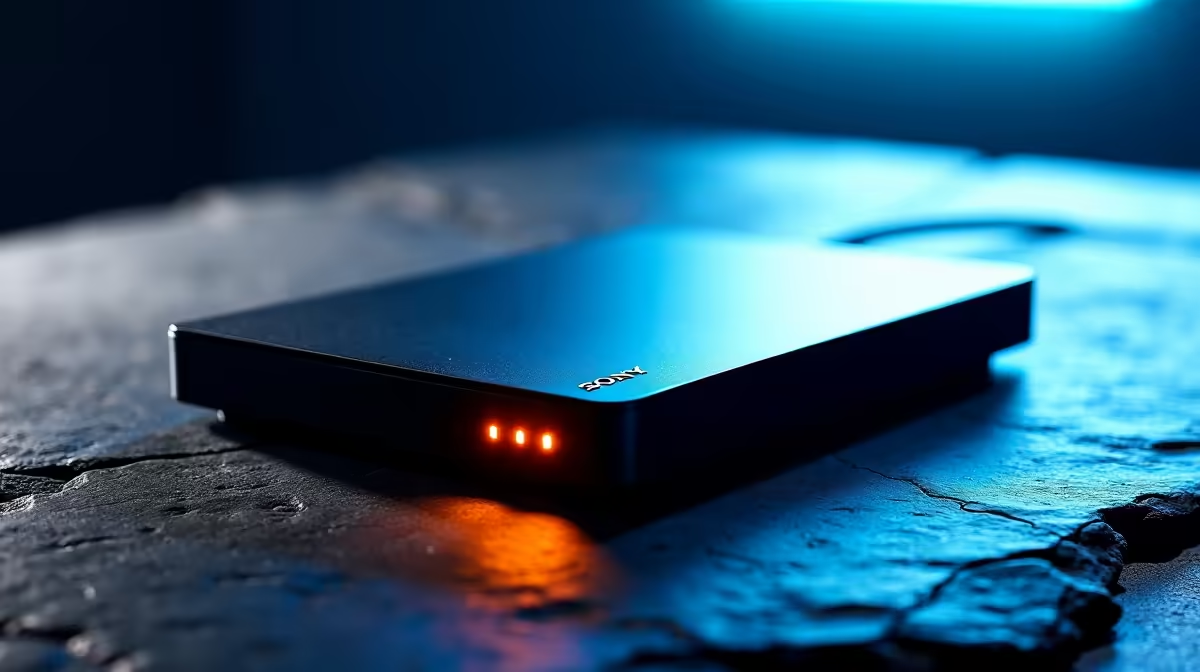
An external hard drive can cope with archiving Twitch streams, but it does not improve live network stability or encoder performance. Recording directly to a mechanical USB drive may work at modest bitrates, yet the full setup should be tested for dropped frames, disconnections and file growth before a long broadcast.
Separate live duties from retention
Run a private test stream while recording locally with the intended settings. Watch encoder and network statistics, then inspect the saved video for gaps. Measure an hour of footage and decide how many broadcasts need to remain available. Active capture can use fast internal storage before completed sessions move to the archive.
The Seagate Expansion 2TB external hard drive is listed at R1,399, while the 4TB model is listed at R2,057. Confirm current interface, included cable, operating-system support, physical size and warranty. Choose capacity from actual hourly growth and retention, not channel ambition.
Keep overlays, scenes, exported highlights and irreplaceable footage in another protected copy. Connect the drive directly where possible and secure the cable against accidental removal during a broadcast. Diagnose upload instability separately from storage.
Choose 2TB for a controlled archive of shorter sessions. Consider 4TB when frequent long streams and local recordings create measured demand, while preserving a clear backup plan.
Archiving Twitch sessions? > Compare Evetech external drives by capacity and connection.