So, you love your MacBook. The sleek design, the buttery-smooth macOS... but that dreaded "Storage Almost Full" notification is starting to feel personal, right? Upgrading internal storage from Apple costs a fortune. Luckily, there's a smarter way. External SSD docks for MacBooks offer blazing-fast storage expansion without forcing you to sell a kidney. It's the ultimate power-up for creators, gamers, and anyone tired of digital hoarding. 🚀
Why an External SSD Dock is Your MacBook's Best Friend
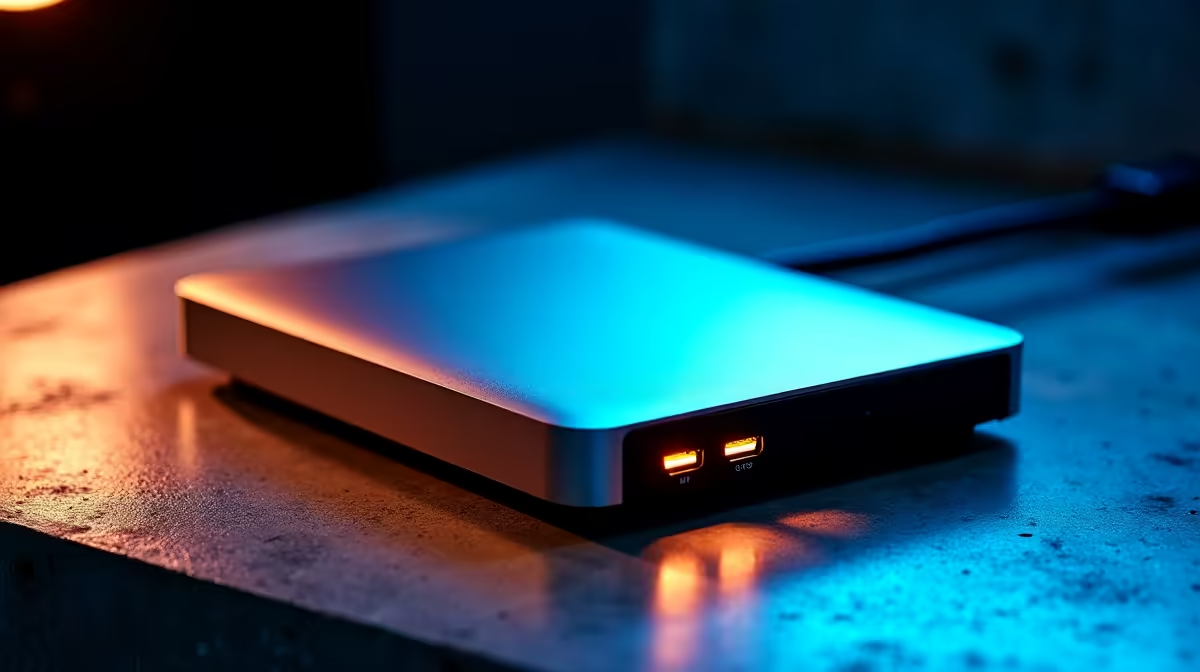
Let's be honest, juggling multiple external drives and dongles is a mess. A dedicated external SSD dock cleans up that clutter and delivers performance that often rivals your Mac's internal drive. Instead of a slow, clunky hard drive, you're plugging in a high-speed NVMe SSD via a single Thunderbolt or USB-C cable.
This means you can edit 4K video projects, store massive game libraries, or run virtual machines directly from the dock with zero lag. It’s the kind of fast storage expansion that transforms your workflow. For a reliable starting point, check out these powerful Promate docking stations that offer a great balance of features and performance.
Choosing the Right Dock for Your Needs
Not all docks are created equal. Finding the perfect match for your MacBook depends on your budget and how you plan to use it.
Speed and Connectivity
The biggest factor is the connection: Thunderbolt offers the fastest speeds (up to 40Gbps), making it ideal for professional video editors and power users. USB-C (up to 10Gbps or 20Gbps) is still incredibly fast for most tasks, including gaming and large file transfers, and often comes at a more accessible price point.
Budgeting Your Upgrade 🔧
You don't need to spend a fortune to get a massive speed and storage boost. There are fantastic, budget-friendly docks under R1000 that are perfect for backups and everyday use. If your workflow demands more power and port variety, exploring options up to R2000 will unlock even faster transfer speeds and more connectivity.
Pro Tip: Format for Performance
Once you've installed your new NVMe SSD into the dock, make sure to format it using macOS's Disk Utility. Choose the APFS (Apple File System) format for the best performance and compatibility with modern Macs. It makes a noticeable difference!
More Than Just Storage ✨
Many external SSD docks for MacBooks are true multi-taskers. They often include extra ports like USB-A for your older peripherals, an SD card reader for your camera, and even an Ethernet port for a stable internet connection. It’s one sleek device that expands your storage and replaces a whole drawer full of dongles. Your desk will thank you.
Ready to Unleash Your MacBook's Potential?
Stop deleting files and start creating. Explore our full range of docking stations and give your MacBook the space and speed it deserves. Shop now at Evetech for performance that leaves lag in the dust.