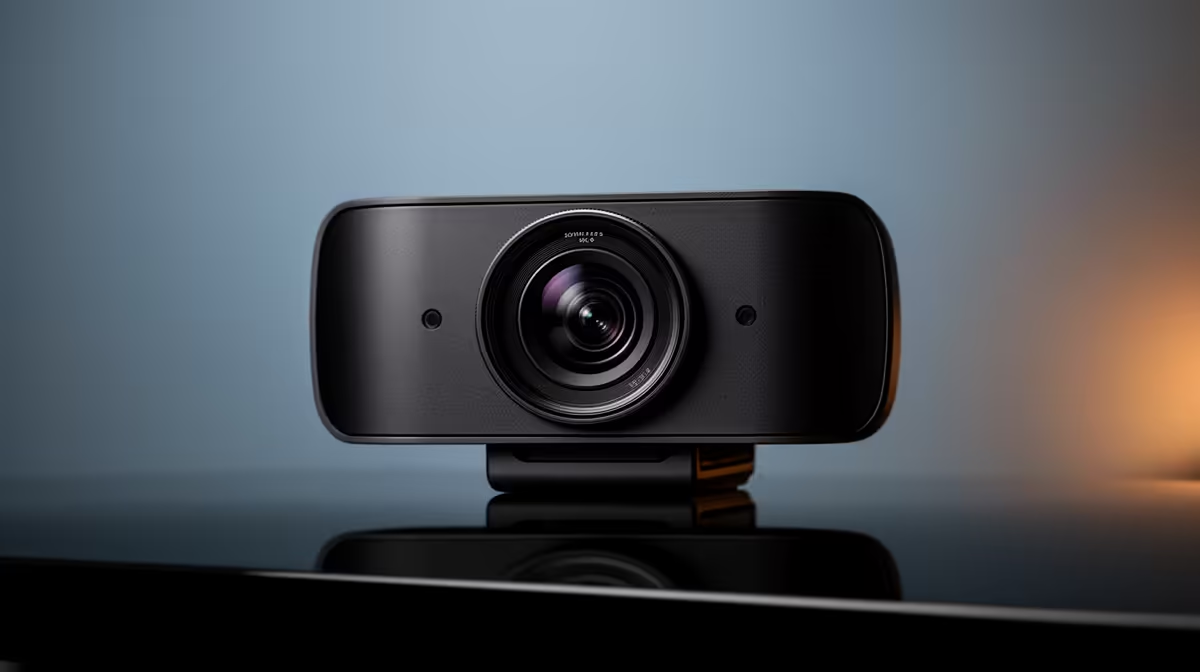
A facecam ladder begins with light and framing, not the price on the camera. A basic webcam can look useful in a small stream box. Mid-tier models can improve exposure, focus and low-light handling. A dedicated camera can add lens choice and depth control, along with capture, power, heat and mounting costs that the body price hides.
Quick Answer
At the R700 title rung, buy only after a named webcam proves useful resolution, frame rate and driver support. At the middle rung, pay for reliable autofocus, exposure and a better sensor after lighting is fixed. At the R5,000 ceiling, count lens, capture path, power and mount before calling it a camera upgrade. Most new creators should stop where the room and stream layout stop showing a gain.
Use Evetech's streaming essentials to include lights and mounts. The webcam range helps you compare exact fixed-camera steps.
Rung One: Basic Webcam
A basic webcam can handle a small face box for game streams and meetings. Put it near eye level and give it one soft light.
Check whether it can deliver the claimed resolution at the frame rate you use. Some modes trade frame rate for resolution.
Manual exposure, focus and white balance are useful even at entry. Automatic settings can hunt when the monitor changes brightness.
Make the Entry Rung Look Its Best
Clean the lens, move the camera close enough for the face box and keep the background simple. Avoid a bright window behind you.
Set the key light above eye level and slightly off to one side. Reduce camera gain after adding light.
Record locally and inspect motion, skin tone and focus. Judge the actual OBS crop.
Rung Two: Better Webcam
Mid-tier webcams can improve sensor size, lens, dynamic range, autofocus and low-light behaviour. They can also offer wider field-of-view choices.
Pay for the control you need. A wide lens is useful for two people and wasteful when it shows a messy room around one streamer.
Check driver stability and whether settings persist after reboot. Convenience is part of the upgrade.
Where Returns Start to Shrink
Once the stream face box is small, extra camera resolution is downscaled. Compression and viewer size can hide fine sensor gains.
Lighting, microphone quality and content can create a larger audience-facing change. Stop the camera ladder when side-by-side recordings look close at final stream size.
Do not judge from a full-screen local preview if the camera never appears full-screen live.
Rung Three: Dedicated Camera
A dedicated camera can offer a larger sensor, lens choice, controlled depth of field and stronger image processing.
It may need a clean HDMI output or supported USB video mode, a capture device, continuous power, tripod or arm and a suitable lens.
Check heat limits and whether overlays can be removed from the output. Long streaming behaves differently from a short clip.
Count the Hidden Parts
The R5,000 ceiling in the title cannot be treated as a body-only price. Add lens, capture, cable, power adapter, mount and any micro-HDMI strain relief.
Use exact named products from the approved July 2026 pack for each rand claim. If the pack does not support the model, leave the number out.
A complete mid-tier webcam can beat an incomplete camera basket.
Check the Camera Transport
A webcam sends video over USB and can compete with capture cards, microphones and storage devices on the same controller. Test the intended resolution and frame rate with every stream source active.
A dedicated camera may use clean HDMI into a capture device. Confirm output resolution, frame rate, colour range and whether status icons can be removed.
Micro-HDMI connectors are small and easy to strain. Secure the cable so a chair or arm cannot pull on the camera socket.
Some cameras offer USB video without a capture card and may limit resolution, frame rate or control in that mode. Compare the exact supported path rather than assuming HDMI is required.
Match the Capture Device
Choose a capture input that accepts the camera's clean output and the OBS mode you need. A 4K camera does not require 4K live capture when the stream uses 1080p.
Check USB bandwidth, driver support, audio handling and heat during a long session. Run the camera and capture device for the full stream length before relying on them.
The capture path belongs in the top-rung total and in the stability test.
The Phone Competes With Every Rung
A current phone may beat a basic webcam for image quality. It still needs a mount, connection, power and heat plan.
Use it as a bridge when you can spare the device. Move to a webcam for repeatable startup.
Compare the phone, webcam and camera under the same light and final OBS crop.
Frame Rate and Shutter
For 30 fps video, a shutter near twice the frame interval is a common starting point, though local mains lighting and motion can require adjustment. At 60 fps, the camera needs more light for a similar exposure.
Watch for flicker under LED lights. Match supported anti-flicker controls to the environment.
Do not force 60 fps when the face box is small and the room cannot light it cleanly.
Autofocus or Manual Focus
Autofocus helps when you lean or show objects. It can pulse when the room is dark or the background has strong contrast.
Manual focus is stable for a fixed seated position. Mark the chair and camera distance.
Choose the behaviour that fits the stream rather than the more impressive feature list.
Privacy and Background
Frame only what should be public. Remove documents, addresses, reflections and family photographs you do not want on stream.
Background blur can fail around hair and moving hands. Physical distance and a controlled lens produce a different result.
A clean deliberate background costs less than another camera rung.
FAQ
Is the R700 webcam usable?
Only the exact named product can answer that. Check final resolution, frame rate, focus, driver support and the image under one soft light.
What does the top rung add?
It can add sensor and lens control, plus capture, power and mounting work that must fit the full basket.
Does lighting matter more?
Often. Better light can improve every camera rung and may delay the need to replace the device.
Compare every facecam rung under the same soft light and final OBS crop, then stop when the audience-sized image no longer earns the extra basket.