The Importance of Visual Clarity in Business
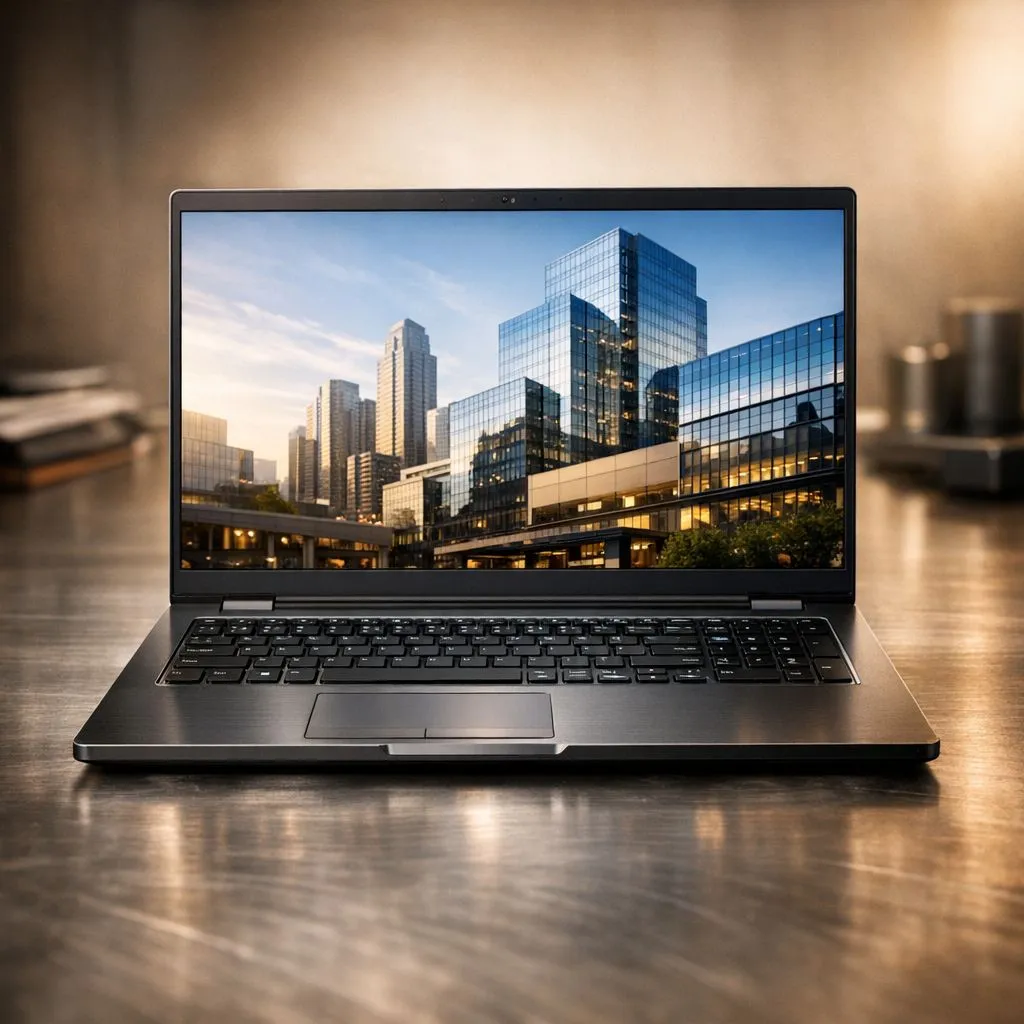
Choosing a laptop for the office isn't just about the internal specs. In South Africa, where we often shift between sunlit boardrooms and coffee shops during loadshedding, your screen becomes your most important tool. This FHD Laptop Display Buying Guide breaks down the business screen essentials you need. Let’s ensure your next purchase keeps your eyes fresh and your work looking professional. 🔧
Balancing Resolution and Battery Life
Full HD, or 1080p, remains the industry standard for a reason. It provides a crisp 1920 x 1080 resolution that fits perfectly on 13 to 15-inch panels. When you browse Intel laptops on special, you will notice this resolution is the sweet spot for productivity. It offers enough space for two documents side-by-side. This prevents text from looking unreadably small... a vital factor for long workdays. It also consumes less power than 4K panels, which is crucial when you are away from a plug point. ⚡
Panel Tech: IPS vs. TN for the Office
Not all screens are created equal. For business, IPS panels are the gold standard. They offer wide viewing angles and better colour reproduction than older TN panels. If you are looking at Ryzen laptop deals, prioritising an IPS display ensures that your spreadsheets look consistent from any angle. This is vital when presenting a deck to a colleague sitting next to you. It is a small detail that makes a massive difference in a professional setting. 🚀
Screen Comfort Tip ⚡
If you find text too small on your FHD display, do not lower the resolution. Instead, use the 'Scale and Layout' settings in Windows to increase text size to 125%. This keeps the image sharp while making those dense spreadsheets much easier to navigate during a long workday.
Brightness and Anti-Glare: Working in Mzansi
South African lighting can be unpredictable. A glossy screen might look pretty in a dark room... but it becomes a mirror in a bright office. Always look for a matte or anti-glare finish. This is common even in gaming laptops under R20k, where visibility is a priority. Aim for at least 250 to 300 nits of brightness. This helps you combat the glare from our harsh afternoon sun without straining your eyes. ✨
Finding Value in the South African Market
For professionals in marketing or design, colour accuracy is non-negotiable. You can often find premium panels on GeForce RTX gaming laptops on special. These machines provide the graphical power for rendering while ensuring your brand colours are spot on. If you need a versatile machine, the best gaming laptop deals often feature the best balance of refresh rate and clarity. Finding a high-quality screen does not mean spending R30,000... it just requires knowing which specs to prioritise.
By following this FHD Laptop Display Buying Guide, you ensure your tech investment pays off in comfort. Focusing on these business screen essentials will keep you productive no matter where you set up your office.
Ready to Find Your Perfect Match?
The Mac vs Windows debate is complex, but for maximum power, choice, and value in South Africa, Windows is hard to beat. Explore our massive range of laptop specials and find the perfect machine to conquer your world.