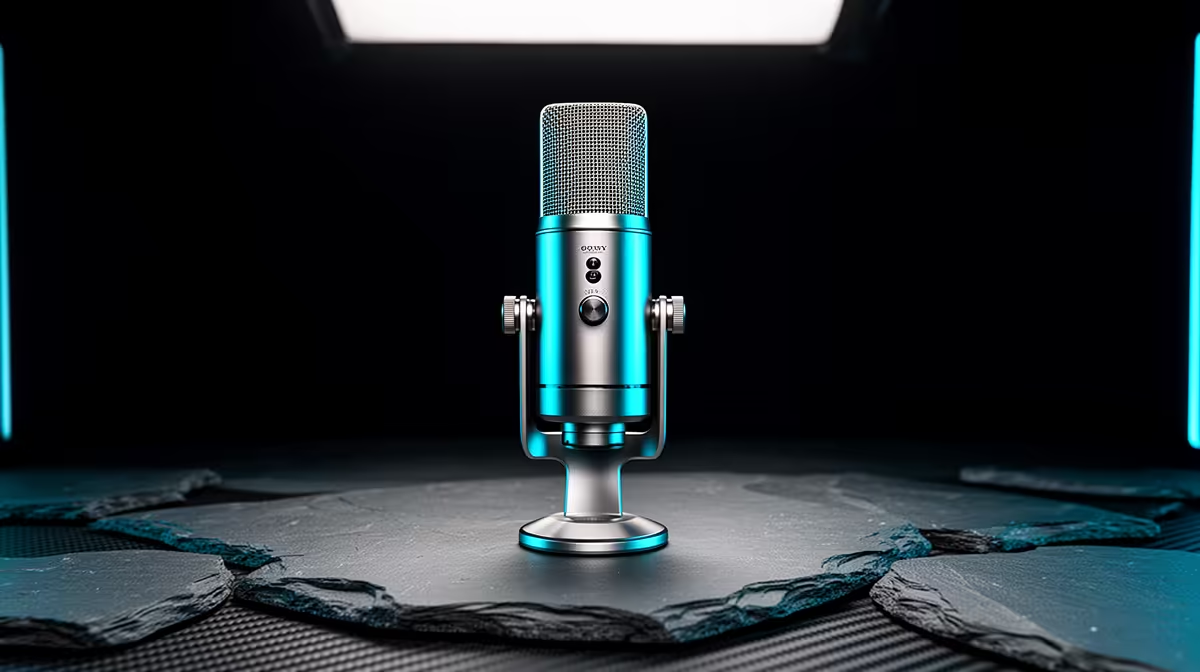
A first streaming microphone should let you start on USB without trapping you there. The Fifine AM8 is discussed for combining a direct USB route with an XLR output that can join an interface later. The Fifine AM8 price in South Africa only makes sense once you choose which path you will use and add the stand, cable and room work it needs.
Quick Answer
Fifine AM8 listings and Rand totals can move through specialist South African stock and overseas routes, so no single local price will stay dependable. Border supply may bring freight, customs duty and a distant return. Evetech's current streaming essentials range shows locally listed microphones with live connection and warranty details.
🎙️ Use USB now and understand XLR later
The AM8 combines USB and XLR connections in one microphone. Confirm the exact current model and included cable before purchase.
USB lets the microphone connect to a supported computer with its built-in conversion and controls. This suits a first desk setup.
XLR sends the microphone signal to a separate audio interface or mixer. The interface then provides gain, conversion and monitoring.
Do not assume every control works the same over both routes. Headphone monitoring, lighting, mute and gain functions can depend on the connection.
Check whether the microphone is dynamic and which pickup pattern it uses. Speak into the correct end or side at the recommended distance.
Dynamic microphones often reward close placement. Moving closer can improve voice-to-room balance before software noise reduction is added.
The XLR route gives you an upgrade path, but buying an interface only makes sense when you need more inputs, routing or better control.
🏠 Build a voice setup around placement
Mount the AM8 on a stable desk stand or boom arm. Check thread size, adapter and microphone mass.
Place it close enough for a healthy speech level without blocking your face or keyboard view.
Aim the rear or rejection area towards computer fans and noisy room sources where the pickup pattern allows.
Use a pop filter or foam cover if plosives reach the capsule. Speak a little across the microphone rather than straight into it.
Keep the arm isolated from typing vibration. A shock mount can help only if it fits the microphone and does not block controls.
Listen to the untreated recording. Room echo, fan rumble and a rattling stand need physical fixes before plugins.
Check whether decorative lighting fits the stream or becomes a distraction. It should not be the reason you choose the microphone.
📦 Compare the full South African package
Use a dated offer naming the AM8, colour, stand or yoke, USB cable, XLR cable, seller and currency. Bundles can differ.
The delivered Rand total must account for the carrier quote and customs assessment. Ask how a damaged grille, dead USB port or noisy XLR output is handled.
If using USB, confirm operating-system support and available computer ports. A stable direct port is best for initial testing.
If using XLR, add an interface, cable and monitoring headphones. Check how much clean gain the interface provides for the speaking distance.
Review Evetech's webcam category when building the video side of the stream.
Compare locally listed mics by connection, pickup pattern, included mount and warranty. A USB-only microphone may be simpler, while a good XLR-ready mic can suit a planned interface upgrade.
Keep the box, cable, thread adapter and serial details. They help separate a microphone fault from an accessory fault.
Check the first-fault period and test USB, XLR and headphone functions you expect to use.
Include a quiet mounting solution in the value. A cheap arm that sags or transmits every desk knock wastes microphone performance.
Check whether the included desk stand places the capsule high enough for close speech. If it sits below your chin, budget for a boom arm before judging the microphone from a distant position.
Ask whether the USB connector is replaceable or soldered to the main board. A loose desk cable can place repeated leverage on that port.
If RGB or touch controls require a companion app, confirm the microphone still records after the app closes. Core audio should remain dependable even when decorative features are unavailable.
Review microphone monitoring latency in the actual USB mode. Hearing a delayed version of your voice can make natural speech difficult.
🧪 Set a baseline on both connections
Start with USB and install only supported software. Select the AM8 as the input in the operating system and recording app.
Set gain while speaking at real stream volume. Leave room for laughter and raised voices.
Record dry speech and listen through headphones. Check plosives, room echo, hum and keyboard noise.
Test hardware mute and confirm the visible state. Keep a software backup.
If you plan XLR use, connect to the interface with gain down. Enable only the power settings the exact microphone requires.
Match recording level between USB and XLR before comparing sound. Louder often seems better.
Move the XLR cable away from power supplies if hum appears. Try a known-good cable before blaming either device.
Add a gentle high-pass filter or compression only after placement is right. Change one processor at a time.
Save separate USB and XLR notes. Name the computer device and interface channel used.
Record a full streaming session and check sync with the webcam, application routing and fatigue from microphone position.
Repeat the dry recording after the computer wakes from sleep. Confirm the operating system did not select a webcam or headset microphone instead.
If the XLR route sounds quieter, compare interface gain and distance before deciding the USB electronics are better. Match level before any quality judgment.
Keep one backup profile without lighting or processing. It gives you a quick recovery path when software updates break a complex scene.
Frequently Asked Questions
Does the Fifine AM8 have one South African Rand price?
No lasting figure covers changing listings and bundles. Use a current quote for the exact package.
Does Evetech stock the Fifine AM8?
Do not infer title-model stock. The linked category shows microphones and streaming gear available now.
Why is the AM8 popular with new streamers?
Its USB and XLR paths can support a simple first setup and a later interface-based system.
What can shipping add?
The total depends on freight, customs duty, insurance and any later support transport.
Can a faulty AM8 be returned locally?
The purchase route determines the answer. Obtain the return address and test procedure for both USB and XLR faults.
Which local streaming mic should I compare?
Use Evetech's current range to compare connection, pickup pattern, included stand, monitoring and warranty.
Ready to upgrade your streaming voice chain?
Browse Evetech's current microphones and webcams, then choose a USB or XLR path that suits your room and growth plan.