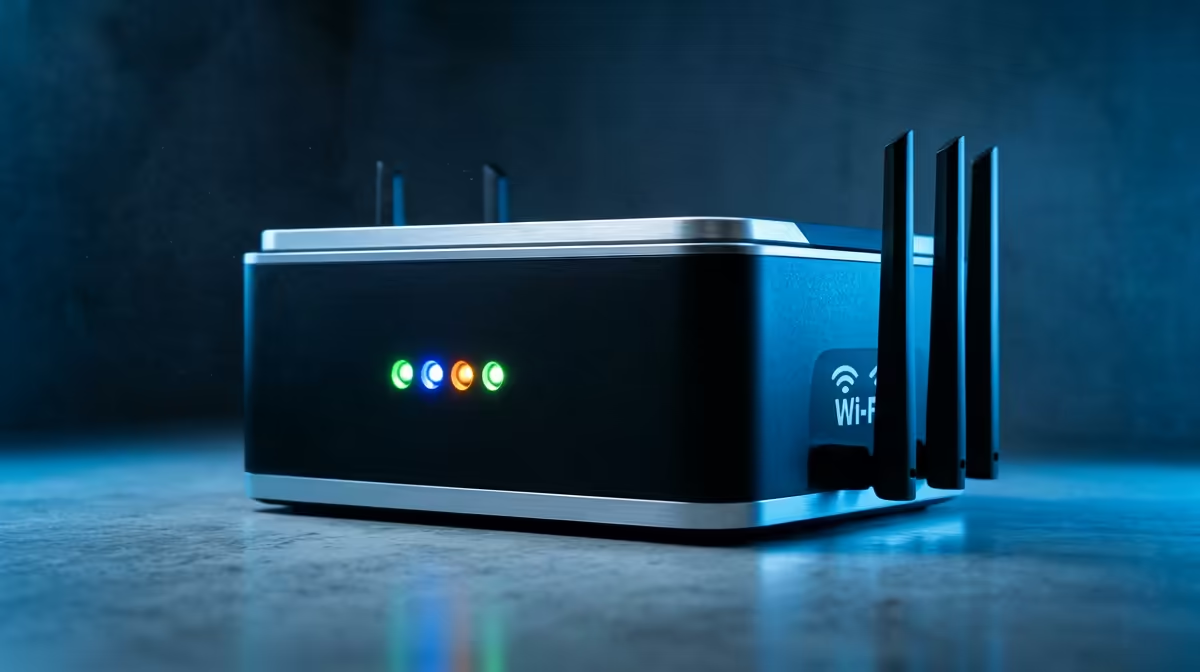
You've got the fastest fibre line your provider offers, but your ping in Apex Legends is still a nightmare. That crucial shot? Lost to lag. Before you spend hours on hold with your ISP, let's talk about what's happening inside your home. Often, the key to fix ping issues isn't a new provider… it's smarter hardware. Your router might be the real bottleneck holding back your gaming potential.
Why Your Fast Fibre Still Feels Slow
It’s a classic Mzansi tech problem. You pay for a 100Mbps line, but your connection feels sluggish during the heat of battle. The reason? Bandwidth (speed) and latency (ping) are two different things. Bandwidth is how much data you can download, while ping is how fast your commands reach the game server and return.
High ping is often caused by issues within your own home network:
- Wi-Fi Congestion: Your neighbours' networks can interfere with yours.
- Old Hardware: The free router from your ISP often uses outdated technology.
- Poor Signal: Walls, floors, and distance kill Wi-Fi performance.
Fixing these local issues is the most effective way to lower your ping for good.
Actionable Steps to Fix Ping Issues Today
Before you spend a cent, let's try a few things. You can often improve your connection stability and fix high ping with some simple adjustments.
Go Wired for Ultimate Stability ⚡
For any serious PC or console gamer, this is non-negotiable. Wi-Fi is convenient, but it's susceptible to interference. An Ethernet connection provides a direct, stable link to your router, eliminating wireless variables and giving you the lowest possible ping. If your setup is far from your router, investing in a quality Ethernet cable and network switch is the single best upgrade you can make.
Find Your Best Wi-Fi Channel
Use a free app like "WiFi Analyzer" on your phone to see which channels your neighbours are using. Log into your router's settings and manually switch your 2.4GHz or 5GHz network to the least crowded channel. It’s a quick fix that can make a huge difference.
Optimise Your Wireless Network
If you absolutely must use Wi-Fi, optimising it is key. Place your router in a central, elevated position in your home, away from thick walls or large metal objects. Sometimes, the problem is simply that the included ISP router isn't powerful enough to cover your whole space, which is when upgrading your wireless networking gear becomes essential. A modern router can drastically improve both range and stability.
Choosing the Right Hardware Upgrade 🚀
If the tips above don't solve the problem, it's time to look at your hardware. Modern routers with technologies like Wi-Fi 6 offer huge performance gains, especially in homes with many connected devices. They handle network traffic more efficiently, which is crucial for prioritising your game.
Look for features like Quality of Service (QoS), which lets you tell your router that your gaming PC or console is the most important device on the network. Top-tier gaming routers from brands like TP-LINK build this functionality right in. For larger homes struggling with dead spots, a Mesh Wi-Fi system provides seamless coverage everywhere. You can find excellent, cost-effective options from Cudy that blanket your home in a strong, stable signal.
Ready to Banish Lag for Good?
Stop letting a weak signal sabotage your K/D ratio. The right network upgrade is the fastest way to a stable, low-ping connection. Explore our full range of wireless networking solutions for performance that leaves lag in the dust.