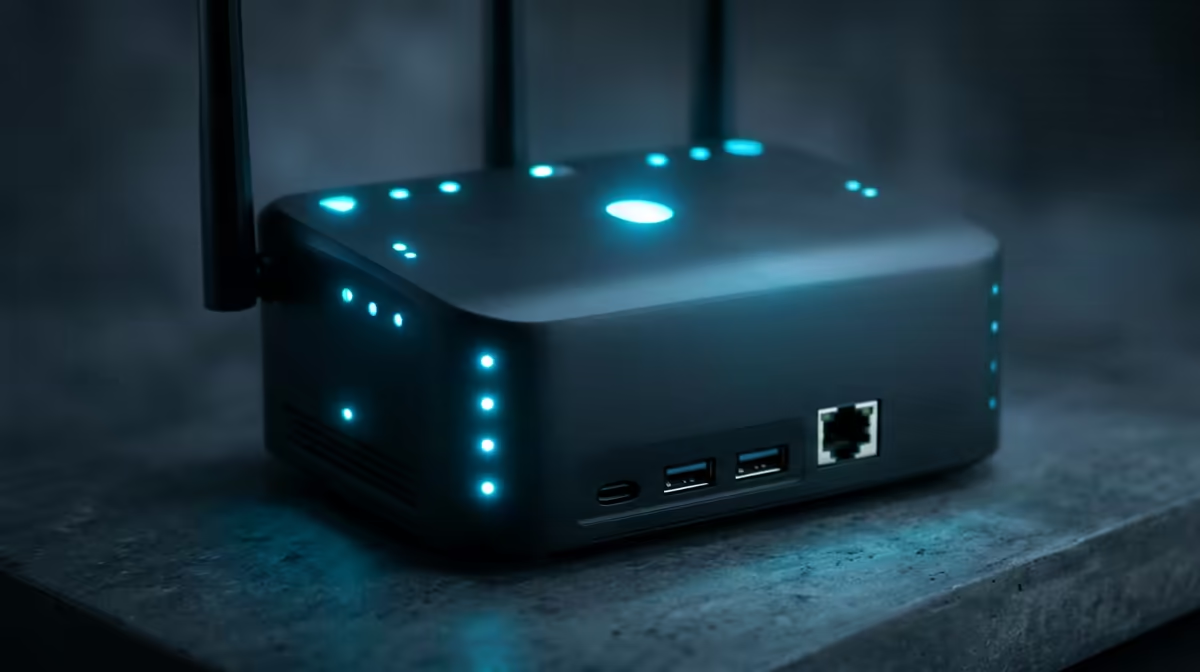
Getting online gaming right in Durban is less about the headline 1 Gbps number and more about a clean, low-latency path from your PC to the server. This guide covers the ping you should actually see on a Frogfoot line, the router setup that holds it steady, and the gear that turns a good connection into real frames.
Quick Answer
For online gaming on a 1 Gbps Frogfoot line in Durban, target a wired ping of 20-32ms to JHB and Cape Town servers with under 5ms jitter. The line speed matters far less than latency and a clean wired path, so a 1 Gbps plan around R1,000-R1,300/month is plenty for smooth play.
Latency Beats Raw Speed for Online Gaming
1 Gbps sounds important on a marketing page, but a single online game uses only a few Mbps. What you feel in a duel is ping and jitter. From Durban you should see 20-32ms to most South African servers; anything spiking above 60ms means something on the path is wrong, not the plan. Plug the gaming PC into the router with Cat6 Ethernet, pause any background downloads, and confirm the ONT light is solid before blaming the line.
Router and QoS Setup That Holds Up
The router does more for ping stability than the speed tier. A Wi-Fi 6 unit with smart-queue management keeps your frames low-latency even when the house is streaming. Look at the TP-Link Archer AX73 (around R2,500-R3,200) or the ASUS RT-AX86U (around R3,800-R4,800) and enable SQM or QoS so game traffic is prioritised on the shared 1 Gbps line. If the supplied ISP router struggles under load, that upgrade is usually the single biggest fix for stutter.
Gear That Makes the Line Worth It
A clean fibre line only shows its value if the PC can push frames. For competitive titles a 144Hz or 165Hz panel and a card that holds 144+ fps at 1080p, such as an RTX 5060 or RX 9060 XT, turn low ping into actual wins. Evetech stocks these GPUs, Wi-Fi 6 routers, and Cat6 cabling so you can sort the whole chain in one order.
FAQ
What ping should I expect from Frogfoot on 1 Gbps in Durban?
Wired, aim for 20-32ms to Johannesburg and Cape Town servers with jitter under 5ms. If you see double that, check for Wi-Fi interference or background downloads before suspecting the line.
Is 1 Gbps enough speed for online gaming?
Yes. A single game uses only a few Mbps, so 1 Gbps is comfortable even with other devices active. Spend your attention on latency, a wired path, and a capable router instead of a faster tier.
Which router should I pair with this line?
A Wi-Fi 6 router with SQM, such as the TP-Link Archer AX73 (R2,500-R3,200) or ASUS RT-AX86U (R3,800-R4,800), keeps ping low under household load and is the best upgrade after the line itself.
Setup Tip
Run a wired speed and ping test at peak evening hours from Durban, note your jitter, then enable SQM QoS on the router. A R2,500 Wi-Fi 6 router fixes more lag than jumping to a faster Frogfoot tier.