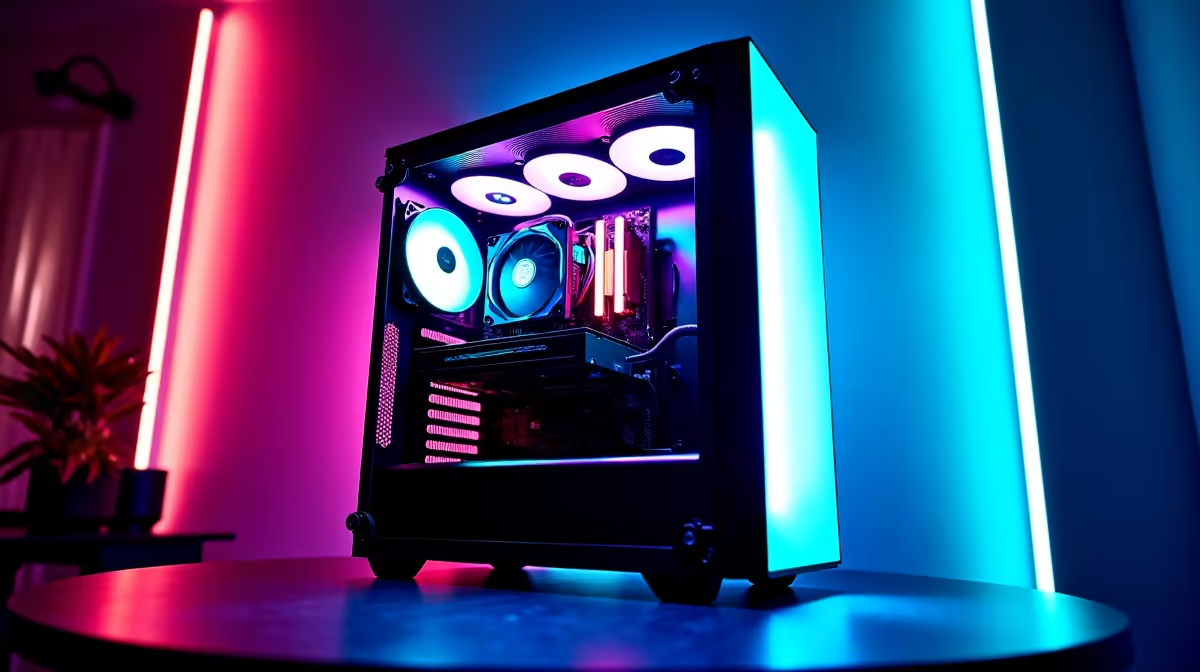
You’re live. The chat is popping off, you’ve just pulled off an insane clutch, and your viewer count is climbing. Then it hits… that dreaded stutter. Your stream drops frames, your game freezes, and the "connection unstable" warning flashes. For South African streamers, this nightmare is all too common. But what if the secret to a smooth broadcast isn't just software? The pros know that the best game boosters for lag-free streaming are often hardware upgrades.
Why Your Stream Is Dropping Frames (And How to Fix It)
Before you blame your beastly gaming PC, let's look at the real culprit behind most stream lag: your network. Your internet connection is like a highway. Even if you have a Ferrari of a PC, you're not going anywhere fast if the road is full of potholes and traffic jams. Data packets from your game and to your streaming service (like Twitch or YouTube) get delayed or lost, causing that frustrating lag and pixelation for your viewers.
This is where investing in your network infrastructure pays off. A high-performance router is the first step, acting as a traffic controller for your home network. Modern gaming wireless routers come with Quality of Service (QoS) features, allowing you to prioritise traffic for your PC over other devices, ensuring your stream gets the bandwidth it needs. ⚡
Hardware Upgrades for a Rock-Solid Broadcast
Software boosters can only do so much. To truly achieve a stable, professional-quality stream, you need a solid hardware foundation. Think of these components as the ultimate tools for achieving lag-free streaming.
Banish Wi-Fi Dead Zones 📡
Is your gaming setup far from your router? Thick walls, floors, and even home appliances can weaken your Wi-Fi signal, creating "dead zones" where your connection becomes unreliable. This is poison for a live stream. A simple yet powerful solution is to install wireless range extenders. These devices capture your existing Wi-Fi signal and rebroadcast it, strengthening the connection in every corner of your home.
Pro Tip: Go Wired When Possible
For the absolute lowest latency, nothing beats a direct Ethernet connection to your router. If you can't run a cable, make sure your PC is on a 5GHz Wi-Fi band, as it's typically faster and less congested than the 2.4GHz band.
Give Your PC a Direct Line to Speed
Sometimes the bottleneck is the component inside your PC responsible for catching the Wi-Fi signal. The built-in network card on your motherboard might not be optimised for the high-throughput, low-latency demands of simultaneous gaming and streaming. Upgrading to dedicated wireless adapters, especially those with Wi-Fi 6 technology, can dramatically improve connection speed and stability, making your PC a better receiver for that precious data. It's a small change that delivers a massive performance boost for your stream.
This hardware-first approach is what separates amateur streams from professional broadcasts. By ensuring your network is as powerful as your PC, you're not just playing a game; you're creating a seamless experience for your audience. 🚀
Build Your Lag-Free Foundation
Stop letting a poor connection hold your stream hostage. Explore our complete range of networking gear and build the stable, high-speed setup your content deserves. Shop all wireless networking solutions at Evetech for performance that leaves lag in the dust.