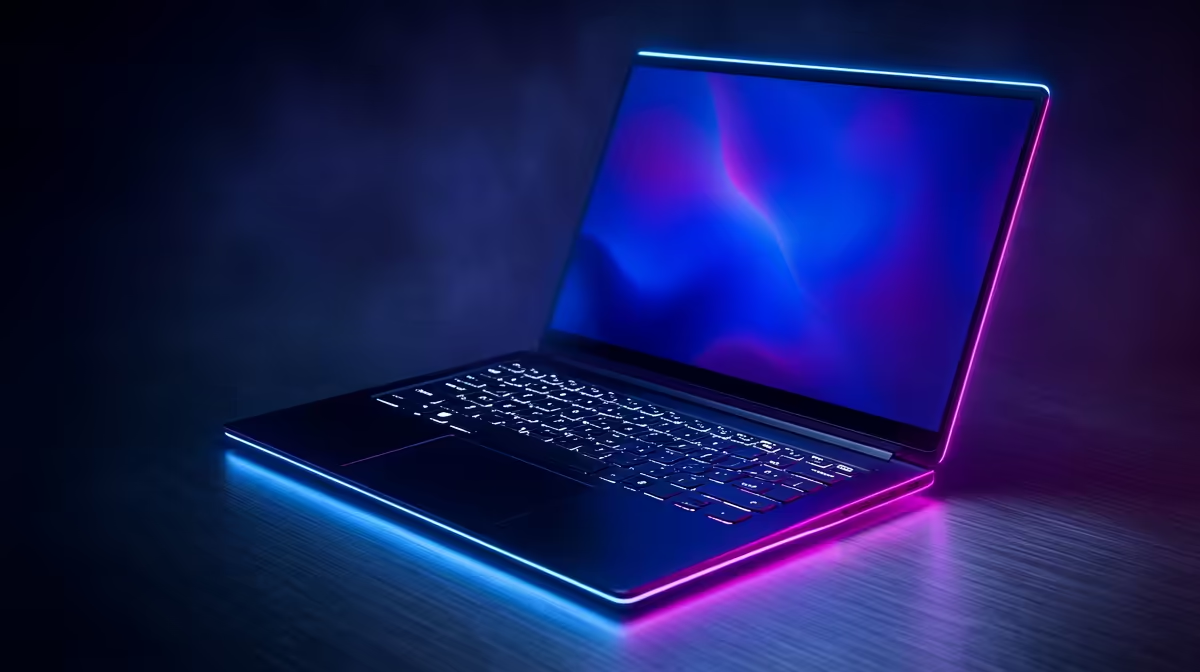
A gaming laptop decision tree weighs portability against performance and thermals, since a thin chassis and a powerful GPU rarely coexist without compromise.
Quick Answer
Choose a gaming laptop by GPU tier and display first, then thermals and battery. For 1080p high-refresh play, a mid-tier RTX laptop from about R20,000 works well; demanding 1440p gaming laptops with strong cooling run R30,000 upward in SA.
The Branches To Follow
Branch one is the GPU and its power limit; the same GPU name can perform very differently depending on the wattage the chassis allows, so check the total graphics power. Branch two is the display: a 1080p 144Hz or 1440p 165Hz panel matters more than a high-resolution screen the GPU cannot drive.
Branch three is cooling and weight. A thicker laptop sustains higher clocks and runs cooler, while an ultraportable trades sustained performance for slimness. Battery life is a fourth branch for buyers who carry the machine daily.
Thermals Decide Real Performance
Two laptops with the same GPU can differ by double-digit frame-rate percentages purely on cooling and power limits. Favour models with proven thermal designs if you game for long stretches. Confirm RAM is 16GB or more and storage is at least 1TB NVMe.
FAQ
Does the same GPU perform the same in every laptop?
No. The chassis power limit and cooling change real frame rates significantly, so check the total graphics power, not just the GPU name.
How much RAM should a gaming laptop have?
16GB is the sensible minimum, with 32GB worthwhile for creators or heavy multitaskers. Confirm it is upgradeable if you want headroom.
Is battery life realistic on a gaming laptop?
Gaming drains battery fast, but general-use battery life varies widely. If you work unplugged often, weight battery as a real branch in the decision.
GPU's total graphics power between models, not just its name; cooling and power limits decide the frame rates you actually get.