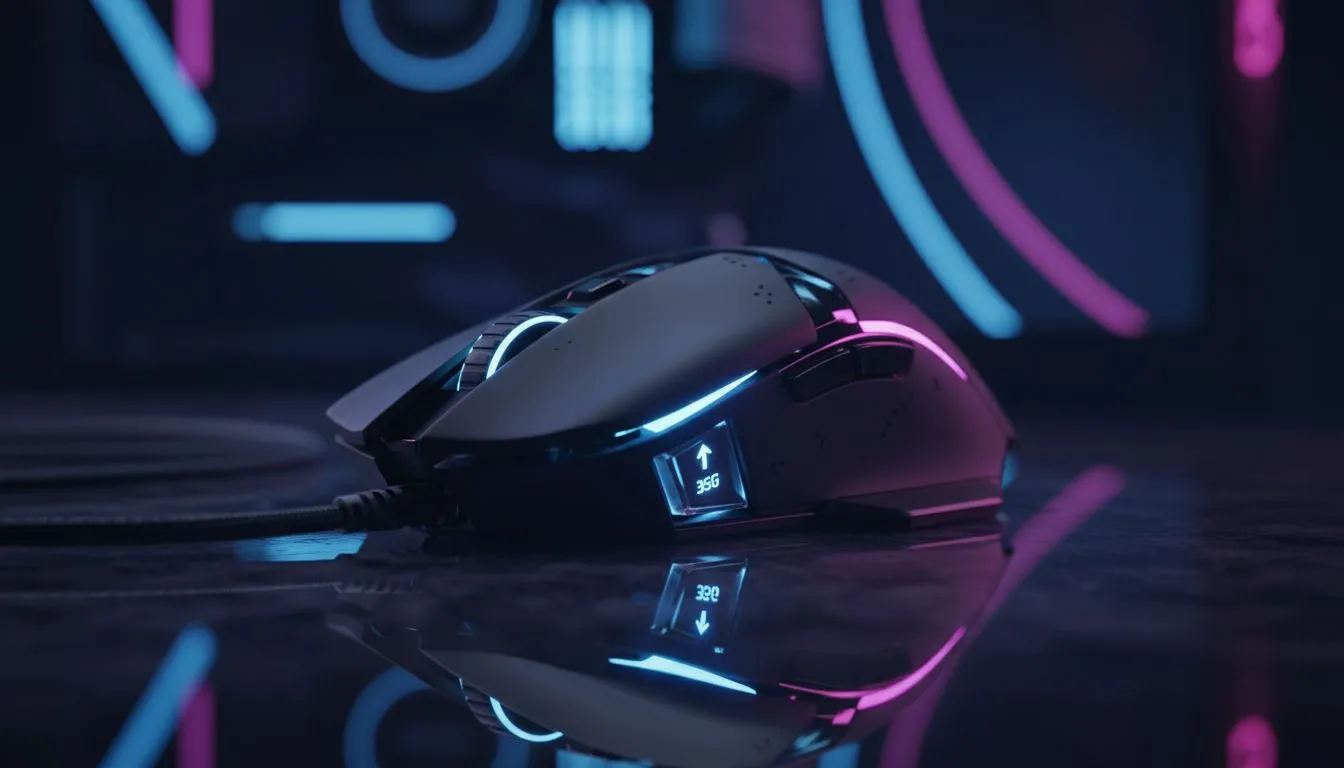
Gaming Mouse Acceleration: Quick hook for South African gamers ⚡
If your crosshair skates when you flick, you're probably wondering whether Gaming Mouse Acceleration is helping... or ruining your aim. In the next few minutes you'll learn what "35G" actually means for tracking, which settings pro players favour, and the exact hardware pages on Evetech to check next. Read on — and get ready to aim smarter.
Gaming Mouse Acceleration: What 35G actually measures
"35G" is a sensor spec that appears on many product pages; it describes the maximum acceleration a sensor can reliably track before it loses accuracy. For a practical overview of how different sensors list their specs, see Evetech's gaming mouse range. (Manufacturers report acceleration to help gamers compare performance.) 🔧
Sensors with higher max acceleration handle rapid flicks without clipping. That matters if you play FPS titles and make high-speed wrist movements. If a sensor tops out below your movement, you risk missed pixels and unpredictable aim.
Gaming Mouse Acceleration: What players should test in real matches
Don’t trust numbers alone. Test mice in your favourite game, at settings you use daily. Aim trainers are useful, but nothing replaces a few warmup rounds on live servers. If your sensor spec lists 35G, you'll likely be safe for instinctive flicks; pairing that with consistent DPI and a steady polling rate matters more.
For a quick shopping round, start with Evetech's best gaming mouse deals to compare models and ZAR prices. That page makes it simple to filter by sensors, DPI, and ergonomics.
Aim Tip ⚡
Lower your DPI until single-pixel movements feel controllable, then disable OS acceleration in Windows. Match in‑game sensitivity so muscle memory translates. If you feel jitter at very low DPI, test a different mouse or slightly increase polling rate.
Gaming Mouse Acceleration: Wired vs wireless — does 35G change the answer?
Wireless mice have closed the latency gap, but some players still prefer wired for total consistency. If you want to explore wireless options with strong sensor specs, browse Evetech's wireless mice collection. Prefer a cable and rock‑steady connection? Evetech's wired mice page lists models built for low latency and predictable tracking. 🚀
Both form factors can support 35G-capable sensors. Your choice should weigh ergonomics, battery habits, and whether you play on battery-sensitive setups.
Gaming Mouse Acceleration: Accessories and settings to pair with a 35G sensor
Nice sensors still need the right kit. A clean mousepad, good feet and tuned polling rates help maintain the sensor's real-world performance. Find pads and accessories on Evetech's dedicated accessories page to complete your kit. Also consider trying small adjustments: lift-off distance, angle snapping off, and a consistent surface.
Micro-story: A Cape Town player switched from a budget mouse to a 35G-rated sensor model and, after two evenings of warmup, felt smoother aim and fewer clipped flicks. It wasn’t magic — it was a sensor that kept up with his speed and a bit of patient tuning.
Gaming Mouse Acceleration: Final checklist before you buy
- Verify the sensor's acceleration spec on the product page and compare samples on Evetech.
- Test or trial if possible; online reviews can help but hands-on matters.
- Balance DPI, polling rate and surface for predictable feel.
- Use Evetech's curated deals to see ZAR pricing and current stock.
For a fast browse of curated options and to compare models side-by-side, check Evetech's component listing for gaming mice.
Ready to Find Your Perfect Match?
The Mac vs Windows debate is complex, but for maximum power, choice, and value in South Africa, Windows is hard to beat. Explore our massive range of laptop specials and find the perfect machine to conquer your world.