


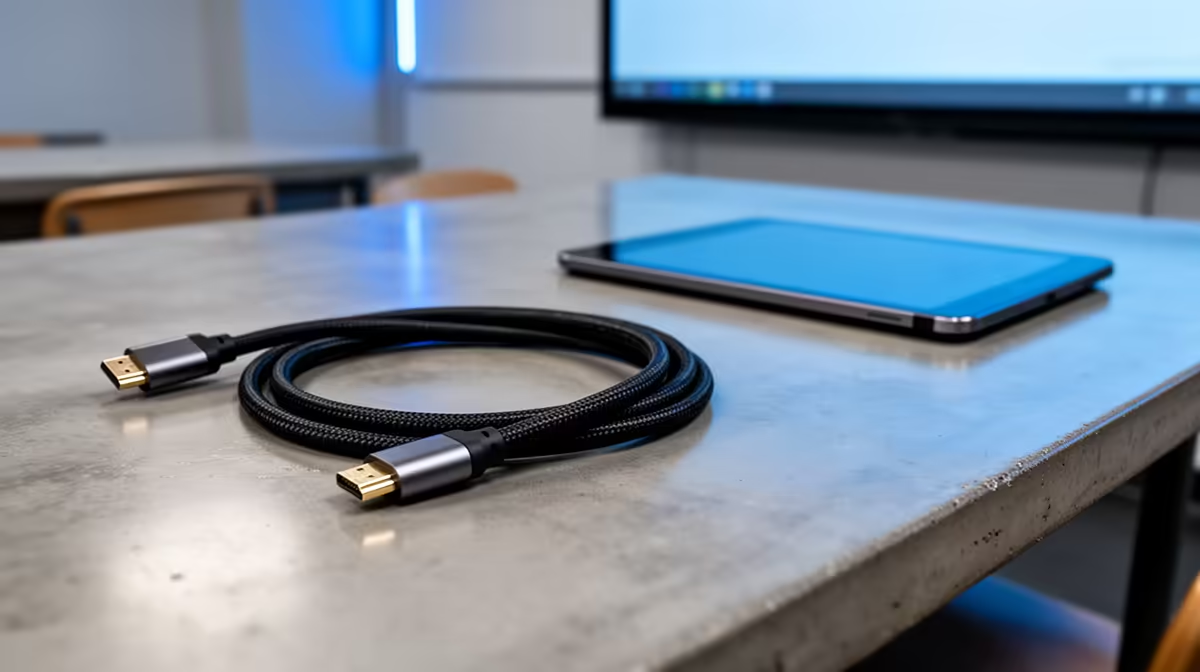
HDMI for Classrooms: fast wins for South African schools 🚀
Looking to replace a tangle of VGA adaptors and outdated cables? HDMI for Classrooms lets teachers mirror tablets, stream lessons and run HDMI-compatible projectors with a single, reliable cable. In South Africa, that simplicity matters — less downtime, clearer visuals and fewer support calls. Read on for practical tips, budget buys and setup checks to get classrooms teaching, not troubleshooting.
HDMI for Classrooms: core benefits for modern teaching setups
Using HDMI in a classroom brings consistent digital audio and video in one run. That matters when showing high-resolution diagrams or playing educational videos. HDMI supports resolutions modern projectors can handle, which helps preserve image detail for students at the back of the room.
If you're shopping for a classroom projector, start with a dedicated projector page to compare models and throw distances — Evetech’s projector category makes that easy: shop projectors at Evetech. 🔧
Benefits summary
- Single-cable AV: less fumbling during lesson transitions.
- Better colours and clarity than older connectors.
- Wider device compatibility with modern laptops, tablets and media players.
HDMI for Classrooms: choosing the right projector and brands
Brand choices can decide warranty, brightness and service options. Some schools prefer established classroom brands like ViewSonic for school deployments. Compare ViewSonic options and specs directly on Evetech to find models with classroom-friendly warranties and brightness levels: ViewSonic projectors on Evetech. ✨
What to check
- Brightness (ANSI lumens) for ambient-light rooms.
- Native resolution — aim for at least 1080p for detailed content.
- Input panel: multiple HDMI ports avoid constant cable swaps.
HDMI for Classrooms: accessories and cable tips
Cable quality and cable length matter. Use good‑quality HDMI cables for runs under 10 m; consider HDMI extenders or active cables for longer distances. For compact setups and quick installs, branded AV accessories help avoid class interruptions.
Find school-friendly peripherals from reliable manufacturers on Evetech’s Promate selection: Promate classroom tech options. ⚡
Installation Tip ⚡
Use a short, well-rated HDMI cable where possible. For longer runs, choose an active HDMI cable or a Cat6-based HDMI extender to avoid signal drop and keep speakers and microphones on the same feed.
HDMI for Classrooms: budget setups under R7,000
Not every school needs a top-end beamer. There are solid projector options under R7,000 that work well with HDMI inputs for presentations and video lessons. If procurement is tight, filter by price to compare value models and entry-level brightness ratings on Evetech’s budget list: budget projectors under R7,000.
Practical buying advice
- Match projector brightness to room lighting.
- Verify HDMI version for features you need (e.g., audio return, HDR is rare on budget models).
- Buy a spare HDMI cable and a basic HDMI switch if multiple devices share one projector.
HDMI for Classrooms: quick checklist before you install
- Confirm device HDMI outputs and any needed adapters.
- Test cabling with the actual teaching devices.
- Label ports and cables to speed daily setup.
- Schedule a short teacher training session on the new workflow.
Small changes make daily teaching smoother. Choosing the right HDMI-capable projector and accessories reduces friction and keeps lessons focused on learning.
Ready to Find Your Perfect Match? The Mac vs Windows debate is complex, but for maximum power, choice, and value in South Africa, Windows is hard to beat. Explore our massive range of laptop specials and find the perfect machine to conquer your world.











