


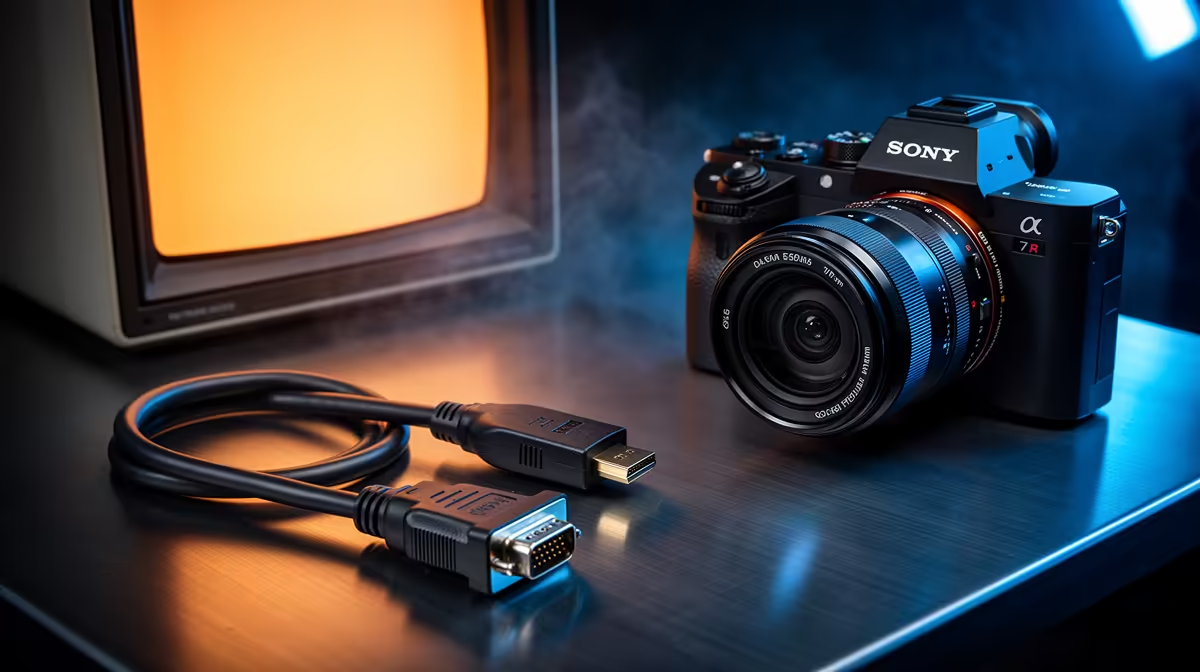
HDMI vs VGA: Quick hook for South African gamers and buyers 🔧
If you’ve ever set up a second monitor for your gaming rig or dug through a drawer of old cables, you know the pain: one connector sends sound, the other just video. HDMI vs VGA: Understanding the Difference and Bridging the Gap matters when you want crisp FPS, zero-lag streams, and a tidy desk setup. This short guide helps you choose the right cable, adapter, and upgrade path for South African setups.
HDMI vs VGA: Technical differences explained
HDMI is a digital standard that carries both video and audio, plus extras like HDCP and CEC on supported devices; VGA is an older analog video-only connector common on legacy kit source source. That means HDMI can deliver cleaner high-resolution images without the noise and signal loss VGA often shows on long runs.
HDMI vs VGA: What that means for resolution and gamers
For modern gaming at 1080p and above, HDMI is the practical default. Different HDMI versions add features — for example, HDMI 2.0 and 2.1 increase bandwidth for higher frame rates and resolutions source. VGA will work for basic displays, retro setups, or projector use, but expect limitations when pushing high refresh rates or HDR.
Cable Tip ⚡
Use active adapters (with signal converters) when moving from VGA to HDMI. Passive plugs only work when the source outputs a compatible signal. Active converters cost a little more but avoid flicker, blank screens, and sync issues.
HDMI vs VGA: Bridging the gap in real builds 🚀
Adapters and converters bridge older monitors with modern GPUs. For example, if your GPU has HDMI but your monitor only VGA, choose an active HDMI-to-VGA converter. Cable quality matters; cheap, long VGA leads increase noise. For neat PC cable management, check a tidy ARGB extension like this ARGB extension cable linked here for visual flair and cleaner routing: GameMax ARGB extension cable. (Product page for specs and compatibility: https://www.evetech.co.za/gamemax-12vhpwr-cable-b-argb-extension/best-deal/24244)
HDMI vs VGA: Practical upgrade tips for South Africa
- Use HDMI where possible for audio and better signal integrity. HDMI technical overview
- If you care about aesthetics, individually sleeved premium cables make routing easier and look sharp in a glass-case rig — check these premium sleeved cables for neat runs: NZXT sleeved cables. (See specs and colours: https://www.evetech.co.za/PC-Components/nzxt-individually-sleeved-premium-cables-93)
- When using adapters, prioritise active converters. Test at your target resolution before mounting gear.
HDMI vs VGA: Final decision framework
Think legacy compatibility vs future-proofing. VGA keeps older screens alive; HDMI unlocks modern displays, multi-channel audio, and higher refresh rates. Plan your upgrade path: adapter today, new monitor tomorrow.
Ready to Find Your Perfect Match? The Mac vs Windows debate is complex, but for maximum power, choice, and value in South Africa, Windows is hard to beat. Explore our massive range of laptop specials and find the perfect machine to conquer your world.











