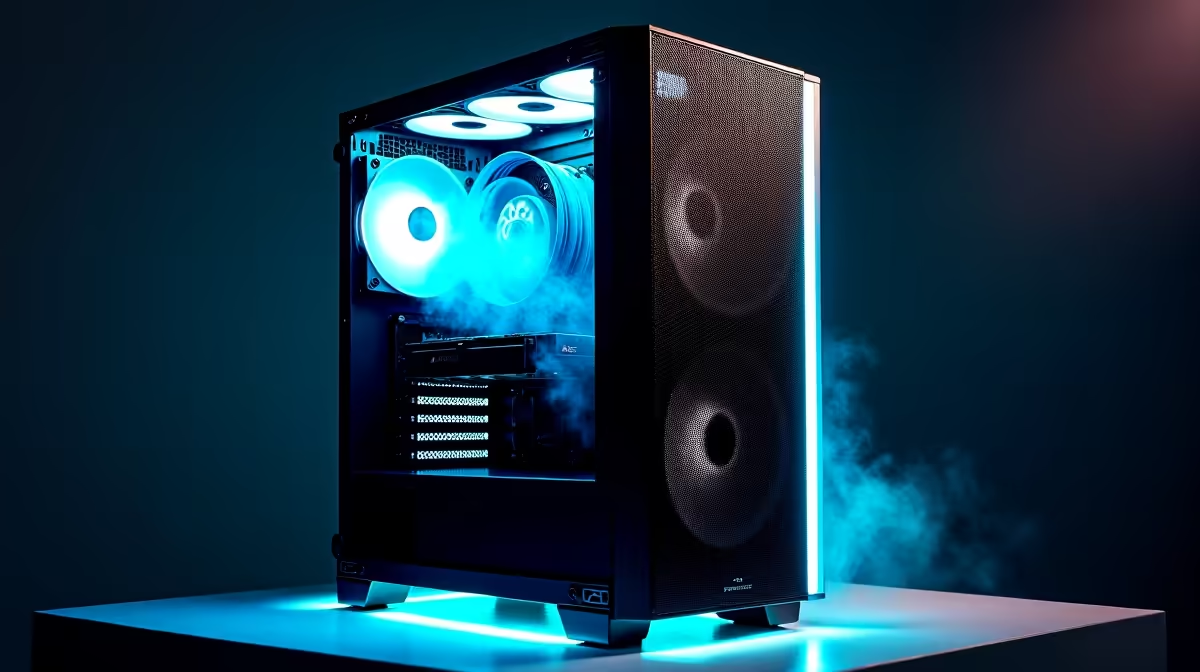
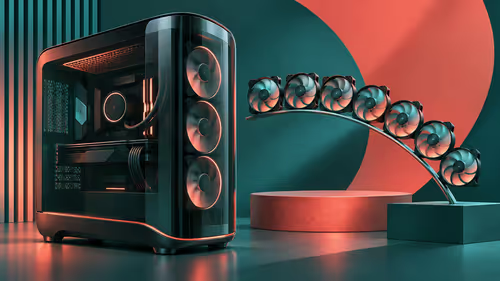
A high-airflow case is worthwhile for Cyberpunk 2077 when the CPU and GPU run hot, throttle or drive fans to distracting noise during sustained play. A case cannot create performance that the components lack. The DeepCool CG330 at R770 is a verified chassis reference, but its exact airflow fit needs a full parts check.
Measure heat during the real game
Play a repeatable demanding area at the intended resolution and settings. Log processor and graphics temperatures, clock behaviour, fan speed and room conditions after the system reaches steady load. Clean existing filters and inspect blocked intakes before replacing the chassis.
Confirm live GPU length, cooler height, radiator support, fan mounts, included fans, dust filters, front-panel ports, cable space and warranty. A mesh panel is useful only when the fans and internal layout move air coherently. Check motherboard size and PSU format as well.
Plan intake and exhaust rather than filling every opening. Keep the tower off thick carpet, route cables away from fans and repeat the same game test after any change. Power down fully before moving components, or use an experienced builder for a case transplant.
Buy a new case when measurements show restricted airflow or poor component fit. Improve the cooler, fan curve or room placement when those smaller changes solve the diagnosed heat problem.
Cooling a demanding gaming build? > Compare Evetech cases by component clearance and measured airflow needs.