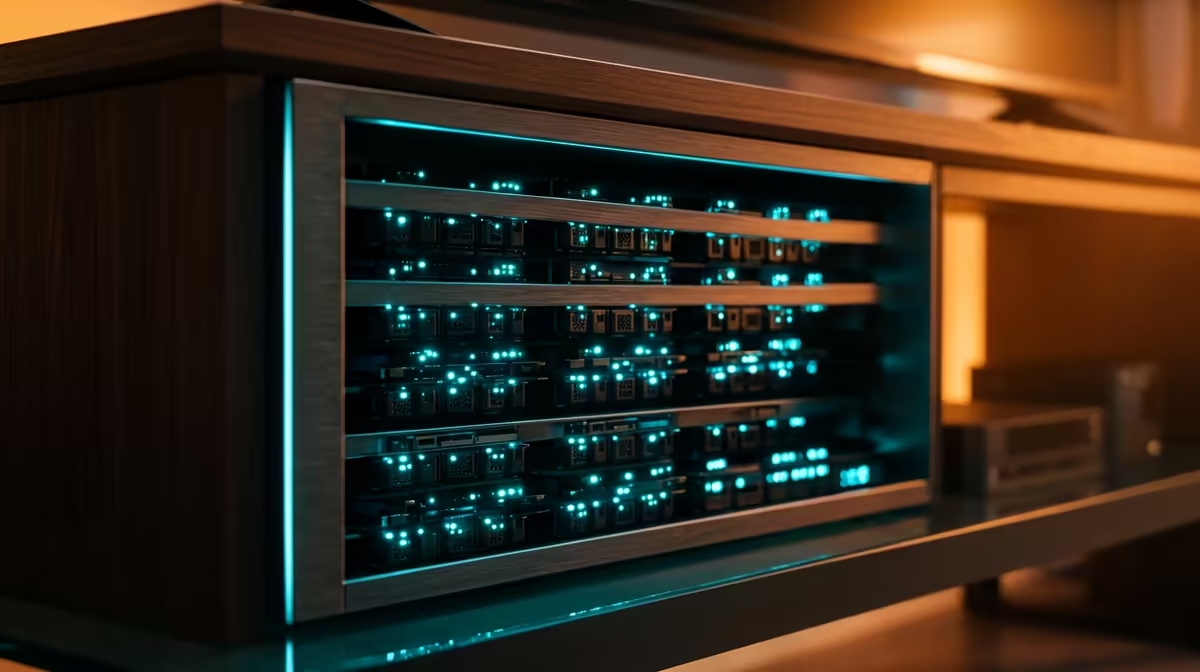
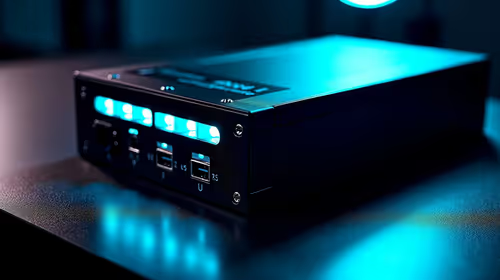
Owning the hardware your services run on, instead of renting it month after month, is the whole appeal of a home lab. You take the apps you would normally pay a cloud provider for, file storage, media streaming, password syncing, automation, and run them on a small machine at home that you control entirely. For South African builders, the question has always been whether the parts are locally available and the running costs make sense. In 2026 both answers lean yes, and this guide maps the concepts to gear you can actually buy here.
Quick Answer
A home lab lets you run your own apps, virtual machines, and storage on hardware you own, replacing recurring cloud subscriptions with software you host yourself. A capable starter lab in South Africa is a low-power mini PC running Proxmox or Docker, a drive or two for storage, and your existing router, and it draws little enough power to leave on continuously. Start small, add as your needs grow.
What a Home Lab Actually Is
A home lab is a machine, or a few, on your home network that runs services for you. Instead of a cloud account hosting your files, your media library, your notes, or your smart-home controller, that software runs locally. You install a hypervisor or a container platform, spin up the apps you want, and reach them from your phone or laptop over your own network.
People build one for three reasons. The first is cost: subscriptions stack up, and self-hosting trades a recurring fee for a once-off hardware spend you keep. The second is control and privacy: your data stays on a drive in your home, not on someone else's servers. The third is learning, since running real services teaches networking, Linux, and virtualisation far better than any tutorial. For a South African household, owning the hardware also sidesteps the rand-versus-dollar exposure of cloud billing.
The Core Building Blocks
Compute: Where Your Services Run
The brain of the lab is one machine running a platform that lets several services share it cleanly. The two common starting points are Proxmox, a hypervisor that runs full virtual machines and lightweight containers, and Docker, which packages each app into its own container. Both let one box run many isolated services at once. For a first lab, a mini PC is the natural choice: it is small, quiet, sips power, and handles a handful of containers comfortably. A mini PC built around an efficient modern processor idles at very low wattage, which matters when it runs around the clock. Compare the mini PCs Evetech stocks on core count and RAM ceiling, since those two specs decide how many services you can stack later.
Storage: Where Your Data Lives
Services need somewhere to keep data, and a home lab usually splits this two ways. A fast SSD holds the operating system and the apps so everything feels responsive. A larger drive, or a pair of them, holds the bulk data: media, backups, documents. If your data matters, run two drives in a mirror so that any one drive dying leaves the other intact. Start with what fits your needs now; storage is the easiest part to expand later.
Networking: How You Reach It All
Your existing router and a wired connection to the lab machine are enough to begin. A Gigabit Ethernet link from the router to the lab keeps file transfers and streaming smooth, and a wired connection is far steadier than Wi-Fi for a machine that runs services other devices depend on. As the lab grows you might add a managed switch or split traffic onto separate network segments, but none of that is needed on day one.
A Sensible First Build for South Africa
Keep the opening build deliberately small. A compact mini PC packing a modern multi-core processor and 16 GB of RAM gives you room for several containers. Add a fast SSD for the system and a larger drive for storage. Plug it into your router with an Ethernet cable, install Proxmox or a lightweight Linux host, and start with one or two services you will actually use, perhaps a media server and a file-sync app. Because the whole machine draws so little power, leaving it on permanently costs little, and you can grow the lab one service at a time as you find your footing. When you are ready to move up, the top-selling PCs at Evetech give a clear view of what the next tier of hardware costs if a mini PC no longer fits the bill.
What to Run First
Good first services are the ones that replace a subscription or a cloud habit you already have: a media server for your video library, a file-sync tool to replace cloud storage, a password manager you host yourself, or a smart-home hub. Each one teaches you a little more, and each one proves the lab's value before you spend on the next layer.
Power, Cost, and Running It Continuously
The two SA-specific worries are usually power draw and reliability. An efficient mini PC idles low enough that running it continuously is genuinely cheap, and a small uninterruptible power supply protects against brief dips and lets the lab shut down cleanly if mains drops. Budget mainly for the once-off hardware; the ongoing cost is modest electricity, set against the subscriptions you stop paying. That balance, a known upfront spend versus open-ended monthly fees, is what makes self-hosting attractive here.
Frequently Asked Questions
What is the difference between a home lab and self-hosting?
Self-hosting is the act of running an app on your own hardware instead of a cloud service. A home lab is the setup that makes that possible: the machine, storage, and network you run those self-hosted apps on. In practice the terms overlap heavily.
Do I need an expensive server to start a home lab?
No. A compact, efficient mini PC with 16 GB of RAM runs Proxmox or Docker and handles several services comfortably. Many strong starter labs begin on exactly that hardware, and you only scale up once your needs outgrow it.
Is a home lab expensive to run in South Africa?
The main cost is the once-off hardware. An efficient mini PC draws little power at idle, so running it continuously adds modestly to your electricity, and that is offset by the cloud subscriptions you stop paying. A small UPS is a worthwhile addition for clean power.
What software should I install first?
Proxmox if you want full virtual machines and containers, or just Docker if you want to keep it simple. Then add one or two services you will actually use, such as a media server or a file-sync app, before expanding.
How much storage do I need for a home lab?
Start with a fast SSD for the system and apps, plus a larger drive for bulk data like media and backups. If the data matters, mirror two drives so a single failure loses nothing. Storage is the easiest component to add later, so do not over-buy at the start.