



PCIe 5.0 vs PCIe 4.0 for Video editing in 4k in SA
PCIe 5.0 vs PCIe 4.0 for video editing in 4k is mainly about fit, features, compatibility, cost, and upgrade path, not one automatic winner. SA buyers should match the choice to the setup.
Read moreQuick take: Most SA buyers should target good wireless headsets keep 2.4GHz latency under 20ms for gaming. For the spec choice carries through to long-term ownership and resale. Latency, ANC, mic, and battery numbers walked through.
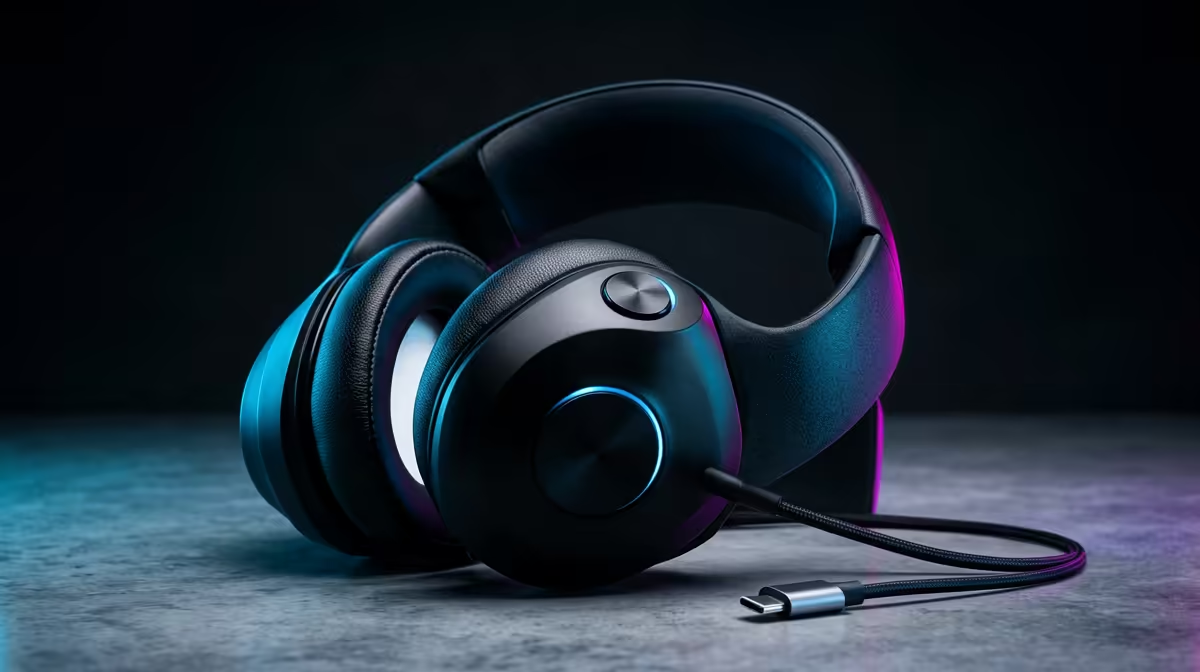
For a daily gaming headset used across PC, console, and phone, having both 2.4GHz wireless and Bluetooth is genuinely important rather than a luxury. The 2.4GHz dongle handles low-latency gaming; Bluetooth handles phone calls, mobile gaming, and work laptop audio. Without both, you are either re-pairing constantly or accepting Bluetooth latency during gaming, both of which create real daily friction.
The key is simultaneous connection, not sequential switching. Headsets that support both protocols at once let you maintain a 2.4GHz gaming connection while a phone call rings on Bluetooth without removing the headset. The call audio mixes into game audio, you answer, and game audio resumes. For a South African gamer who works from home and games in the same chair throughout the day, this eliminates multiple re-pairing steps. It also removes the need to carry separate earbuds for calls. At R2,000 to R3,500, dual-wireless is now standard rather than a premium feature on quality headsets.
Consider a typical day: morning Teams call on a work laptop over Bluetooth, afternoon competitive gaming session on PC via 2.4GHz, evening WhatsApp call during a streaming service watch. Without dual-wireless, each transition requires removing the headset, re-pairing to the new device, and confirming audio routing. With dual-wireless and multipoint Bluetooth, the laptop-to-PC switch is the only transition needing attention. South African remote workers in Johannesburg or Cape Town suburbs report that dual-wireless headsets substantially reduce the number of times they touch their phone during a gaming session to manage audio devices.
If your daily use is exclusively desk gaming with no mobile calls, no laptop switching, and a dedicated mic for any content creation, a 2.4GHz-only headset at R1,200 to R2,000 is adequate and better value than paying the R600 to R1,000 premium for added Bluetooth. Students in res with a single gaming PC and minimal work demands fit this profile well. The dual-wireless premium only pays off when your routine genuinely spans multiple devices and you want frictionless transitions rather than deliberate re-pairing.
Most dual-wireless headsets support Bluetooth multipoint to two devices simultaneously in addition to the 2.4GHz dongle. Check the spec sheet for multipoint support before buying if you need the headset remembered on both a work laptop and a personal phone alongside your gaming PC. Some headsets only support one Bluetooth device at a time.
No practical way exists to add Bluetooth to a headset that lacks it natively. The radio, antenna, and supporting firmware are integrated at manufacture. A separate Bluetooth transmitter dongle adds latency and defeats the purpose of an integrated solution.
Running 2.4GHz and Bluetooth together typically reduces battery life by 10 to 20 percent compared to either protocol alone. On a headset rated at 40 hours single-protocol, expect 32 to 36 hours in dual-wireless mode at moderate volume with ANC off.
On headsets with simultaneous dual-wireless, audio mixing is instantaneous inside the headset's DSP. When you manually switch the primary connection (such as moving the dongle from PC to console), there is a brief two-to-three-second reconnection window.
Want a headset that keeps up with your whole day without constant re-pairing? Browse Evetech's selection of dual-wireless gaming headsets designed for daily multi-device use.
PCIe 5.0 vs PCIe 4.0 for video editing in 4k is mainly about fit, features, compatibility, cost, and upgrade path, not one automatic winner. SA buyers should match the choice to the setup.
Read more
Wi-Fi 7 vs Wi-Fi 6e for competitive esports comes down to router support, latency goals, device compatibility, and coverage. SA buyers should match the choice to the real network setup.
Read more
ATX 3.1 vs ATX 3.0 for mMO and live-service games buyers - what changes is mostly about compatibility, budget, upgrade path, and setup fit. SA buyers should check device support and real needs before expecting a clear win from either option.
Read more
LGA 1851 vs LGA 1700 can affect Twitch and YouTube streaming when gaming and encoding share CPU resources. For SA creators, the real-world difference depends on encoder choice, memory support, motherboard cost, thermals, and upgrade plans.
Read more
X870E vs X670E for aaa single-player gaming is mainly about fit, features, compatibility, cost, and upgrade path, not one automatic winner. SA buyers should match the choice to the setup.
Read more
Hall Effect switches vs Mechanical switches for mMO and live-service games is mostly about compatibility, budget, upgrade path, and setup fit. SA buyers should check device support and real needs before expecting a clear win from either option.
Read more
Minisforum's M2 Pro pairs Core Ultra X7, Arc B390 graphics and 32GB onboard memory in 1.8 litres. SA buyers should weigh its fixed memory and $1,439 launch offer against local mini PCs.

Lenovo says Legion Go failures linked to BIOS N3CN42WW are not user error. Affected SA owners should stop retrying the update, preserve proof and open a support case.

Smart monitors can add apps and convenience, but they also add privacy settings and unwanted-software risk. SA buyers should audit the operating system before paying for extras.

A fake 113GB GTA VI ISO reportedly used empty padding around a small malware payload. SA gamers should delete unofficial builds, keep Windows security active and wait for official channels.

Shokz OpenFit Air 2 earbuds weigh 7.2g each and use a redesigned dual-driver open-ear layout. SA buyers should choose them for comfort and awareness, not maximum isolation.

AMD's current driver now lists a Radeon RX 9050 4GB, while product coverage details a narrowed memory system. SA buyers should weigh the low VRAM ceiling against current local Radeon options.

Samsung Display has demonstrated a 16-inch 2.5K OLED laptop panel running at 300Hz. SA buyers should wait for a named notebook, full panel specifications and a local price before planning an upgrade.

Microsoft says some Windows 11 game crashes after recent updates are linked to RGB-related drivers. Affected SA gamers should confirm the update and driver before using the published registry workaround.
Minisforum's M2 Pro pairs Core Ultra X7, Arc B390 graphics and 32GB onboard memory in 1.8 litres. SA buyers should weigh its fixed memory and $1,439 launch offer against local mini PCs.
Smart monitors can add apps and convenience, but they also add privacy settings and unwanted-software risk. SA buyers should audit the operating system before paying for extras.
Lenovo says Legion Go failures linked to BIOS N3CN42WW are not user error. Affected SA owners should stop retrying the update, preserve proof and open a support case.

The ROG Gjallar gaming soundbar is now listed in the US at $599.99. SA buyers should compare its 2.1.2 audio, wireless bass and built-in chat controls with simpler local options.