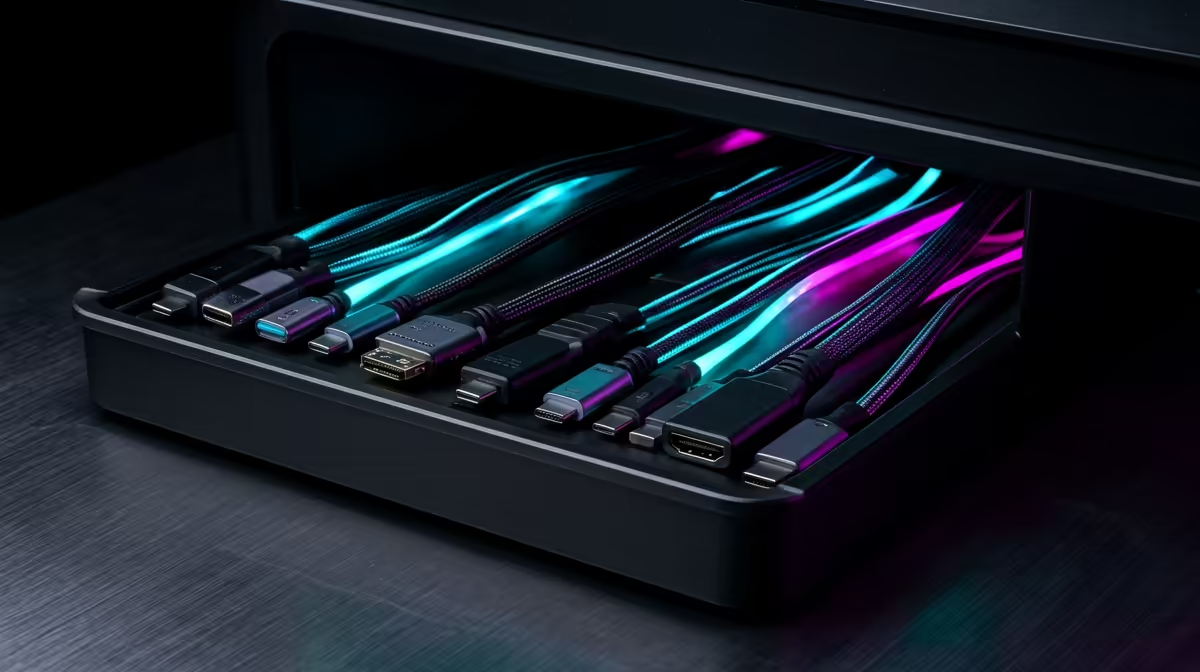
A desk that looks tidy on top can still hide a knot of power bricks, charging cables, and monitor leads underneath, and that mess is what drags down the whole setup. Choosing cable management for your desk is really about matching three different tools to three different jobs: under-desk trays to lift the bulk off the floor, sleeves to bundle the loose runs, and adhesive channels to route single cables cleanly along an edge. Use the right one in the right place and the clutter disappears without a single hole drilled.
Quick Answer
Use an under-desk tray to hold your power strip and adapters off the floor, a cable sleeve to bundle the loose wires running between desk and wall, and adhesive channels to guide individual cables along a desk edge or skirting. For a South African home office sharing a living space, prioritise no-drill, adhesive-mount options so nothing is permanent and nothing damages a rented wall.
The Three Forms and What Each Solves
These are not competing products. They handle different parts of the same problem, and a clean desk usually uses two or three of them together.
Under-Desk Trays
A tray is the workhorse. It mounts to the underside of the desktop and holds the heavy, ugly items you never want to see: the power strip, the laptop charger, a small USB hub, spare cable loops. Lifting that weight off the floor is the single biggest visual win, because a power strip resting on carpet with six bricks fanned out around it is what makes a setup look chaotic.
Trays come in two mounting styles. Clamp-on metal mesh trays grip the desk edge and suit thicker, fixed desks. Adhesive trays stick to the underside and suit rented spaces or sit-stand desks where you would rather not clamp anything. For heavier loads a combination of adhesive plus a screw is the most secure, but pure adhesive holds a typical power strip and a couple of adapters without trouble.
Cable Sleeves
A sleeve is a fabric or neoprene wrap that gathers several loose cables into one tidy bundle. Where a tray hides the hardware, a sleeve tames the runs: the three or four cables travelling from the back of your desk down to a wall socket, or from a monitor arm to the tower. Wrapping them into a single sheath turns a tangle into one clean line, and a wrap-style sleeve lets you add or remove a cable later without unthreading everything.
Adhesive Channels
Channels, sometimes called raceways or J-channels, are low-profile strips with a stick-on back. They route one or a few cables along a defined path: across the top edge of a desk, down a leg, or along a skirting board to reach a far socket. Their job is the visible final stretch where a sleeve would look bulky. A thin channel running a single charging cable along the desk edge keeps it from dangling, and it peels off cleanly when you rearrange.
Matching the Tool to Your Desk
The right mix depends on your desk and your space, not on buying one of everything.
Fixed Desk Against a Wall
This is the easiest case. A clamp-on tray under the desktop holds the power strip, a sleeve carries the bundle down to the wall socket, and you may not need channels at all. The wall hides the back, so the priority is simply getting weight off the floor and the runs bundled.
Sit-Stand or Height-Adjustable Desk
A moving desk changes the rules, because cables must flex as the surface rises and falls. Adhesive trays are preferable to clamps here so nothing fouls the lifting mechanism, and you want a generous slack loop in the cable bundle so raising the desk does not pull a plug out. A sleeve keeps that flexing bundle neat instead of letting it splay.
Desk in a Shared Living Area
Many South African home offices sit in a corner of a lounge or bedroom rather than a dedicated room, so the desk is always on show. This is where no-drill, removable options earn their place. Adhesive trays and channels leave no marks on a rented wall or a desk you may sell on, and a good desk completes the picture: you can compare surface options in the gaming and ergonomic desk range at Evetech when you are setting up a corner that doubles as a workspace.
Installation Without Damage
The whole appeal of modern cable management is that it goes in with adhesive, not a drill. A few habits make it last.
Clean the mounting surface with isopropyl alcohol and let it dry before pressing adhesive down, because dust is the main reason a strip peels later. Mount the tray first and load the power strip into it, then run sleeves from the tray to the wall, and add channels last for the final visible cables. Leave a small slack loop wherever a cable connects to something that moves, so nothing is under tension. Bundle with reusable hook-and-loop ties rather than cable ties you have to cut, so adding a device later is a thirty-second job rather than a teardown.
What It Costs and Where to Start
You do not need to buy all three at once. Start with the tray, since lifting the power strip off the floor delivers most of the visible improvement, then add a sleeve for the main run and channels only where a single cable still shows. Component prices vary, so the practical move is to look at what is currently stocked and build the kit from there. The desk and accessories side of the setup sits in the workspace and desk accessory best sellers at Evetech for when you are kitting out the whole corner.
Frequently Asked Questions
Do I need all three types of cable management?
Rarely. Most desks are sorted by a tray plus a sleeve, with channels added only where a single cable is still visible along an edge. Start with the tray, which removes the most clutter, and add the others as needed.
Will adhesive cable management damage my desk or wall?
Quality adhesive mounts are designed to hold firmly yet peel off cleanly, which is why they suit rented spaces and sit-stand desks. Clean the surface first so it bonds properly, and for heavier trays add a screw if the desk allows.
What is the difference between a cable sleeve and a channel?
A sleeve is a flexible wrap that bundles several loose cables into one soft tube, ideal for the run between desk and wall. A channel is a rigid stick-on strip that routes one or a few cables along a fixed edge or skirting.
How do I manage cables on a height-adjustable desk?
Use adhesive mounts rather than clamps so nothing fouls the lifting mechanism, and leave a generous slack loop in the bundle. The cables must be able to extend as the desk rises without pulling a plug loose.
Can cable management help with a desk in a shared room?
Yes, and it matters more there because the desk is always visible. No-drill trays and channels hide the clutter, leave no marks, and come off cleanly if you rearrange the room or move the desk.
A tidy desk is mostly about lifting the mess off the floor and bundling the rest. Set up your workspace properly with the right desk from the gaming and ergonomic desk range at Evetech, then add the trays, sleeves, and channels that match your setup.