Quick Answer
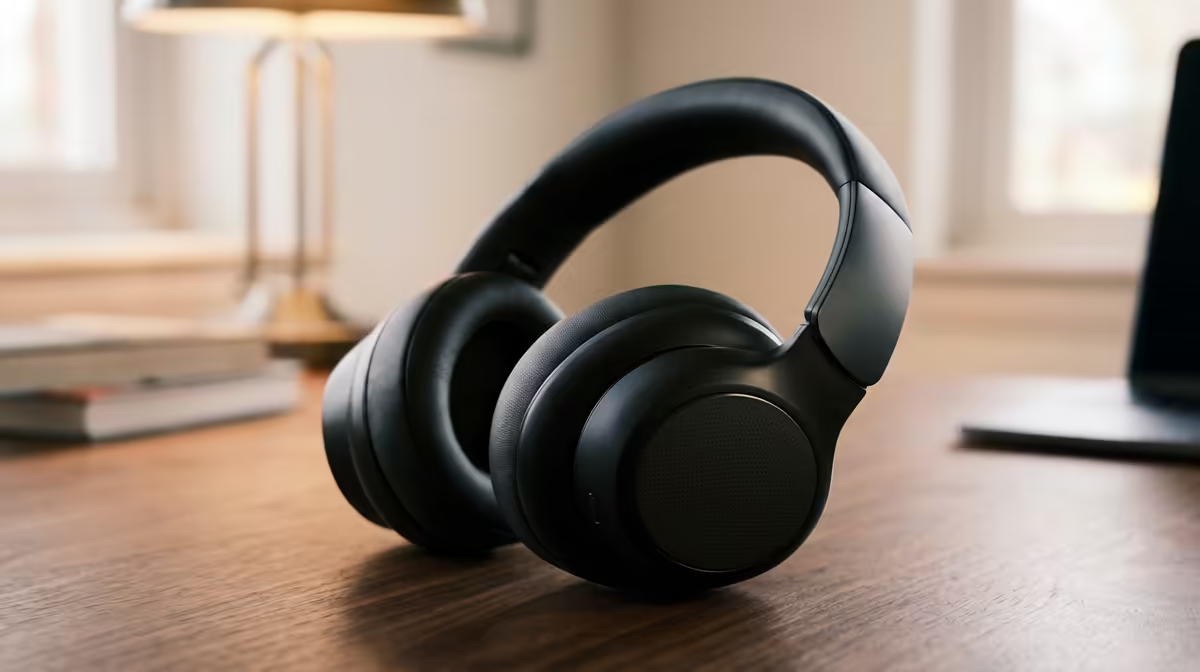
There is no single universal EQ preset: games benefit from a boost around 2 kHz to 5 kHz for footstep clarity, music favours a gentle bass shelf with a smooth treble roll-off, and movies need elevated 80 Hz to 200 Hz warmth without harsh highs. Switch presets per use case in your headset's companion app.
Understanding Frequency Ranges for Each Use Case 🎮
Gaming audio depends on positional cues. A small boost from 2 kHz to 5 kHz makes distant footsteps cut through ambient noise, and a modest lift around 200 Hz adds body to gunfire without muddying direction. Avoid heavy bass boosts in competitive play as they can mask directional audio. For music, flip the approach: a 3 dB shelf below 100 Hz adds warmth, while a slight cut around 3 kHz prevents vocal harshness on long sessions. Movies benefit from neutral mids for dialogue clarity and a lift from 60 Hz to 150 Hz for physical impact on orchestral scores and action.
Using Companion Software to Build and Save Presets 🔧
Most gaming headsets in the R1,200 to R4,000 range include software with a 10-band or parametric EQ. Apps like Razer Synapse and SteelSeries GG let you save named presets. Create three slots: Gaming, Music, and Movies. On Razer Synapse, the built-in Competitive preset is a strong starting point for shooters. If your headset connects to a phone over Bluetooth, companion apps on Android carry similar control, though the adjustment range is narrower than desktop software.
EQ and Multi-Device Use in SA 📡
EQ profiles stored in desktop software do not transfer to console or Bluetooth connections automatically. On PlayStation, use the built-in audio EQ under Sound and Screen as an approximation. South African fibre connections on providers like Vumatel and Openserve deliver low-latency voice chat, meaning mid-range colouration is audible in Discord calls. Create a flat or slight mid-boost preset labelled Comms so your voice stays natural during team calls while your Gaming preset handles in-game audio separately.
Preset Reset Tip ⚡
If you push EQ too far and audio sounds unnatural, use the Reset to Default button in your companion app. Start from flat zero rather than correcting with more cuts and boosts. A flat EQ on a quality driver nearly always sounds better than an overcorrected one.
FAQ
Does EQ affect mic quality on my headset?
No. Headset software EQ adjusts headphone output only and has no effect on the microphone signal. To improve your mic sound, adjust the microphone gain and noise suppression toggle in the same app.
Will heavy bass boosts damage my drivers over time?
Small boosts of 3 dB to 6 dB at normal volume are safe. Pushing 10 dB or more at high levels over extended sessions can cause distortion and potentially shorten driver lifespan. Keep volume moderate and reserve large bass boosts for short casual sessions.
Is software EQ or a hardware amplifier better for gaming headsets?
For gaming headsets with USB or wireless dongles, software EQ in the companion app is sufficient. A hardware DAC adds value mainly for audiophile headphones above R5,000 that require more power than onboard audio can supply.
Ready to hear the difference the right EQ settings make?
Browse Evetech's range of gaming headsets with full companion app support and start building your perfect preset today.