Quick Answer
Curved AMOLED cooler displays, found on premium AIOs like the NZXT Kraken Elite and Corsair iCUE LCD models, connect to the motherboard via a USB 2.0 internal header and are configured through the manufacturer's companion software to display CPU temperature, clock speed, custom images, GIFs, or animated system dashboards.
What a Curved AMOLED Display Actually Shows 🖥️
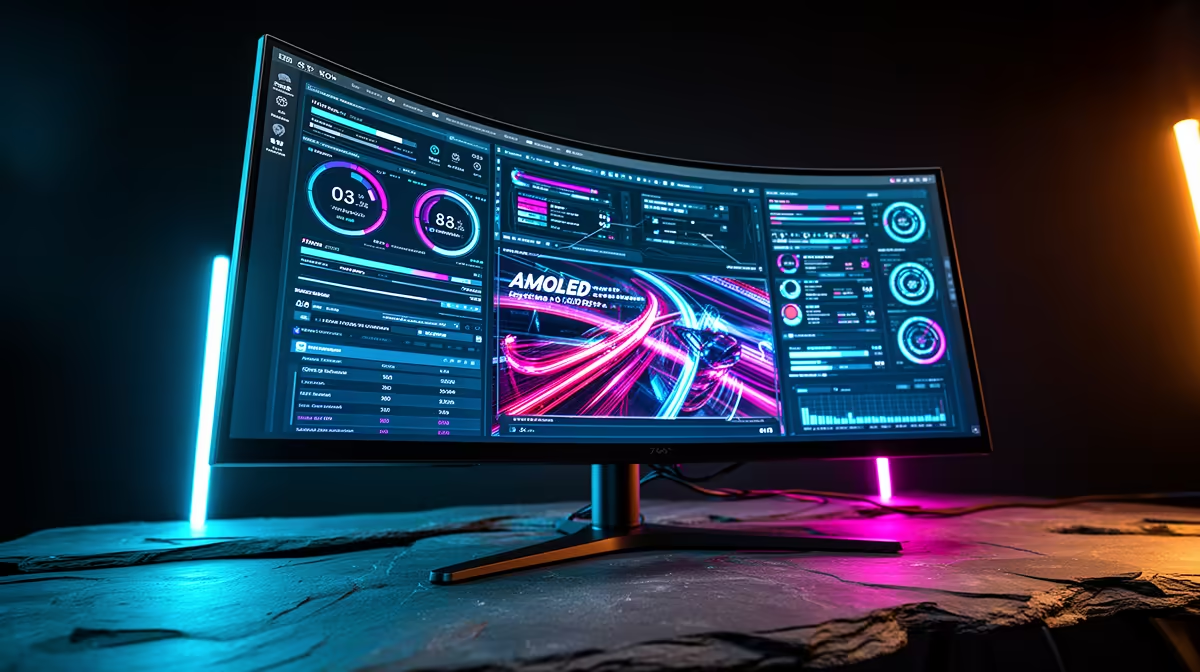
The curved AMOLED panel on a premium AIO pump head replaces the static LED ring found on standard units. At resolutions typically ranging from 480x480 to 1080x1080 pixels, it can display real-time sensor data including CPU temperature, clock frequency, GPU temperature, RAM utilisation, and fan speeds. It also supports custom JPG and PNG images, animated GIFs, and short video loops. The AMOLED technology delivers deep blacks and saturated colours that make even a small display look striking inside a case. Some coolers from Corsair and NZXT feature circular or curved displays that follow the pump head contour, wrapping the visual around the cooler for a premium aesthetic that no standard LED ring can match.
Setting Up the Display in Software 🔧
The display relies on a USB 2.0 internal header connection to the motherboard for data communication. After physical installation, install the manufacturer's companion software: NZXT CAM for Kraken units, Corsair iCUE for Corsair LCD models. Within the software, navigate to the pump head display settings and choose the content type. For system info panels, select which sensors to display. For custom visuals, import your image or GIF file directly; most software accepts files up to 10MB to 25MB. Some platforms allow community-shared display presets, so you can download pre-made dashboards themed around specific games or colour palettes without designing your own.
Practical Tips for South African Builders 💡
The curved AMOLED display is primarily an aesthetic and convenience feature rather than a performance one. In South Africa, premium AIOs with built-in LCD panels start around R3,500 to R4,500, versus R1,800 to R2,500 for high-quality AIOs without displays but with equivalent cooling performance. For a builder investing R35,000 or more in a showcase build with a tempered glass case, the display is a compelling addition. For a performance-focused build where the case is rarely opened, the premium is harder to justify. Temperature-reactive display modes do provide a genuine at-a-glance monitoring benefit without opening any software overlay.
Use a Dark-Background Image for AMOLED Maximum Contrast ⚡
AMOLED panels turn off individual pixels to render true black, so dark or black-background images consume less power and look more vivid. Logo reveals, minimal system stat panels with dark backgrounds, and night-sky themed animations look best on AMOLED pump head displays and consume slightly less LED power than white-heavy images.
FAQ
Does the cooler display affect CPU cooling performance?
No. The AMOLED panel connects via USB for data, draws minimal power, and generates negligible heat. Pump and fan performance are determined by hardware design, not the display.
Can I display GPU statistics on the cooler's AMOLED screen?
Yes, if the companion software supports GPU data integration. NZXT CAM pulls GPU temperature and utilisation from compatible NVIDIA and AMD cards. Corsair iCUE similarly reads GPU stats from supported hardware.
Is the display visible at an angle inside a side-panel case?
Most curved AMOLED pump heads are designed for head-on viewing when the case's glass panel faces the user. At acute angles, brightness and colour accuracy drop as with any AMOLED panel. Position the cooler so the display faces the glass panel directly for best visibility.
Want a premium AIO with a built-in display for your showcase build?
Browse Evetech's AIO liquid cooler range including LCD and AMOLED display models, stocked locally with options for AM5 and LGA1851 sockets.