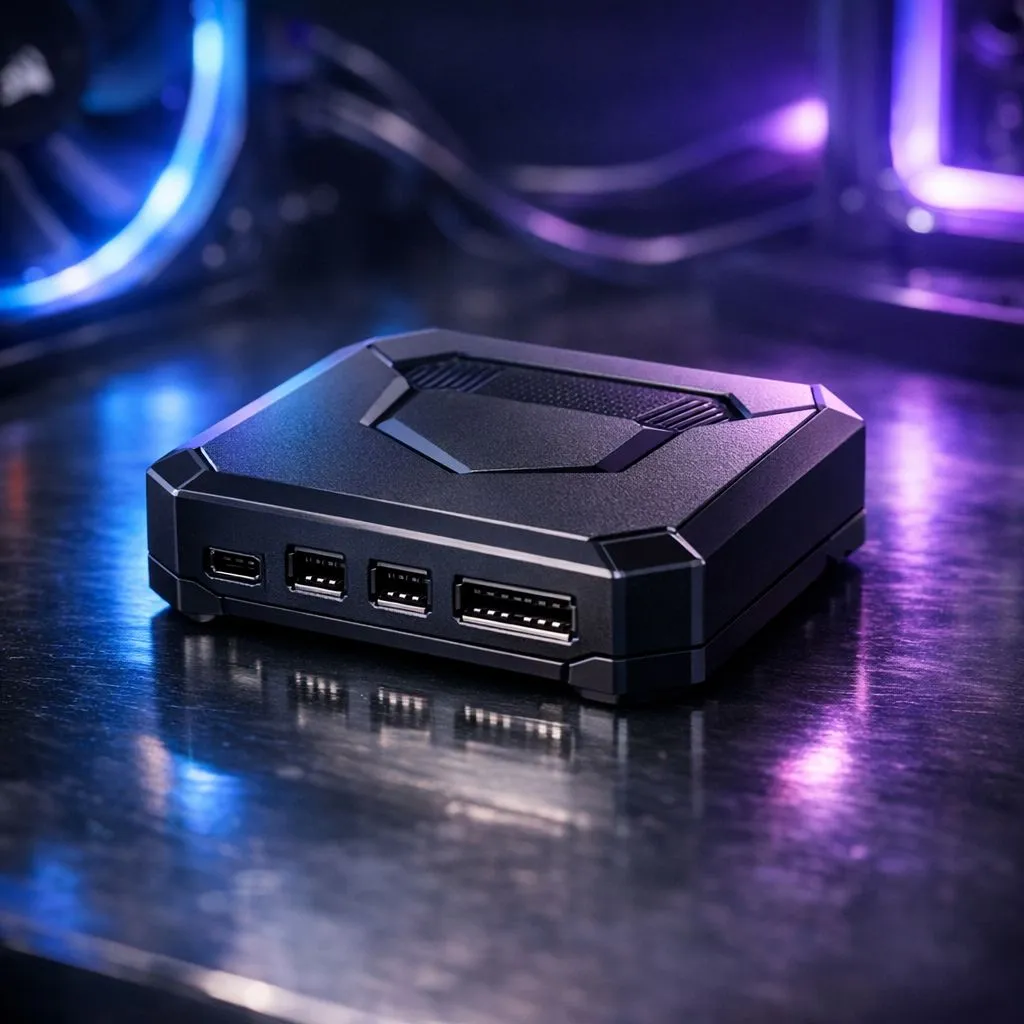
Building a PC in South Africa often feels like a battle against a "snake’s nest" of cables behind the motherboard tray. If you have spent thousands of Rands on a premium chassis, the last thing you want is messy wiring blocking your view. The iCUE LINK system hub is Corsair’s answer to this clutter. It is a smart controller that simplifies your build by using a single cable to connect multiple components 🔧.
Understanding the iCUE LINK System Hub Architecture
The iCUE LINK system hub is the central brain of a new, streamlined ecosystem. Unlike traditional setups where every single fan requires separate PWM and RGB cables, this hub uses a universal digital connector. You can browse a massive range of case fans at Evetech, but few offer the simplicity found here. By daisy-chaining components together, you reduce the cable count from dozens to just a handful.
This system is particularly effective when using specialised CORSAIR fans designed for the LINK ecosystem. Each component communicates directly with the hub, allowing for individual control without the usual cable mess.
Cable Management Pro Tip ⚡
When installing your system hub, use the built-in magnetic mount to place it securely behind the motherboard tray. This keeps the main chamber clear for maximum airflow. It also makes adding future components much easier because you won't need to re-route every single wire in your chassis.
How the iCUE LINK System Hub Works
The hub supports up to 14 devices simultaneously across two channels. It automatically detects each component... whether it is a fan, an AIO cooler, or a custom cooling block. While brands like Deepcool fans offer excellent traditional cooling, the iCUE LINK ecosystem is built for builders who want to optimise their time and aesthetic.
Each device in the chain sends data back to the hub. This allows for incredibly precise monitoring of speeds and temperatures. If you enjoy vivid RGB lighting, the hub manages complex lighting synchronisation across all devices without needing extra RGB headers on your motherboard. It is a clean, digital solution for a traditionally messy, analogue problem 🚀.
Versatility for Modern South African Builds
In our local climate, maintaining clear airflow paths is essential to keep hardware cool during summer. A cluttered case traps heat... and heat kills performance. The iCUE LINK system hub clears the path for air to move freely.
The system is flexible enough for any build style. If you prefer a stealthy, professional look, the hub works perfectly with lighting-free options. It is also compatible with various sizes, allowing you to mix standard 120mm fans for your rear exhaust with larger 140mm fans for your front intake. Everything connects to the same ecosystem, making the entire build process feel cohesive and modern ✨.
Ready to Simplify Your Build?
Cable management doesn't have to be a nightmare. For the cleanest aesthetic and most advanced control in South Africa, the iCUE LINK ecosystem is the ultimate choice. Explore our massive range of case fans and find the perfect components to build your dream PC today.