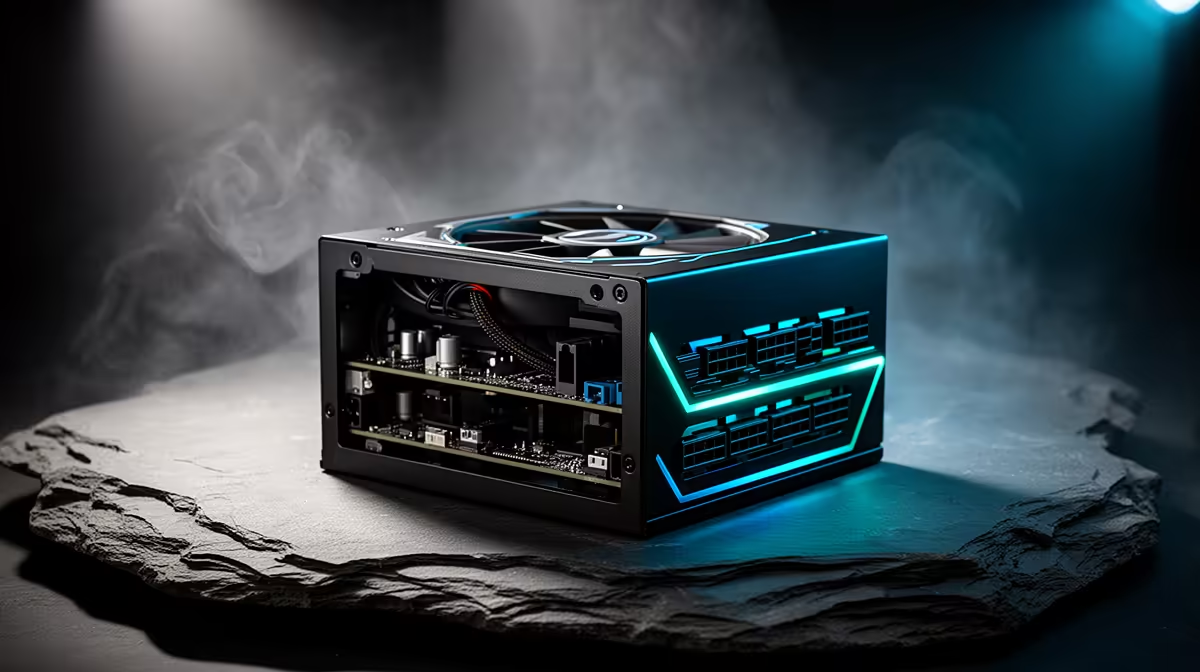
A 600W power supply gives an RTX 5060 Ti enough room in a sensible gaming PC. The card sits around the 180W mark described in the specification, so the wattage calculation is comfortable with a mainstream CPU. The question is whether your particular 600W unit still deserves the job. Age, build quality and the available GPU cable matter more than another oversized number on the box.
Quick Answer
Use a sound 600W PSU for an RTX 5060 Ti when the PC has a mainstream gaming processor, one graphics card and the correct dedicated power cable. Check the label for its 12V capacity and identify the exact model, revision and purchase age. A tired unit from an older build can be a poor partner even if its original rating says 600W.
If you are buying fresh, compare current Corsair power supplies and the broader PSU best-seller range. Match the connector to the exact RTX 5060 Ti you choose.
Why 600W Has Enough Capacity
PSU sizing starts with the complete machine. A graphics card around 180W leaves 420W of nameplate capacity on a 600W supply. Your CPU, motherboard, memory, drives, fans and USB devices all use part of that balance, but a normal gaming platform should remain well inside it.
That does not mean the PC will draw 600W at the wall. A power-supply rating describes the DC power it can deliver to components. Gaming load also changes from scene to scene. The useful test is whether the supply can support the combined demand with clean voltage and room for short peaks.
A heavily tuned processor, many drives or a large pump-and-fan setup shifts the calculation. List the actual parts before you decide. A Ryzen 5 or Core i5 gaming build is a different electrical load from a workstation chip running unrestricted rendering work beside the GPU.
The Age Check Matters
Capacitors experience heat and time. Dust can restrict cooling, and years of high internal temperature are harder on a unit than light use in a clean case. There is no honest birthday at which every PSU becomes unsafe. Model quality, workload and environment all change the answer.
Start with evidence you can gather:
- Find the model code and revision on the PSU label.
- Check the original purchase date, warranty term and past service.
- Look for fan noise, hot electrical smells, unexplained resets or discoloured connectors.
- Confirm that the unit has not already spent years close to its limit.
Do not open the casing to inspect it. A power supply contains hazardous energy and is not a home-service item. If the history is unknown or the symptoms are concerning, replacement is the cleaner route.
Read the 12V Label, Not Just the Front Badge
The CPU and graphics card draw from the 12V side. Two units carrying the same 600W headline can allocate and regulate that output in different ways. Read the label and product documentation for the combined 12V figure. Then look for reputable independent testing of the exact model rather than transferring a verdict from another unit in the brand.
Protections count as well. The documentation should describe safeguards against excess current, voltage faults, short circuits, overload and heat. An efficiency certificate tells you how the unit performed in a defined efficiency test; it does not cover every aspect of electrical quality.
Check the Graphics Connector
RTX 5060 Ti partner cards may differ in cooler, board limit and connector choice. Inspect the specification for the exact card. Use the PSU maker's intended PCIe lead or a supported native cable. Never borrow a modular cable from another PSU because the socket shape looks familiar. Pin wiring is not universal at the PSU end.
If the card uses an adaptor, follow its installation instructions and seat each plug. Keep the cable relaxed near the connector instead of forcing a tight fold against the side panel. A wide card in a narrow case can turn cable clearance into the real compatibility problem.
One dedicated cable route is easier to assess than a chain of improvised extensions. Check both ends after the card is secured and before the case closes.
When a Larger PSU Makes Sense
A 650W or 750W model can be a good purchase when it offers a better electrical platform, quieter fan behaviour or space for a later graphics upgrade. Buy that extra capacity for a defined reason. The RTX 5060 Ti itself does not turn a healthy 600W supply into an automatic replacement.
Consider moving up when you plan to:
- pair the card with a high-consumption CPU under sustained production work;
- raise power limits on both major components;
- replace the GPU with a much higher class during the PSU's service life;
- run a component set whose manufacturer guidance calls for more.
Capacity cannot rescue poor quality. A tested 600W unit with the right cable is a stronger choice than an unknown high-wattage design chosen from its sticker.
Test the Finished Upgrade
After installation, check firmware settings and remove old tuning assumptions. Start at stock behaviour. Watch CPU and GPU temperatures while you run a demanding game you know, then use a controlled combined workload if you understand the monitoring tools.
A shutdown under load does not prove that 600W is too small. It can point to a loose cable, unstable memory, thermal protection, an aggressive overclock or a failing PSU. Record what happens and inspect one cause at a time. Repeated power cycling is not a useful stress test.
Stable operation across the games and tasks you use is the final confirmation. Keep the PSU invoice and model details with the rest of the build record so the next upgrade starts from facts.
FAQ
Is 600W enough for the RTX 5060 Ti?
Yes, for a mainstream build using a quality 600W unit, the proper graphics lead and stock-like power settings. Check the exact card maker's system guidance before installation.
Can I reuse an old 600W PSU?
Possibly. Identify its model, age, 12V output, connector set and history. Unknown service history or electrical symptoms make replacement a safer decision than trusting the old wattage badge.
Does the 16GB RTX 5060 Ti need more power?
Memory capacity alone does not set the PSU requirement. Compare the board power and supply guidance for the exact 16GB partner model with the rest of your system.
Should I buy 650W instead?
Choose 650W when the particular unit is better tested, suits a future upgrade or is required by your component combination. A sound existing 600W supply does not need replacing for the number alone.
Check the exact 600W PSU model, its age, 12V rating and GPU cable before pairing it with an RTX 5060 Ti, then test the completed build at stock settings.