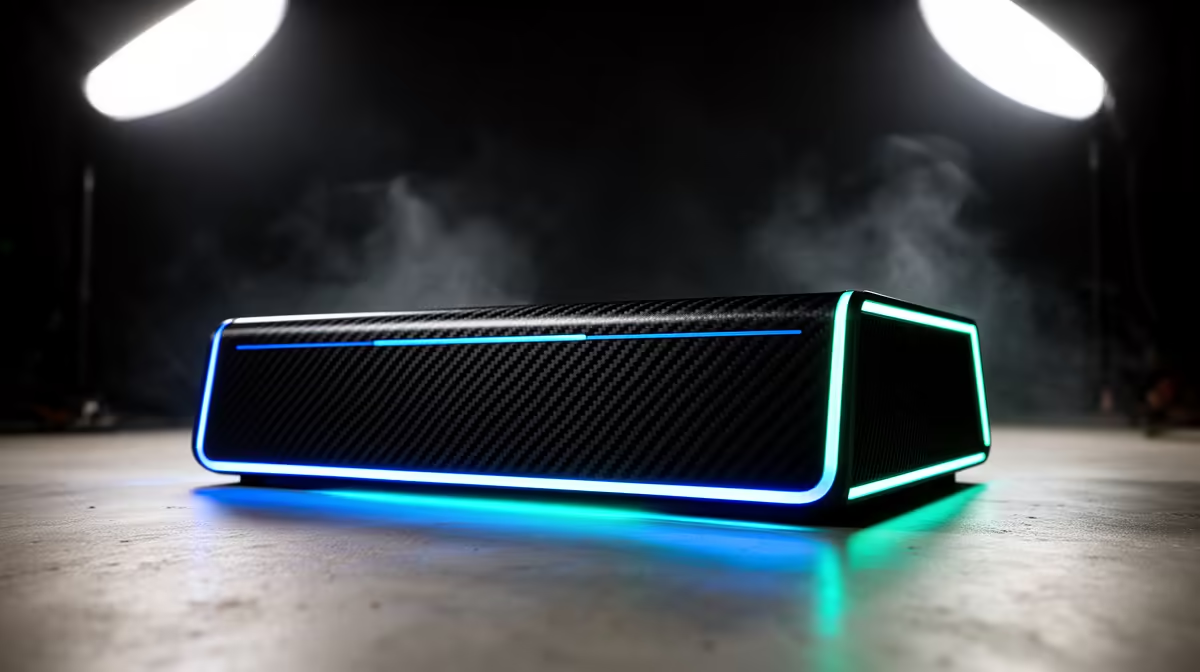
So, you've got fast fibre, but your cloud gaming session on GeForce NOW or Xbox Cloud Gaming feels... off. Stuttering, input delay, and blurry streams can ruin a perfect run. The secret isn't always more speed; it's a stronger, more stable home network. These are the lag-free cloud gaming boosters you need to stop blaming the server and start winning. Your journey to smooth, responsive cloud gaming starts right here. 🚀
Why Your Fibre Speed Isn't the Whole Story
Everyone talks about download speed, but for cloud gaming, latency (or ping) and network stability are king. Think of it like this: speed is how wide the highway is, but latency is how fast you can actually travel on it without traffic jams. Cloud gaming sends tiny packets of data back and forth constantly. Any delay (high latency) or lost packet creates that horrible input lag.
This is where investing in your home setup pays off. The default router your ISP gave you often struggles under heavy gaming loads, creating bottlenecks that even a 100Mbps line can't fix. A solid foundation is the first step to improve your cloud gaming performance, and that means looking at your core wireless networking components.
The Essential Lag-Free Cloud Gaming Boosters
To get that crisp, "playing locally" feeling, you need to tackle the weak points in your home network. These hardware upgrades are the most effective lag-free cloud gaming boosters you can get.
Upgrade Your Router: The Network's CPU
Your router manages all your internet traffic. An old or basic model gets overwhelmed easily, especially in a busy home. A modern gaming router with features like Wi-Fi 6 and Quality of Service (QoS) is designed to prioritise gaming data. QoS tells the router to handle your game's data packets first, ensuring other devices streaming Netflix don't sabotage your session. It's a non-negotiable for anyone serious about cloud gaming.
Banish Dead Zones: Wi-Fi Range Extenders
Is your gaming setup in a room far from the router? Walls, floors, and distance all weaken your Wi-Fi signal, causing packet loss and lag spikes. You might have full bars, but the connection quality is poor. This is where Wi-Fi range extenders come in. They pick up your existing signal and rebroadcast it, strengthening your connection in those hard-to-reach spots. ✨
Pro Tip: Go Wired When Possible ⚡
For the absolute best cloud gaming experience, nothing beats a physical Ethernet cable connected directly to your router. It eliminates wireless interference and provides the lowest possible latency. If you can't run a cable, the boosters in this guide are your next best option.
Optimise Your PC's Connection
Sometimes the bottleneck is right inside your PC. If you're relying on an old motherboard's built-in Wi-Fi or a cheap USB dongle, you're not getting the performance you need. Upgrading to a modern PCIe wireless adapter with Wi-Fi 6 support can drastically improve connection stability and speed, ensuring your rig is ready for the demands of cloud gaming.
Ready to Conquer Lag for Good?
Stop letting a weak network hold you back. Explore our range of powerful wireless routers and build the foundation for a flawless cloud gaming experience. Shop for a next-gen router at Evetech for performance that leaves lag in the dust.