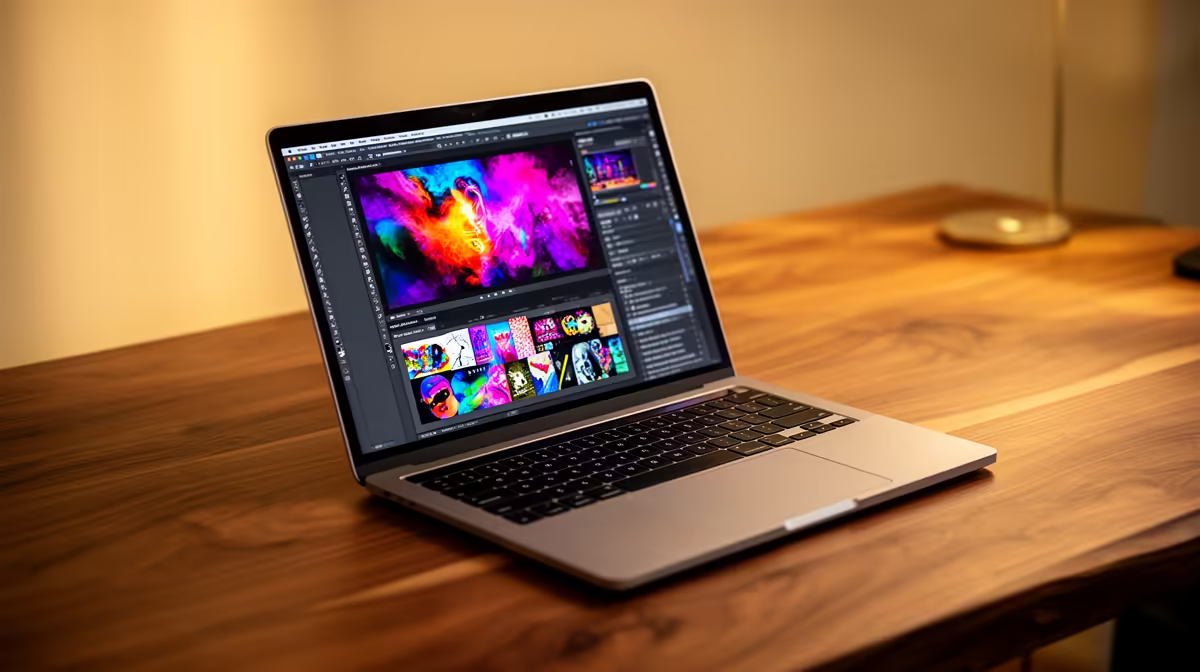
So, you're ready to bring your creative visions to life? Finding the right laptop for graphic design in South Africa can feel like a mission. You need power for Adobe, a screen that shows true colours, and a price that won’t make your wallet cry. Forget the confusion. This guide breaks down exactly what you need to look for in a creative powerhouse, helping you find the perfect machine without breaking the bank. Let's get you creating. 🚀
What Really Matters in a Graphic Design Laptop?
When you start shopping, the specs can look like a foreign language. But for designers, only a few key components truly define a great creative experience. Let's decode the essentials for the ideal laptops for graphic design South Africa has to offer.
### The CPU: Your Creative Engine
The Central Processing Unit (CPU) is the brain of your laptop. It handles almost everything you do, from opening apps to applying complex filters in Photoshop. For smooth design work, you need a modern multi-core processor.
- Cores & Clock Speed: More cores help with multitasking (running Illustrator and Chrome at once), while a higher clock speed (measured in GHz) makes individual tasks faster.
- Intel vs. AMD: Both brands offer incredible performance. Whether you lean towards the single-core strength often found in powerful Intel laptops or the multi-core muscle of excellent AMD laptops, a modern Core i5/Ryzen 5 or higher is your starting point.
### The GPU: The Visual Powerhouse
A Graphics Processing Unit (GPU), or graphics card, is non-negotiable for serious design work. While basic tasks can run on integrated graphics, a dedicated GPU from NVIDIA or AMD accelerates everything from 3D rendering in Blender to video editing in Premiere Pro and even certain effects in the Adobe Suite. This is why many of the best gaming laptop deals are secretly incredible graphic design machines.
### RAM: Your Digital Workspace
Think of RAM (Random Access Memory) as your desk space. The more you have, the more projects and applications you can have open at once without your system slowing to a crawl. For a graphic design laptop, 8GB is the absolute minimum. We strongly recommend 16GB for a smooth workflow, or 32GB if you work with very large files or 4K video.
### The Display: Where Your Art Comes to Life ✨
This might be the most crucial component. What good is a powerful laptop if the screen shows inaccurate colours?
- Colour Accuracy: Look for displays that cover at least 95-100% of the sRGB colour gamut. For professional print work, look for high Adobe RGB or DCI-P3 coverage.
- Resolution: A Full HD (1920x1080) screen is fine to start, but a QHD (2560x1440) or 4K display will give you much sharper details and more screen real estate.
- Brightness: A brighter screen (measured in nits) is easier to use in well-lit rooms. Aim for 300 nits or more.
Display Pro Tip 💻
Even the best laptop screens can have slight colour shifts from the factory. For professional work, invest in a simple colour calibration tool like a Datacolor SpyderX or Calibrite ColorChecker. Running a calibration once a month ensures your colours are 100% accurate, so what you see is what your clients or printer will see.
Finding Your Perfect Creative Partner
Now that you know the key specs, you can confidently browse for a machine that fits your specific needs and budget. Remember, the "best" laptop is the one that empowers your workflow without compromise. You don't always need the most expensive model... you need the right model. Focus on a balanced system with a great screen, a modern CPU, a dedicated GPU, and at least 16GB of RAM, and you'll have a reliable creative partner for years to come.
Ready to Create Without Compromise?
Choosing the right creative tool is the first step to professional-level work. For the best performance, selection, and value in South Africa, a powerful, well-specced laptop is your ultimate canvas. Explore our massive range of laptop specials and find the perfect machine to bring your ideas to life.