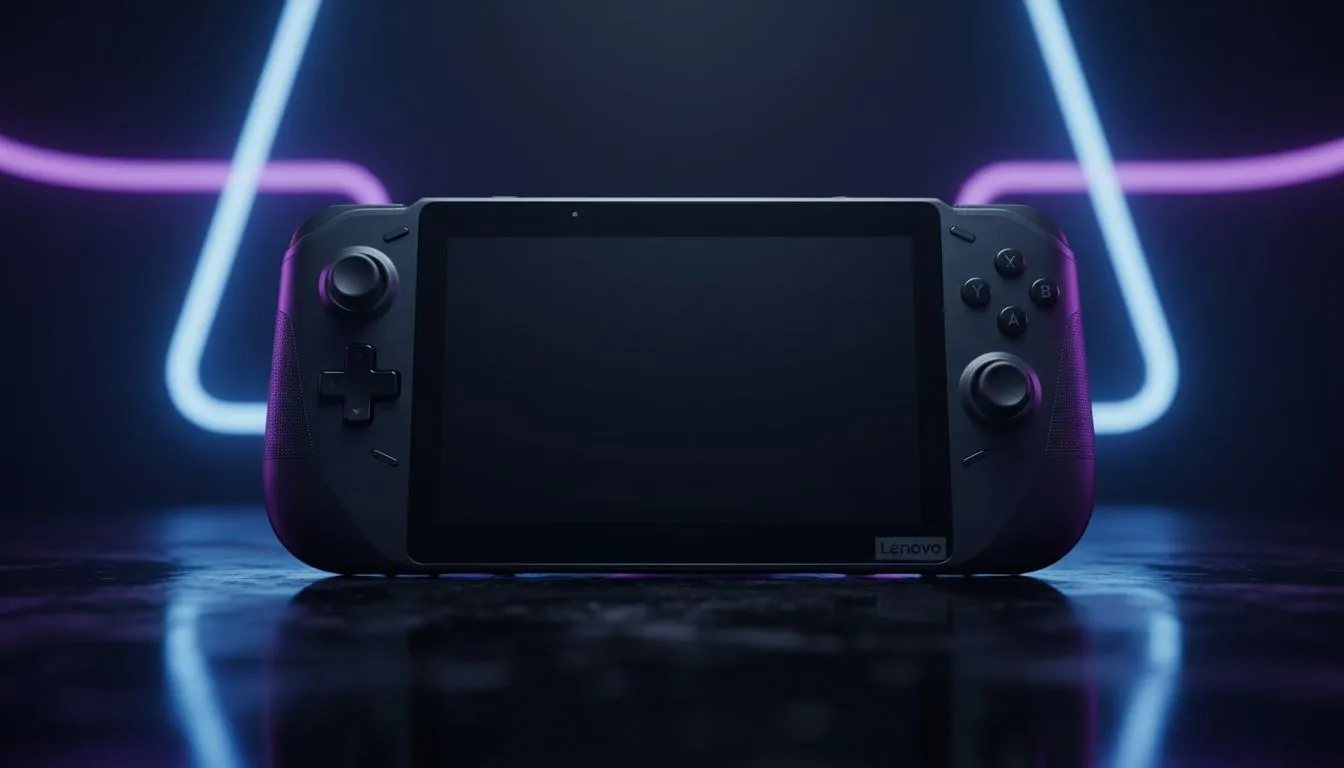
Picture this: You’re rushing to a lecture at UCT or Wits, dodging traffic and trying to keep your backpack light. Do you really want a heavy gaming rig weighing you down? For years, students had to choose between portability and power. But with the arrival of Windows-based consoles, the line is blurring. Can you really use the Legion Go as a student laptop? Let’s dive into the handheld vs laptop debate.
The Windows Handheld Revolution 🚀
It wasn't long ago that "mobile gaming" meant a smartphone or a dedicated, underpowered console. Today, devices like the Legion Go are essentially fully-fledged PCs shrunk down into a portable form factor. They run Windows 11, support Office 365, and can handle serious multitasking.
When you browse the current range of handheld gaming consoles, you aren't just looking at toys; you are looking at machines powered by the AMD Z1 Extreme chip. This processor rivals many mid-range laptops, meaning you can crunch data in Excel during the day and run Cyberpunk 2077 at night.
Why the Legion Go Stands Out for Students
While the market is crowded, the Legion Go as a student laptop replacement makes the most sense for one specific reason: the screen. It boasts a massive 8.8-inch QHD+ display. If you look at Lenovo specifically, they designed the Go with a kickstand and detachable controllers (similar to the Switch).
This is a massive advantage for varsity life. You can detach the controllers, flip out the kickstand, and pair a Bluetooth keyboard. Suddenly, you have a functional mini-workstation perfect for cramped lecture hall desks or coffee shop tables.
Weighing the Competition
It is important to look at the alternatives. The ASUS ROG Ally is lighter and arguably more portable, but the smaller screen makes split-screen research difficult. On the other hand, MSI has entered the ring with the Claw, offering Intel-based performance that might appeal to engineering students needing specific instruction set compatibility.
However, if you search for handheld reviews online, you will find that for pure "laptop replacement" utility, the Legion Go's larger screen real estate and mouse-mode controller usually take the win.
The Reality Check: Handheld vs Laptop ⚖️
Before you spend your hard-earned ZAR, you need to consider the trade-offs.
- Battery Life: A dedicated student laptop will usually outlast a handheld. If you are on campus during an unexpected outage without a power bank, a handheld running Windows at full tilt might struggle to last through back-to-back lectures.
- Peripherals: To truly use the Legion Go as a student laptop, you must buy a portable mouse and keyboard. Typing an essay on a touchscreen is a nightmare you want to avoid.
- Portability: Even with a keyboard in your bag, the total package is significantly smaller and lighter than a 16-inch gaming laptop.
Campus Survival Tip ⚡
When using a handheld as your primary PC, invest in a high-quality USB-C Hub with HDMI out and Power Delivery (PD). This allows you to plug into monitors in the library or projectors for presentations while keeping your device charged.
Verdict
If you prioritize ultra-portability and gaming fun over all else, the Legion Go is a fantastic hybrid solution. It requires a bit of setup to get work done, but the versatility is unmatched in the current tech landscape.
Ready to Find Your Perfect Match?
The handheld vs laptop debate is complex, but for maximum power, choice, and value in South Africa, we have you covered. Explore our massive range of handhelds and laptops and find the perfect machine to conquer your world.