



iRacing SA Gaming PC Build Guide
iRacing build planning should focus on the target resolution, settings and total system balance. Treat launch wording as time-sensitive, then verify requirements before choosing SA PC parts.
Read moreLearn M.2 SSD form factors, PCIe interfaces, and compatibility requirements so you buy the right drive the first time. Avoid slot mistakes and speed bottlenecks 🚀💾
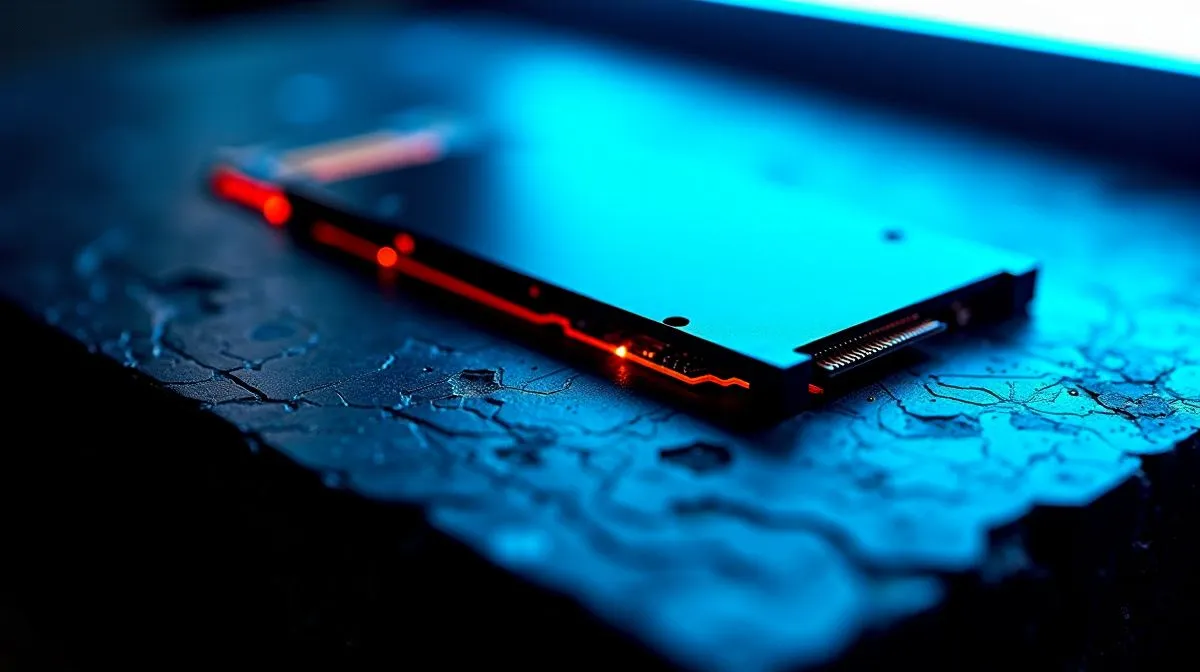
South African gamers and builders love cutting load times, but compatibility confusion can slow you down. M.2 drives come in different lengths and keying, and they use varying PCIe interfaces. Before upgrading, check Evetech’s SSD range for local stock and specs (https://www.evetech.co.za/PC-Components/buy-solid-state-drives-83) — knowing what your motherboard supports saves time and rand.
M.2 describes the connector; form factors like 2242, 2260 and 2280 indicate length, while keying (M or B) affects which interfaces a slot accepts. PCIe lanes determine whether an M.2 runs as SATA, PCIe 3.0 x4 or PCIe 4.0 x4 NVMe. For brand-specific sizes and models, compare options from ADATA on Evetech to see what fits your build (https://www.evetech.co.za/PC-Components/buy-solid-state-drives-83?brands\=ADATA). ⚡
Different brands balance price, endurance and firmware. If you prefer budget-friendly reliability, Kingston's range offers solid options for gamers who want consistent performance under load (https://www.evetech.co.za/PC-Components/buy-solid-state-drives-83?brands\=Kingston). For enthusiasts chasing peak speeds and thermal control, CORSAIR's NVMe lineup is worth a look (https://www.evetech.co.za/PC-Components/buy-solid-state-drives-83?brands\=CORSAIR). Always confirm drives' dimensions and heatspreaders match your laptop or desktop.
Before ordering, open your motherboard or laptop manual and note the M.2 slot length, keying and PCIe generation. If the manual is missing, photos and model pages on Evetech can confirm fitment.
Think about capacity and durability. Many gamers find 1TB ideal, but creators often jump to 2TB for bigger projects; check Evetech’s 2TB filter to see current stock and ZAR pricing (https://www.evetech.co.za/PC-Components/buy-solid-state-drives-83?attributes-capacity\=2TB). When comparing endurance numbers like TBW, read product pages and manufacturer datasheets linked from store listings to understand real-world lifespan.
If an M.2 drive doesn't appear, reseat it, check screw alignment, and confirm BIOS has NVMe support enabled. Update motherboard BIOS and check for M.2 thermal throttling if your case lacks airflow. A simple thermal pad or heatsink often stabilises performance under long sessions, especially in small South African LAN rigs. Ask Evetech support for local compatibility advice today.
Upgrading to the right M.2 SSD is one of the easiest ways to make games and workflows feel faster. Take photos of your system, compare model pages on Evetech, and pick a drive that matches slot, keying and cooling needs. Need help choosing? Our product pages list exact specs, and local stock updates make it simple to buy in ZAR.
Ready to Find Your Perfect Match? The Mac vs Windows debate is complex, but for maximum power, choice, and value in South Africa, Windows is hard to beat. Explore our massive range of laptop specials and find the perfect machine to conquer your world.
Common sizes include 2230, 2242, 2260, and 2280. Compatibility depends on the physical length your device supports.
NVMe uses PCIe for higher performance, while SATA M.2 connects over SATA. Your slot must support the correct interface.
M.2 keying (like B key, M key, and B+M) controls what drives fit and work. A mismatch can prevent installation or operation.
Not always. You need a slot that supports NVMe over PCIe and the right keying and length. Otherwise it may not be detected.
Usually no. If your system only supports 2260, an 2280 drive can’t mount correctly. Check the supported lengths in specs.
Check motherboard or laptop specs for PCIe generation (3.0/4.0/5.0) and whether the M.2 slot supports NVMe at the expected lanes.
Yes, it typically works and downshifts to PCIe 3.0 speeds. You’ll get reliable compatibility but not full PCIe 4.0 performance.
Focus on M.2 length (2230/2242/2260/2280), keying type, NVMe vs SATA support, and the system’s PCIe generation support.
iRacing build planning should focus on the target resolution, settings and total system balance. Treat launch wording as time-sensitive, then verify requirements before choosing SA PC parts.
Read more
Skyrim PC requirements should be mapped to resolution, settings and upgrade budget before choosing a tier. Verify current requirements, then balance GPU, CPU, RAM and SSD around SA pricing.
Read more
Skyrim PC builds is a cautious guide for game PC build planning. Compare game requirements, tier fit, resolution goals, RAM, storage, and GPU choice for SA buyers without assuming live prices, availability, or exact benchmark results.
Read more
Hades 2 PC builds is a cautious guide for game PC build planning. Compare game requirements, tier fit, resolution goals, RAM, storage, and GPU choice for SA buyers without assuming live prices, availability, or exact benchmark results.
Read more
Roblox PC builds is a cautious guide for game PC build planning. Compare game requirements, tier fit, resolution goals, RAM, storage, and GPU choice for SA buyers without assuming live prices, availability, or exact benchmark results.
Read more
Mortal Kombat 1 launch needs a balanced parts plan, not a random basket. Map the CPU, GPU, RAM, SSD, cooling, and monitor target to the budget so SA builders know where to spend first.
Read more
Wondering if a TKL wireless mechanical keyboard is worth it for everyday productivity? We break down latency, battery life, comfort, and workflow gains for real work. ⚡⌨️

Maximise battery life on a fanless 15-inch laptop using efficiency core architecture. Cut idle drain, tune power profiles, and improve thermals for longer runtime. 🔋⚙️

Learn how to reduce desk clutter with a TKL wireless keyboard using fewer cables, smart placement, and tidy essentials. Get a faster, calmer workspace with better ergonomics. ✅🧼

RGB keyboard lighting too distracting? Learn how to manage backlight modes, set brightness, and reduce distraction for focus and productivity 😌🖱️

Are themed gaming keyboards worth the extra cost? Compare build quality, switch options, features, and resale value to find the best fit for your setup 🎮⌨️

Full-Size vs Tenkeyless mechanical keyboards for gaming: find out if a smaller layout truly improves aim, speed, and comfort. We break down layout, desk space, latency-feel, and keybinds 🎮⌨️

Dedicated media rollers vs function key shortcuts: learn which setup gives you better workflow control, faster media access, and fewer mistakes. 🖱️🎧

Best Mechanical Switch Type for Gaming: Clicky vs Linear vs Tactile. Find your feel, speed, and noise balance with practical guidance for FPS, MOBA, and productivity 😄🎮

Direct mouse answer: Mouse not keeping up with your work? Everything that matters about dual-mode 2.4GHz + BT 5.0: DPI behaviour, channel switching, battery curves and per-app button mapping. Covers when 2.4GHz USB wins (low-latency desk) and when BT 5.0 wins (laptop, d

Plain wireless mouse guide: Mouse not keeping up with your work? Everything that matters about wireless productivity mouse: DPI behaviour, channel switching, battery curves and per-app button mapping. Includes DPI tuning tips, channel switch shortcuts, and ZAR-aware fea

Real productivity numbers: Set up your wireless mouse in this order: everything that matters about wireless productivity mouse: DPI behaviour, channel switching, battery curves and per-app button mapping. Includes DPI tuning tips, channel switch shortcuts, and ZAR-aware

Pen not feeling like paper? Stylus lag and skipping usually trace to old drivers, dirty nibs, or display refresh mismatches, not the pen itself. Covers pressure curve tuning, tilt thresholds, nib swap timing, and SA pricing brackets.