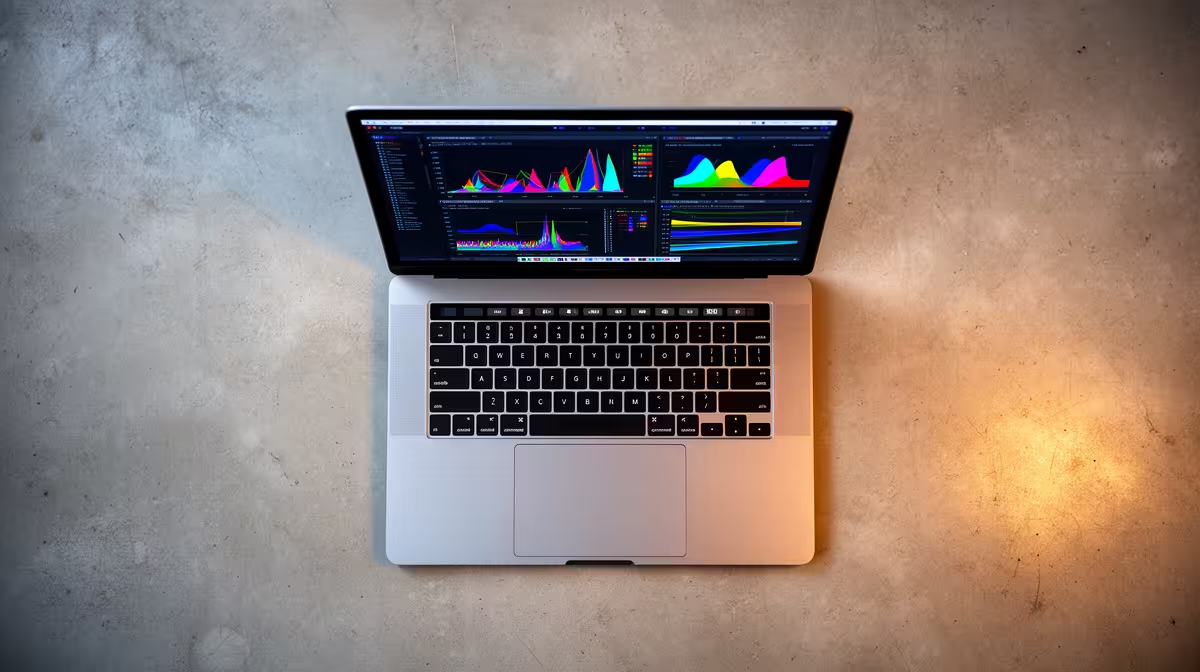
If your work involves running models locally, summarising long documents, or compiling code while a language model assists in the background, the M5 MacBook Pro changes the calculation in a way the raw clock speeds do not show. Apple's headline claim for the M5 Pro and M5 Max, announced in March 2026, is up to four times faster AI performance than the equivalent M4 Pro and M4 Max chips, and the reason sits inside the GPU rather than the Neural Engine alone. Each GPU core now carries its own neural accelerator.
Quick Answer
The M5 Pro and M5 Max embed a neural accelerator in every GPU core and pair it with a 16-core Neural Engine, which Apple rates at up to four times the AI performance of M4 Pro and M4 Max. The Pro scales unified memory to 64GB at up to 307GB/s, and the Max reaches 128GB at up to 614GB/s, so the practical decision for AI work comes down to how large a model you need to keep resident in memory.
What actually makes the M5 faster for AI
The defining shift is architectural. On M4, AI acceleration leaned heavily on the Neural Engine, while the GPU handled the heavier parallel maths of large language models and diffusion. On M5, Apple has built a neural accelerator into each individual GPU core, so the matrix operations behind on-device inference run far closer to where the graphics work already happens. Combine that with a faster 16-core Neural Engine and you get Apple's claim of up to four times the AI throughput of the previous generation, and up to eight times the AI image generation of the M1 Pro and M1 Max for anyone upgrading from an older machine.
Unified memory is the real ceiling
For local AI, bandwidth and capacity decide what you can run, not just how fast it runs. The M5 Pro supports up to 64GB of unified memory at up to 307GB/s, a clear step up from the 48GB and 273GB/s of M4 Pro. The M5 Max goes much further, up to 128GB at up to 614GB/s. On Apple silicon, the CPU, GPU, and Neural Engine all draw from the same pool, so that capacity figure is directly your model budget. At 4-bit quantisation, a 70-billion-parameter model occupies roughly 40GB once context headroom is included, which is exactly why the 128GB Max exists.
M5 Pro versus M5 Max for AI workloads
The split is genuinely about scale. The M5 Pro pairs an up-to-18-core CPU with an up-to-20-core GPU, and 64GB of memory covers most developers running 7B to 32B models, local coding assistants, and Apple Intelligence features across many apps at once. It is the sensible default for anyone who experiments with models rather than living inside them.
The M5 Max doubles the GPU to up to 40 cores and the memory bandwidth to up to 614GB/s, and only it reaches 128GB. If you load large models, run long-context inference, or keep several models warm at the same time, the Max is the only configuration that will not force you into heavy quantisation or constant swapping. The gap between them is widest precisely on the workloads this article is about.
Both chips use Apple's Fusion Architecture, which joins two 3nm dies into a single system on a chip with what Apple brands super cores. The practical upshot for AI users is sustained performance: laptops throttle, and a wider, cooler design holds its inference speed longer during a multi-minute generation than a thin fanless machine ever could.
What this means for South African buyers
Local pricing tracks memory and storage more than chip tier, so the honest advice is to spend on RAM before anything else if AI is your reason for buying. A 64GB M5 Pro is a far better local-AI machine than a maxed-out-CPU configuration with only 24GB, because memory is the wall you hit first. Anyone weighing a portable build against a desktop should also look at how the MacBook range at Evetech is configured, since the memory tier you choose at purchase cannot be changed or upgraded after the fact.
For buyers who want a quick read on what other professionals are actually choosing, the best-selling laptops at Evetech give a useful sense of which configurations move, though an AI-first buyer should always weight memory capacity above headline core counts.
Who should hold off
If your AI work is mostly cloud-based, with the local machine acting as a thin client to a hosted model, you do not need a Max or 128GB. A 24GB to 32GB M5 Pro handles editing, calls, and the occasional local model comfortably, and the money is better kept for the next upgrade cycle.
Frequently Asked Questions
How much faster is the M5 MacBook Pro for AI than M4?
Apple rates the M5 Pro and M5 Max at up to four times the AI performance of M4 Pro and M4 Max. The gain comes from a neural accelerator built into every GPU core plus a faster 16-core Neural Engine, and it is most visible in tasks like LLM prompt processing.
Do I need the M5 Max or is the M5 Pro enough for local LLMs?
The M5 Pro with 64GB handles most 7B to 32B models well. Choose the M5 Max only if you need 128GB of memory for larger models, long-context inference, or keeping several models loaded at once, since 128GB is exclusive to the Max.
Why does unified memory matter so much for AI?
The CPU, GPU, and Neural Engine all share one memory pool on Apple silicon, so unified memory is effectively your model budget. A larger model must fit in that pool to run quickly, which is why a 64GB or 128GB configuration outperforms a faster chip with less memory for AI.
Can the M5 MacBook Pro run a 70B model locally?
At 4-bit quantisation, a 70B model occupies around 40GB of memory once context is included, so a 128GB M5 Max runs it with room to spare while 64GB is tight. For comfortable performance with long prompts, the 128GB Max is the safer choice.
Should I buy now or wait?
The M5 MacBook Pro launched in March 2026 and runs every current Apple Intelligence feature, so there is no near-term successor to wait for. The only reason to delay is budget, in which case prioritise memory over chip tier when you do buy.
Memory is the one decision you cannot change after purchase, so configure for the models you intend to run, not the ones you run today. Compare the available configurations across the MacBook Pro range at Evetech and match the memory tier to your AI workload before you commit.