Quick Answer
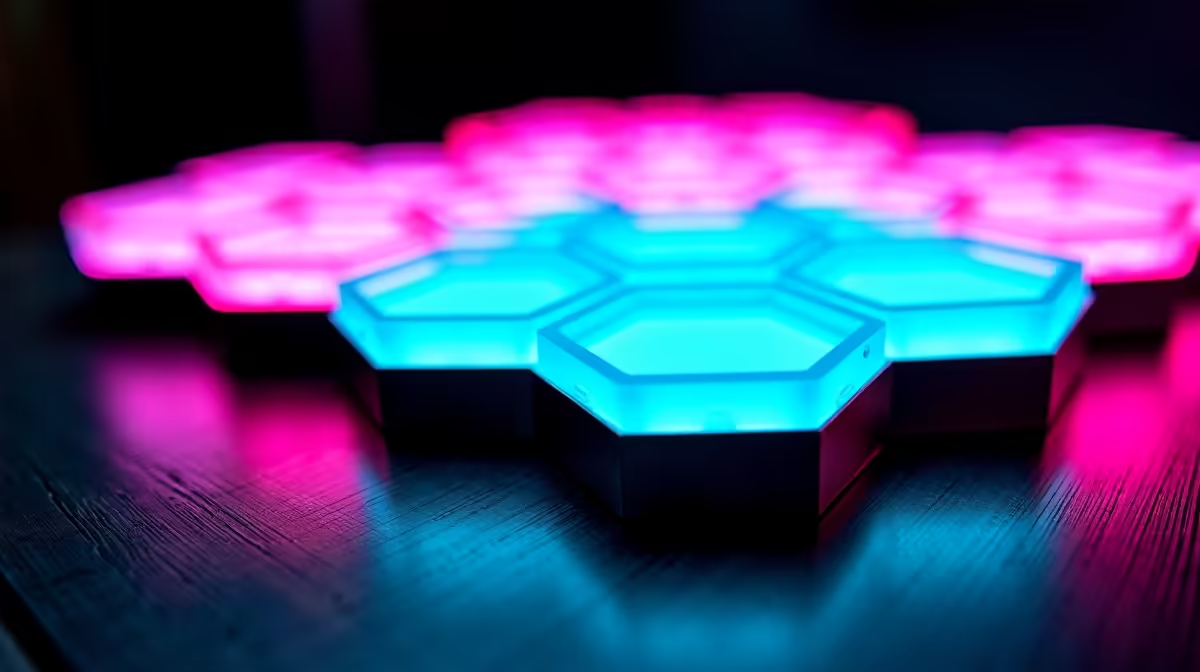
Modular hexagon panels with 70 lighting effects span five categories: static solid colours, dynamic transitions (breathing, fading, pulsing), reactive patterns (music sync, sound beat), scene presets (sunset, aurora, ocean), and custom user-saved scenes. Mastering them means mapping each category to a use case rather than cycling through all 70 at random.
Understanding the Five Effect Categories 🎮
Most hexagon systems group their 70 effects into logical families even if the app shows a scrolling list. Static effects set every panel to one colour at fixed brightness, ideal for focus sessions. Dynamic transition effects cycle hue, brightness, or saturation over time, with speeds adjustable from a one-second flash to a 60-second slow fade. Reactive modes use the controller's built-in microphone to pulse panels in time with audio. Scene presets mimic natural lighting environments using pre-programmed colour maps across the panel array. The fifth category is user-saved custom scenes, which most apps allow you to create by assigning individual colours per panel and saving up to 10 named profiles.
Dialling In Dynamic and Reactive Effects 🌈
For gaming sessions, reactive music-sync is the most engaging but most distracting if poorly configured. Set sensitivity to 60 to 70 percent: too high and fan noise triggers the panels; too low and bass drops are missed. Rainbow wave at medium speed across a seven-panel cluster creates depth without strobe eye strain. Most hexagon apps let you restrict reactive effects to a specific colour palette so panels stay within your room's colour theme instead of jumping to random colours.
Creating and Saving Custom Scenes 💡
Open the panel map in the app, where each hexagon is a tile. Tap any tile and assign a colour from the full spectrum wheel. Pair this with a breathing animation on selected panels while others stay static to create a depth effect single-strip RGB cannot replicate. Save creations with a descriptive name so you can switch via voice assistant or app shortcut without navigating the full menu. Most systems also allow scene scheduling so your Study Mode can activate automatically at 08:00 on weekdays.
Colour Temperature Scene Tip ⚡
amber and orange tones reduce eye strain during late-night gaming far better than cool white or purple tones. Create a dedicated late-night scene using amber and deep red panels and schedule it from 21:00 to 06:00. Your eyes will feel noticeably less fatigued after a three-hour session compared to running cool RGB the whole time.
FAQ
Why do some of the 70 effects look almost identical in practice?
Many effect libraries group subtle variations of the same base mode, such as five different speed presets for rainbow wave each saved as a separate effect. Check the app for a speed slider before assuming duplicates are truly different modes.
Can I run different effects on different panels simultaneously?
Yes, if the app supports segment or zone control. Assign one cluster to static blue and another to music-reactive mode. Not all budget kits support zone splitting, so check the spec before purchasing.
How do I stop the music-sync effect from flickering at low room volume?
Lower mic sensitivity to around 40 percent and increase the minimum brightness floor to 30 percent in advanced settings. This prevents panels from dropping to black between beats, giving a smoother pulse.
Want panels with a full effect library and app control?
Evetech stocks modular hexagon lighting kits with extensive effect libraries perfect for building a personalised gaming ambiance.