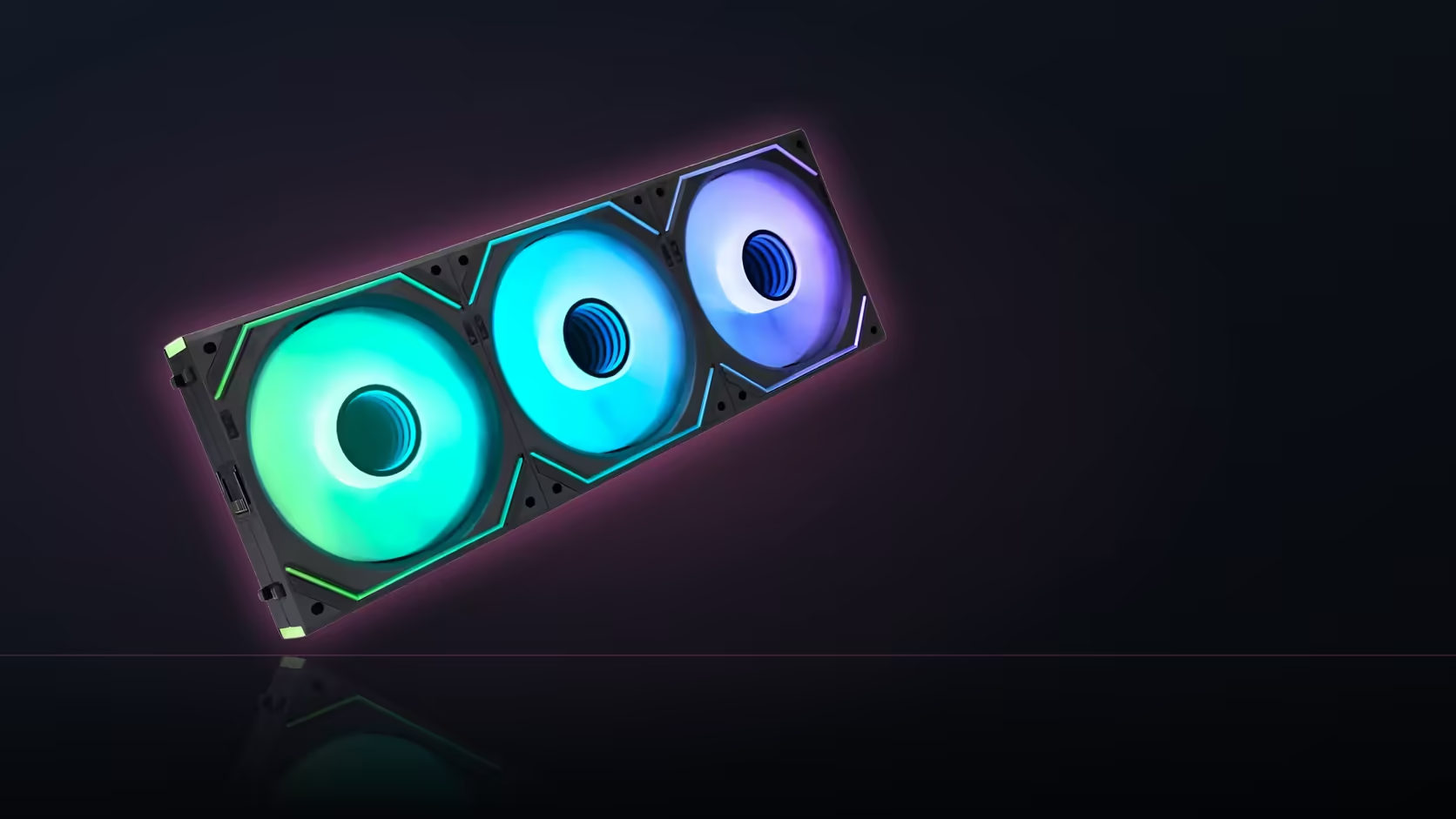
There are two completely different kinds of "matching" at play in a lit PC build, and treating them as one thing is where a lot of otherwise carefully planned builds quietly fall short. Matching finishes lines everything up visually in daylight; matching lighting software puts every accessory on one shared control scheme - and a build can nail one of these while badly missing the other.
Quick Answer
Physical finish matching means choosing consistent colours - typically black or white - across fans, covers and cables so a build reads as one coherent set in normal light. Lighting software matching means getting every addressable accessory onto a single control source so they run the same scheme together. The two are independent, and a build can look perfectly matched in colour while running two or three lighting systems that never actually agree.
🎨 What finish matching actually means
Finish matching is the simplest of the two to achieve and the easiest to judge, because it does not depend on anything being powered on. It means picking one colour - black or white are the two consistently available across most of the AsiaHorse range - and sticking to it across every fan, every cover and every cable in the build, so that a daylight glance at the interior reads as one deliberately chosen set rather than a collection of parts bought at different times from different price points.
🕹️ What software matching actually means
Software matching is a different and separate problem entirely: getting every lit accessory to respond to the same source of control, so that changing the colour or effect on one device changes it everywhere at once, rather than needing to adjust three separate apps or remotes to update the whole build's lighting. A build can have this working perfectly while still using two completely different colours of hardware, and a build can have flawless colour matching in hardware while its lighting control is a genuine mess behind the scenes.
⚡ Why the two can diverge so easily
The reason these two forms of matching drift apart is straightforward: a product can be exactly the right physical colour for a build while using a control route the rest of the build simply does not share. A black-finished accessory, or a black fan from the case fan range, slots into a black-and-white colour scheme without any issue at all, but if it happens to run its own proprietary controller instead of following the board's standard 5V 3-pin sync, it is invisible in colour terms and completely disconnected in control terms - both at once, in the same product.
🎛️ Which products complicate control the most
The Aurora Learn cover is the clearest example of a product that can complicate software matching in this range. It brings its own dedicated controller and remote, carrying more than 124 lighting presets of its own - genuinely useful on its own terms, but a separate system from whatever the rest of the build is using unless it is deliberately switched over to its alternative 5V 3-pin motherboard sync mode instead of its own controller. The Nyota Pro fan raises a related issue from a different angle: its standard lighting runs fine from a board header, but full independent dual-zone control is reserved specifically for AsiaHorse's own UMBRA hub, which is sold separately and is a different control path again from either the board or the ASH-S1.
🔗 How software matching is actually achieved
The practical route to getting every accessory onto one scheme is putting everything on 5V 3-pin addressable connections, driven from a single source - either the motherboard's own ARGB header and its bundled software, or the ASH-S1 hub if the board is short on headers or the build has grown beyond what it can comfortably drive on its own. Any accessory left running its own separate controller, like the Aurora Learn cover in its default mode, sits outside that unified scheme unless it is specifically reconfigured to sync mode instead.
💸 Does finish matching cost more than mismatching?
Not really, in this range specifically. Black and white are offered across most product lines at the same price as any other available finish, so choosing a consistent colour scheme is rarely a premium decision - it is simply a matter of choosing deliberately rather than picking whichever finish happens to be in front of you at the time of ordering.
👁️ Which one is more visible, day to day?
Finish matching is visible constantly, in every state the machine is in - powered on, powered off, lit or dark, it is present all the time as long as the parts themselves are physically installed. Software matching, by contrast, only becomes apparent when the lighting is actually running, and even then only to someone paying close attention to whether every accessory is genuinely following the same scheme or just happens to be showing a similar colour by coincidence. That makes finish matching the higher-priority decision for most builds, with software matching as the refinement layered on top once the physical build is settled.
🧩 Planning for both from the start
The build that actually achieves both forms of matching starts by choosing a finish and confirming every planned accessory is genuinely available in it, then separately confirming every planned accessory's control method and whether it can be switched into a shared sync mode rather than running its own controller. Treating these as two distinct checklists, rather than one combined impression of "does it all look right", is what catches a mismatch in either direction before the case accessories are actually ordered and fitted.
Frequently Asked Questions
What does finish matching involve?
Choosing black or white consistently across fans, covers and cables so the build reads as one coherent set in ordinary daylight.
And what does software matching involve?
Getting every lit accessory onto one shared control source, so they all follow the same scheme rather than running independently of one another.
Why can the two forms of matching diverge?
Because a product can be exactly the right colour for a build while using a control route the rest of the build does not share at all.
Which products complicate control matching the most?
The Aurora Learn cover, which brings its own separate controller and remote, and the Nyota Pro fan, whose full zone control needs a separate hub.
How is software matching actually achieved across a build?
By putting every accessory on 5V 3-pin addressable connections driven from one source, whether that is the board itself or the ASH-S1 hub.
Does matching finishes cost more than mismatching them?
Not usually - black and white are offered across most of the range at the same price as any other available finish.
Which form of matching matters more in daily use?
Finish matching is visible constantly in every state the machine is in, where software matching only becomes apparent while the lighting is on.
Planning a build that matches in both looks and lighting?
Browse Evetech's case accessories to check finish and control method before ordering the full set.