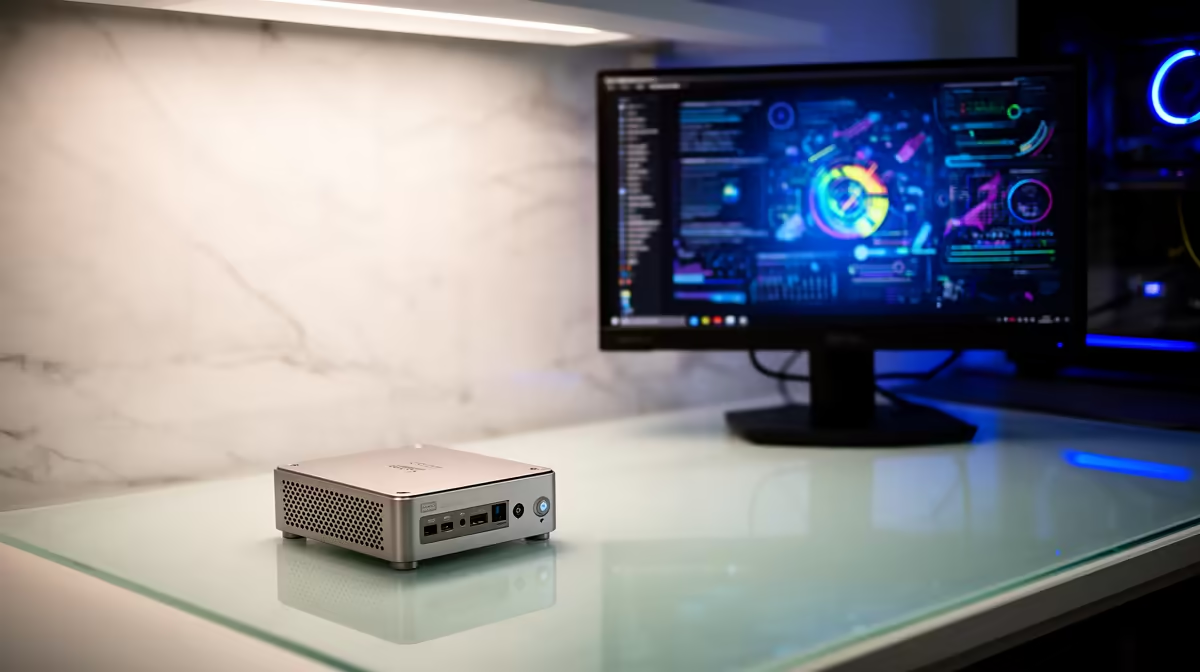
The Minisforum NAB6 Lite i5 8GB/512GB at R4,150 suits a South African student who studies mostly at one desk and wants a capable mini pc before stretching toward a basic laptop budget. For notes, browser research, online classes, document work, and campus admin, it puts the money into a usable processor, memory, and storage instead of a cramped low-cost notebook experience.
Better value when the student already has a screen
The UM750L 16GB/1TB at R4,600 is the strongest value jump for many students because it doubles the memory over 8GB models and gives a 1TB drive for lecture notes, PDFs, browser tabs, cloud sync folders, and media. At that price, it leaves more room for a decent monitor or keyboard than spending everything on a cheap laptop with a weaker everyday setup.
The NINKEAR M7 16GB/512GB at R4,650 makes sense when desk space matters but storage needs are moderate. Its 16GB memory is the important spec for a smoother study session, especially when a student has a browser, Teams, Word, and reference material open at the same time.
Student desk setup in res or digs
A mini PC is easier to justify when the machine can stay on a student desk, plugged into a proper screen with fewer daily compromises. The NINKEAR L12 PRO i9 at R8,150 is more expensive, but the i9 spec suits a heavier student workload where coding tools, large spreadsheets, and content projects matter more than carrying the machine around campus.
The HP AIO 22 at R10,036 solves the screen-and-computer question in one purchase, while the NINKEAR M8 16GB/1TB at R8,350 keeps the computer separate and gives the student more control over screen size, keyboard choice, and future desk upgrades.
Ready to choose the right mini pc?
Use Minisforum NAB6 Lite i5 8GB/512GB at R4,150 as the student desk benchmark, then check whether its listed spec matches the space, workload, and upgrade path.